ADT-HC4500 Flame/Plasma Cutting Machine CNC System
- 58 -
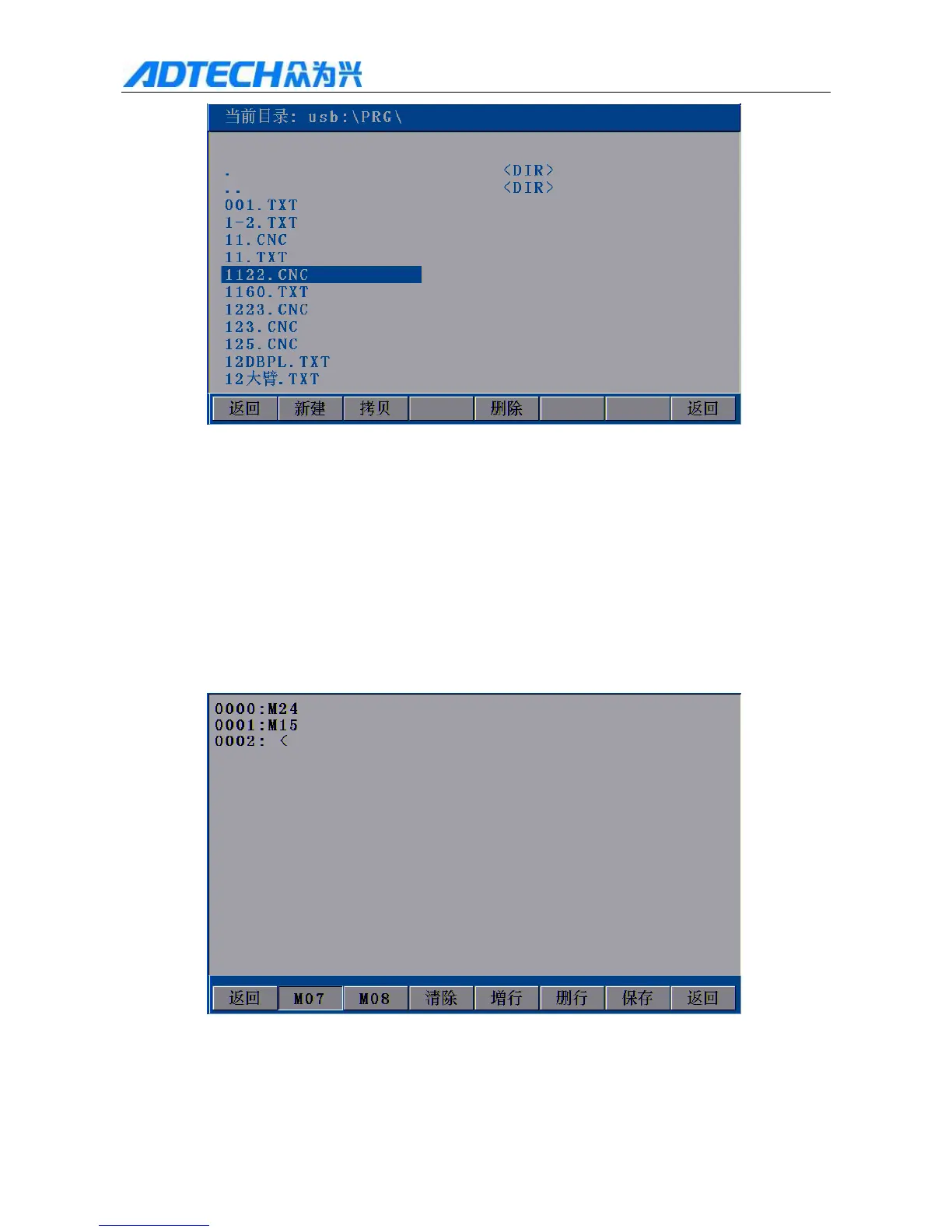
Current directory:
Return / New / Copy / Delete / Return
Fig. 3.1.3.1 USB disk is connected successfully
Press [Y+][Y-] to select the processing file to copy, and then press [F2] (Copy) or [OK]. After that, the system
will prompt “Copy data successfully. Press any key to return”.
3.1.4 Definition
Return / Clear / Add line / Delete line / Save / Return
3.1.4 Definition Interface
In Fig. 3.1 Edit Menu Option Window, press [F4] to enter the definition interface.
1) In this interface, press [F1] to customize M07 instruction, and the default perforating flow is:



 To Next Page