MX2800 STS-1 User Manual Installation and Operation, Section 2
Front Panel
61204659L1-1A 2-13
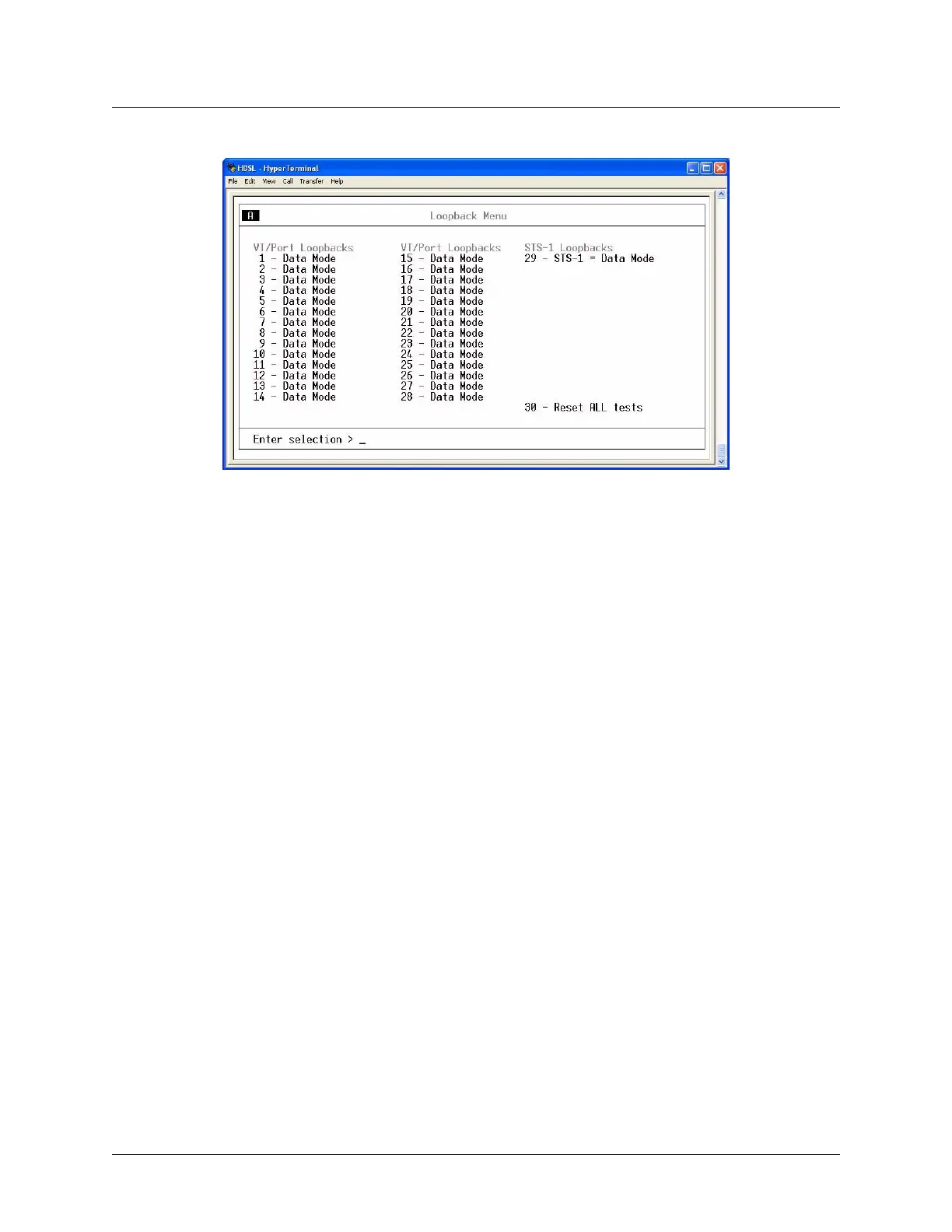
Figure 2-9. Loopback Menu
Logout
The Logout selection ends the terminal session and logs out of the system. The unit will also logout of a
terminal session automatically if the session remains inactive for a certain period of time. A valid
username and password entry are required to initiate a new terminal session. For more information, refer to
Terminal Timeout on page 3-30.
ACO Buttons
The ACO (alarm cut off) buttons turn off an active audible alarm. The buttons are recessed, requiring a
pointed instrument to press them. Once an
ACO button has deactivated an audible alarm, the alarm remains
disabled for the duration of that alarm condition.
Alarms can also be turned off remotely by using a selection found in the Status menu. Refer to Acknowl-
edge Alarms (ACO) on page 4-8 for more information.
LED Descriptions
The MX2800 STS-1 has LED status indicators for the power supplies, the STS-1 state, the controller cards,
and the individual T1s/E1s. These LEDs are identified in the following subsections.
Power Supply A/B Status LEDs
The
PWR LED is active when the unit is on and receiving full power. The CHK LED is active when the
power supply is failing or is providing low power and needs to be checked.











 To Next Page