Model A
2
O
®
Advanced Automated Osmometer User’s Guide
this button is not checked, the ID will be “Tube X”, where X is the tube
number being sampled.
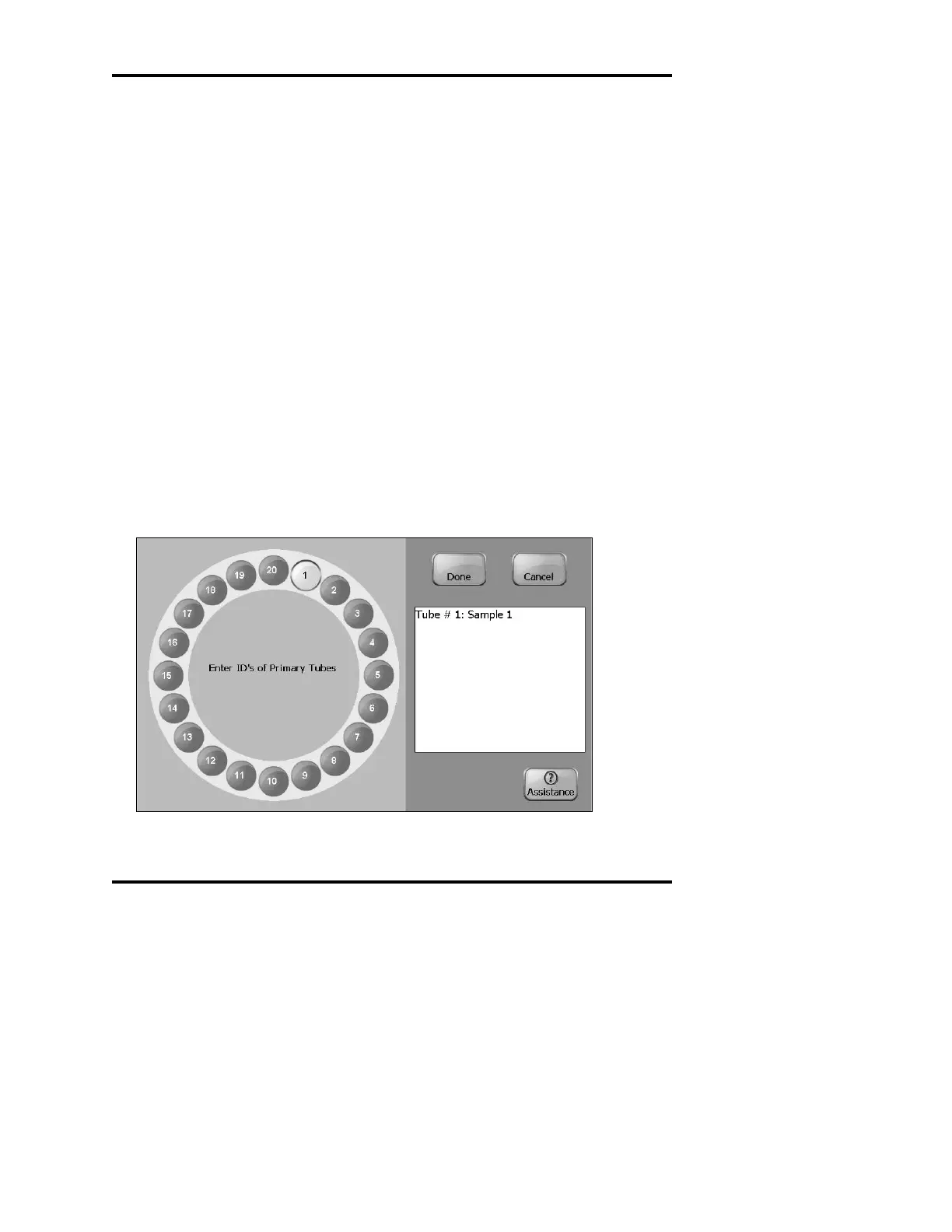
Pre-enter all Sample IDs
When this button is checked, a special screen (Figure 19) will be shown
after the Start button is pushed. To enter an ID, touch the tube icon and
enter the ID on the text input screen that appears (see a description of
the text input screen later in this chapter). Tubes that are present in the
primary carousel without an ID entered will not be measured in this
mode. Press the Done button when all IDs are entered, or Cancel to
abort the run. If you press Cancel, the system will remember any IDs
already entered when Start is pushed again. This button cannot be
checked at the same time as the Barcode Reader ON button, described
below.
Barcode Reader ON
When this button is checked, the internal barcode reader is used to read
the IDs of all sample tubes present. A message screen will inform you
of any tubes with a missing barcode. The system prompts you to enter
them manually.
Figure 19: Pre-enter Sample IDs



 To Next Page