3.15 Engine control system
3.15.1 Changing the electronic control unit
NOTE:
33-84 engines: The electronic control unit (ECU)
formatted with AGCO POWER software, will be
supplied under order number 8370 73357 .
98 engine: The electronic control unit (ECU)
formatted with AGCO POWER software, will be
supplied under order number 8370 73790.
The required software version is loaded with the
service tool.
Alternatively, ECU can be delivered with the
specified software version already loaded. In that
case, the engine serial number or F.I.E. number
(Fuel Injection Equipment) must be provided.
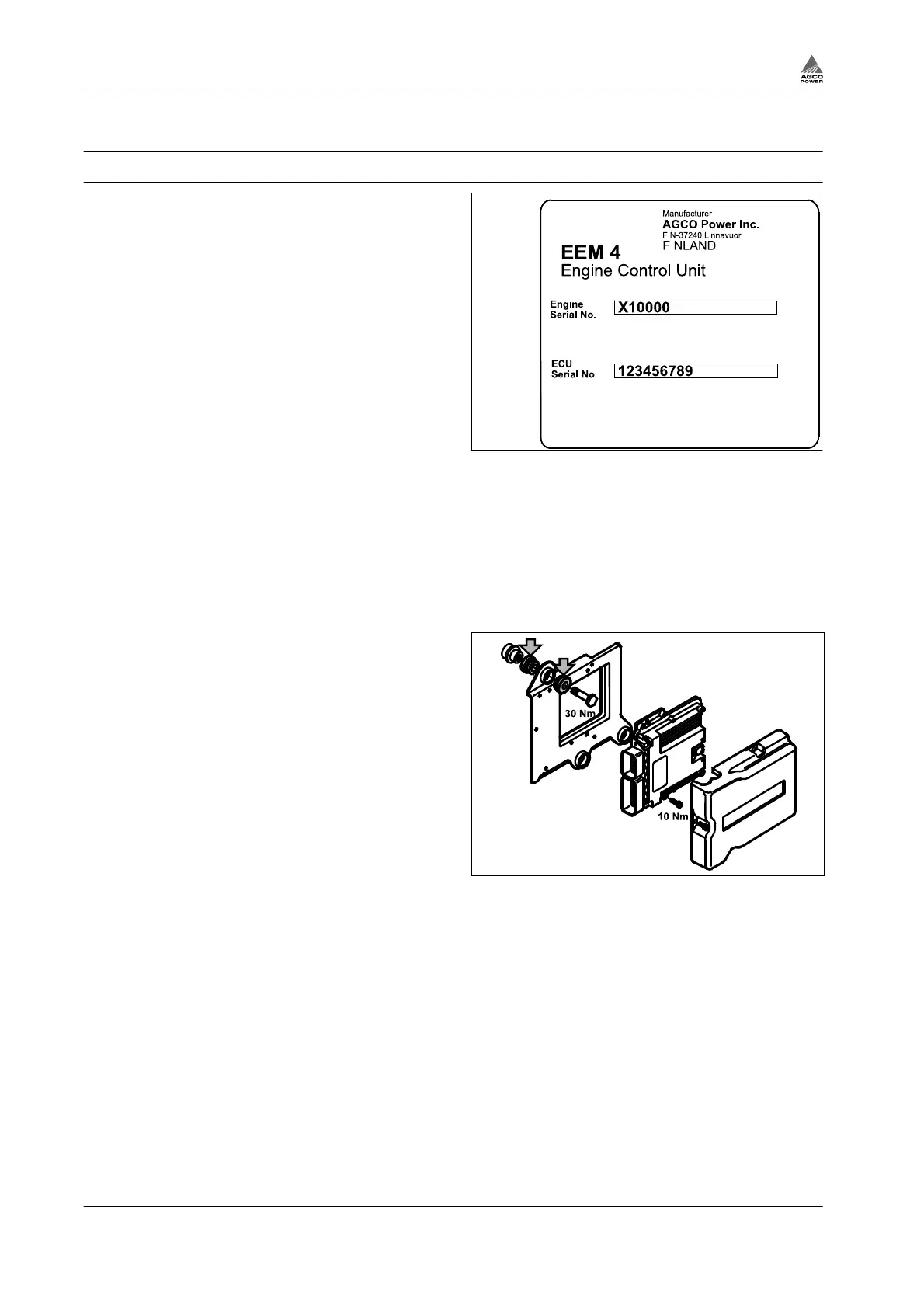
The ECU is fixed to the bracket on the left side of
the engine. The specification of the model and the
engine serial number are indicated on the type
plate of the ECU.
Fig. 116
Procedure
1.
Turn the main switch to the OFF position or disconnect the battery connectors.
2.
Remove the plastic cover and disconnect the multipole connectors.
Do not touch the connector poles.
3.
Remove the control unit from the bracket.
a) Check that the bracket rubber dampers
work.
b) Change if necessary.
c) Torque for the fixing screws is 30 Nm.
Fig. 117
4.
Fit the new control unit.
5.
33-84 engines: Tighten the screws to 10 Nm
in crosswise sequence (EDC17CV54).
Note the earth wire under the upper right
fastening screw.
3. Maintenance
3-72 4th Generation Engines
8370 79492



 To Next Page