Games
- 116 -
If the phone rings…
If the phone rings while you're playing a game, the game will pause automatically.
When you finish the phone call, the game screen will be restored, ready to continue
play – press ENTER to resume.
Similarly, you can interrupt a game to make a phone call. (The game will pause
automatically when you lift the handset.)
♦ To play or resume a game whilst on the phone, press GAMES.
Deleting a game
➣
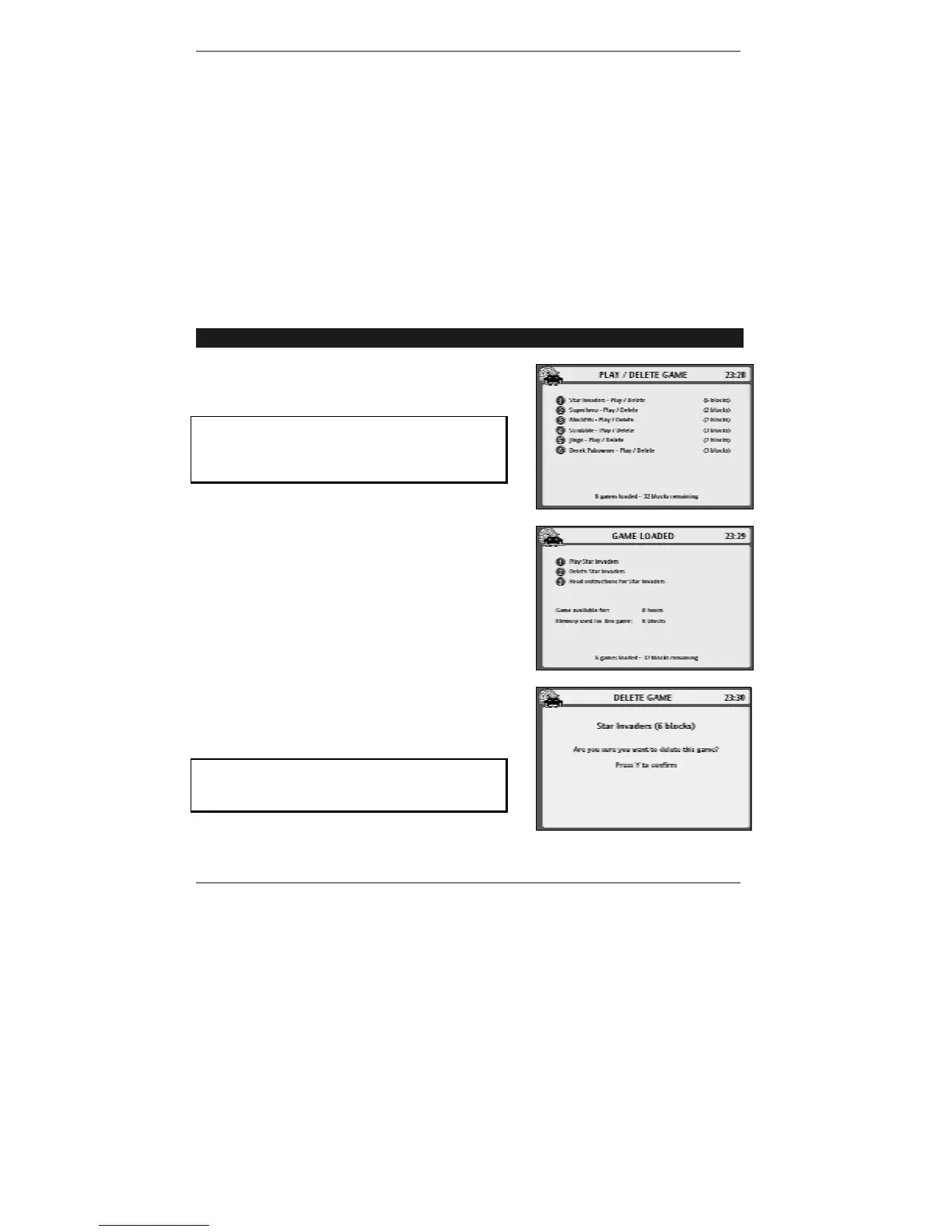
FAST TRACK: Press GAMES, 8, select game, press 2, press Y.
1. Press GAMES, 8 to receive the following
display:
If you haven't downloaded any games (or all
previously downloaded games have
expired), option 8 will not appear on the
games menu.
2. Press the number for the game you wish to
delete. The following display will appear:
3. Press 2. The following display will appear:
4. Press Y to confirm deletion.
Be careful – once a game is deleted, the only
way it can be restored is by downloading it
again.
& At the end of the rental period, the game will be deleted automatically.



 To Next Page