Advanced settings
- 130 -
1. Press SETUP, 8 so that display top line reads SET UP – REGISTRATION.
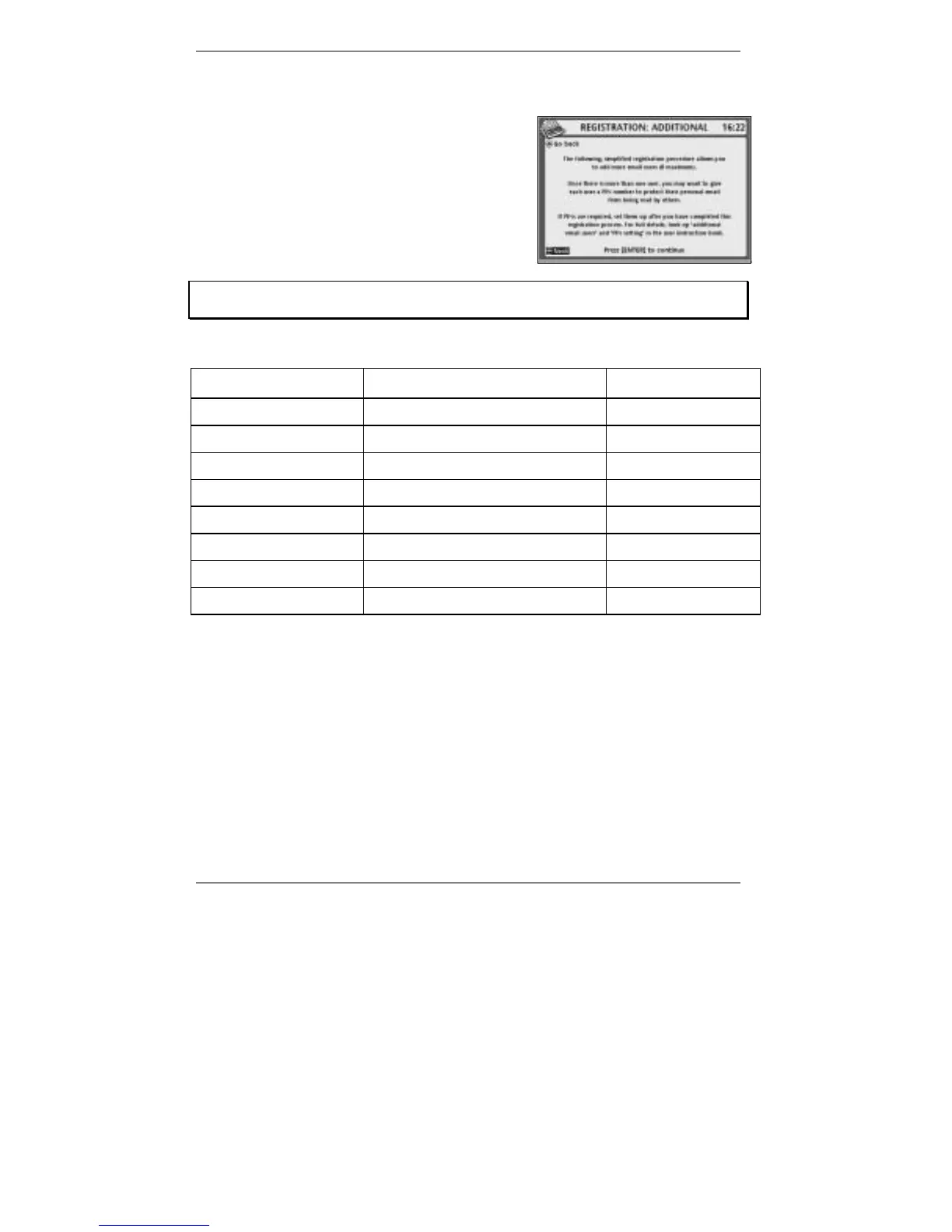
2. Press 1 so that top line reads
REGISTRATION: ADDITIONAL (right):
3. Follow the on-screen instructions.
If you get stuck at any point, go back to pages 17 - 24 and look up the screen in
question to find out what action is required by you.
Use the space below if you wish to write down users' information…
Name
Username
(email address)
Password
➊
@amserve.com
➋
@amserve.com
➌
@amserve.com
➍
@amserve.com
➎
@amserve.com
➏
@amserve.com
➐
@amserve.com
➑
@amserve.com
4. Press STOP repeatedly to return to standby display.
Once you've registered additional users, each time you carry out a user-
related function (for example sending a message), a display will appear asking
you to select a user. For information see 'Users' on page 55.



 To Next Page