Advanced settings
- 139 -
Changing email phone settings
➣
FAST TRACK: Press SETUP, 8, 3, follow on-screen instructions.
Use this procedure to change the phone line settings for email, for example:
♦ if you've moved home and/or changed your phone number
♦ if you've decided to subscribe (or un-subscribe) to Caller Display
♦ if you've decided to select (or un-select) automatic email notification
1. Press SETUP, 8 so that display top line reads SET UP
– REGISTRATION.
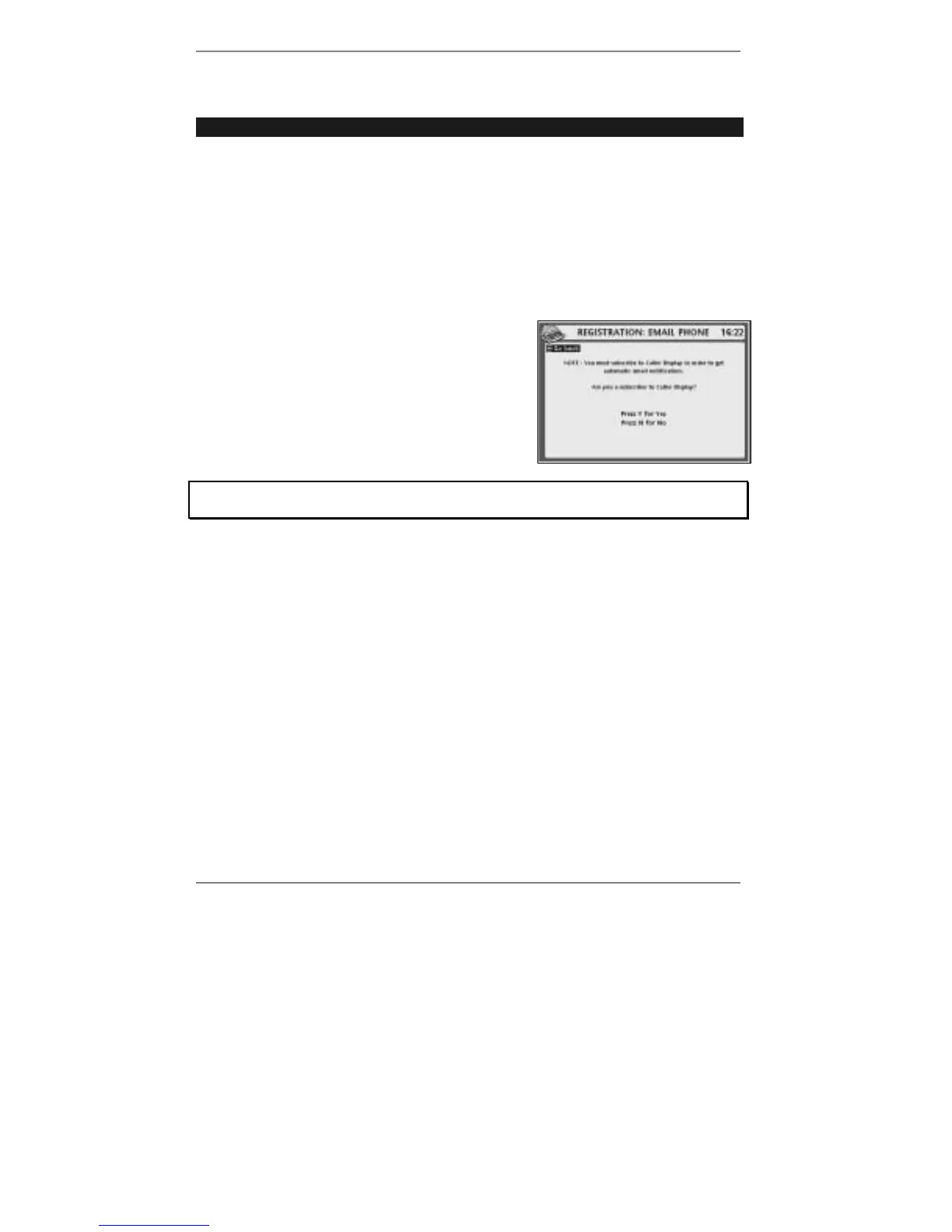
2. Press 3 so that top line reads
REGISTRATION: EMAIL PHONE (right):
3. Follow the on-screen instructions.
If you get stuck at any point, go back to pages 17 - 24 and look up the screen in
question to find out what action is required by you.
4. Press STOP repeatedly to return to standby display.
& Note if you select email notification without subscribing to Caller Display, you
may receive unwanted (notification) phone calls – these will usually consist
of one or two rings.



 To Next Page