Registration
- 23 -
Use keys U and D to move into each of the boxes and type in the details required (see
notes below).
When you've completed this screen, press D to highlight lDNextl then press ENTER
and wait for display 25.
Notes
♦ Type in your annual income using numbers only, for example 25000 – do not
use letters, commas, spaces or £ signs.
♦ Type in your date of birth using numbers and dots, for example
30.11.1972 – do not use letters, commas, spaces etc. (To type in
the dots use the key shown on the right.)
♦ Note you must use all 4 digits for the YEAR of birth. (If you don't want to give
personal details, type in any year number.)
25. This type of display is also for market research
purposes.
Action required:
Use keys
L R and U D to highlight the blob you
require, then press ENTER to select it.
When you've entered your details, check lDNextl is highlighted, then press ENTER
and wait for display 26.
Please bear with us on these market research screen displays. Although there
are quite a few questions to work through, your answers really do help us.
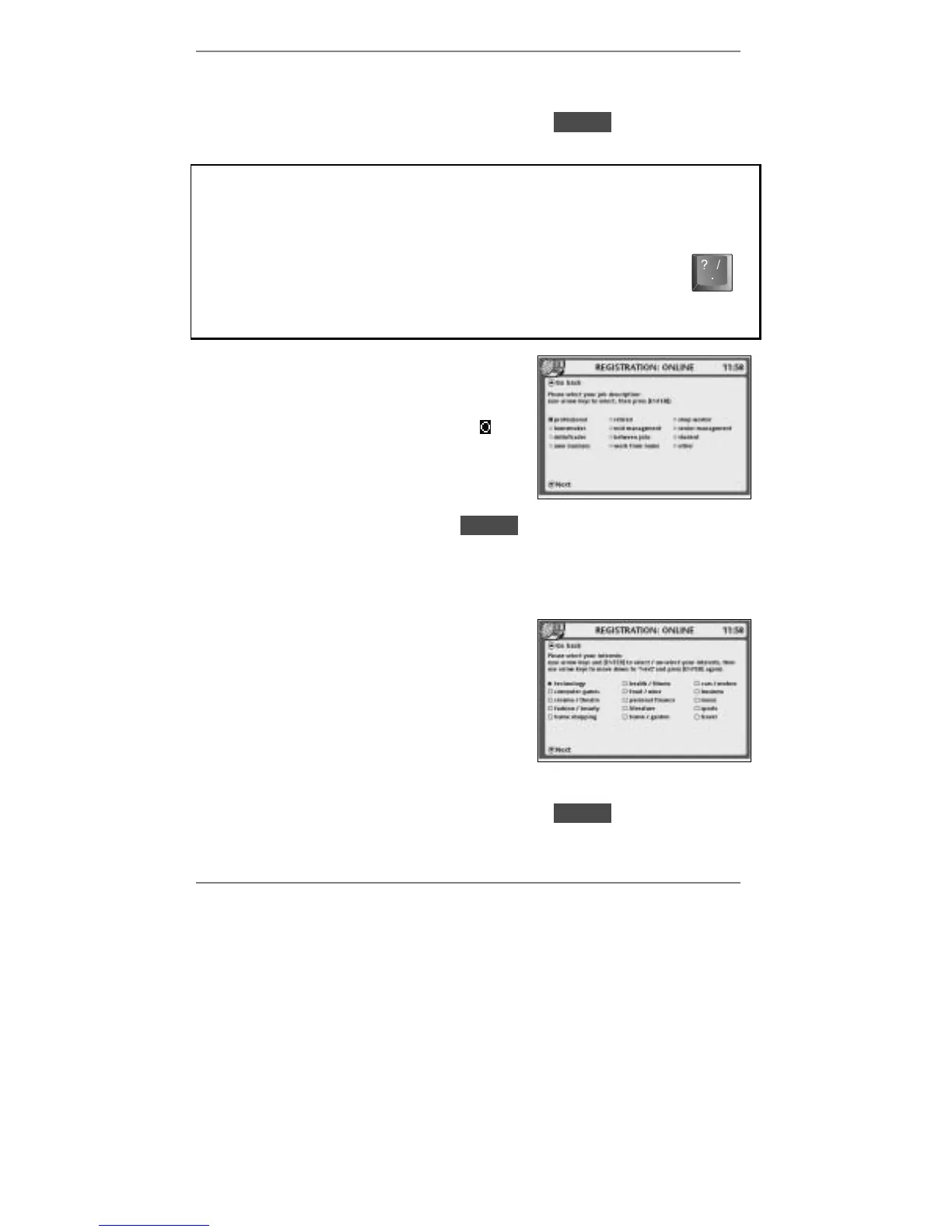
26. Again, this type of display is for market
research purposes (note that a slightly
different action is required, however).
Action required:
Use keys
L R and U D to highlight each block C
you require, then press ENTER to select / the
block. (You can un-select % a block by pressing
ENTER again.)
When you've completed this screen, press D to highlight lDNextl then press ENTER
and wait for the next market research question. After the final question, display 27 will
appear.



 To Next Page