Registration
- 24 -
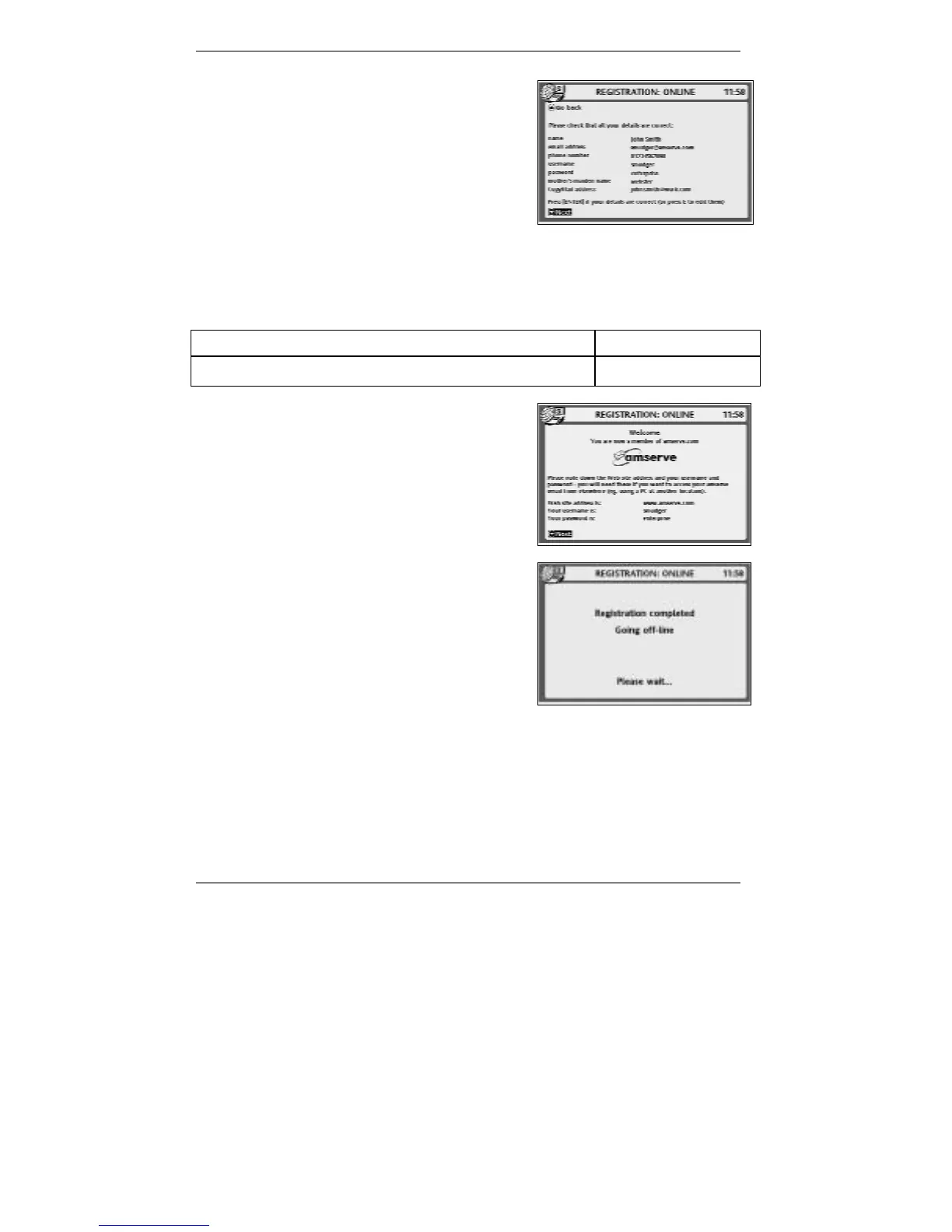
27. This display is for you to check that the
information, you've entered is correct.
Action required:
If all displayed details are correct, write down
your email address, username and password
(use the space below if you wish).
After writing the information, press ENTER and
wait for display 28.
& If the details are not correct, press E to edit them again (go back to step 15).
You may note down your details here…
Username
(email address)
Password
@amserve.com
28. This display confirms that you have
successfully registered with Amserve.
Action required:
Press ENTER and wait for display 29.
29. This display tells you that the registration
process has been completed.
Action required:
Please wait while the
e-m@iler goes off-line (ends
the call) and returns to the standby display,
showing the current date and time.



 To Next Page