Programming the Address Book
- 48 -
Deleting an existing entry
Be careful – once an entry is deleted, you can't get it back!
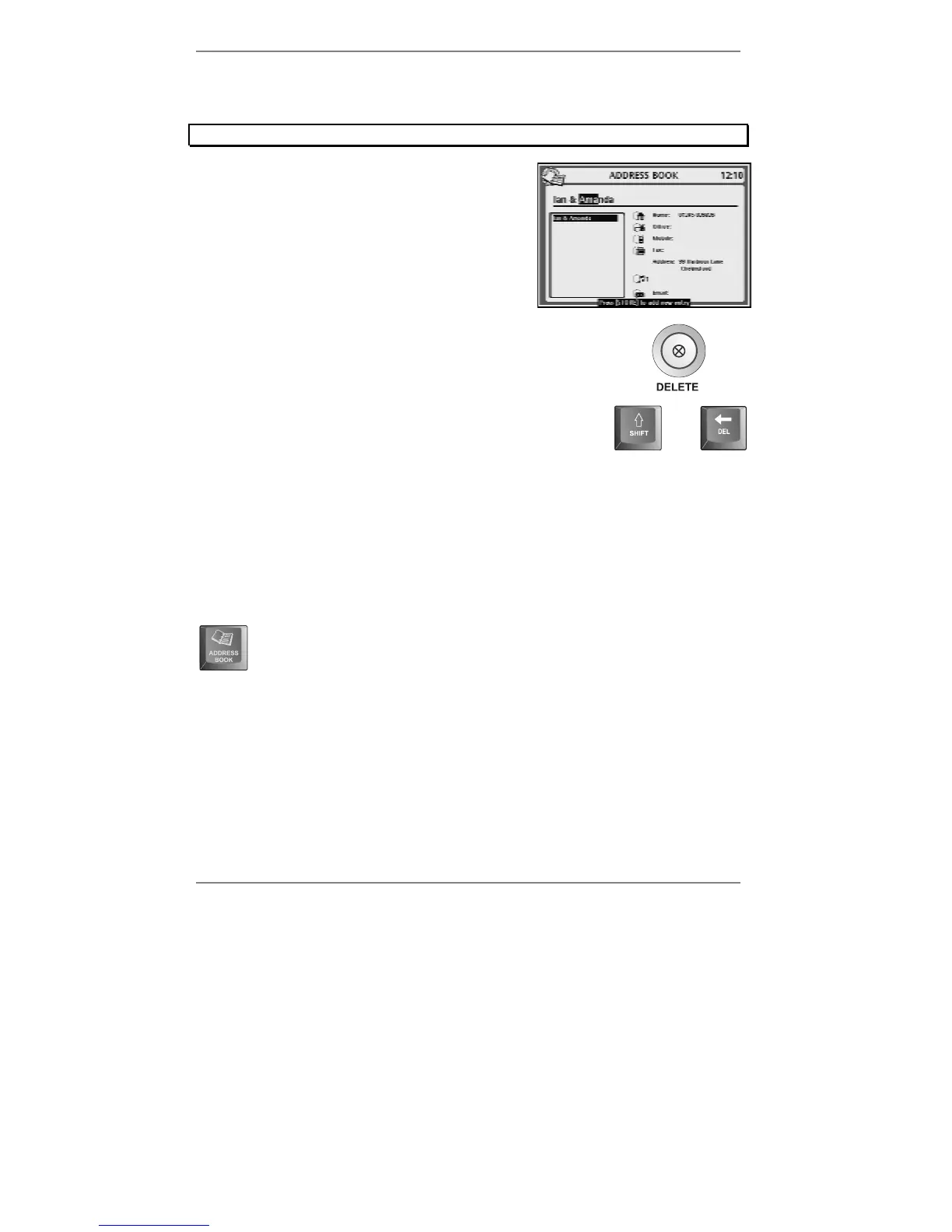
1. Start typing in the name until the entry you
wish to delete is displayed on the top line
(use
U D if necessary), for example:
2. On the
e-m@iler, hold down the DELETE button (for
approx 5 seconds) until you hear the beep.
or…
(Alternatively, press "SHIFT and !DEL on the keyboard.)
and
3. Press STOP to return to the standby display.
Checking entries
Start typing in the name (and use U D if necessary) until the entry you wish to check is
displayed.
If you wish to check through the whole address book, then instead of typing
in the name, press ADDRESS BOOK on the keyboard and use
U D to
search through the entries. (You can then type in letters to narrow the
search.)
♦ If you can't see the complete entry, press ENTER to display it in full. To return to
the standby display, press STOP on the
e-m@iler (or "SHIFT and STOP on the
keyboard).
& You can check entries while a phone call is in progress.



 To Next Page