Programming the Address Book
- 47 -
Editing an existing entry
➣
FAST TRACK: Type in name, press ENTER, edit details, press STORE.
To abort editing, press STOP on the e-m@iler (or "SHIFT and STOP
on the keyboard).
1. Start typing in the name you wish to edit, for example: Har…
As you type in each letter, a list of possible 'matches' to the entered name will be
displayed.
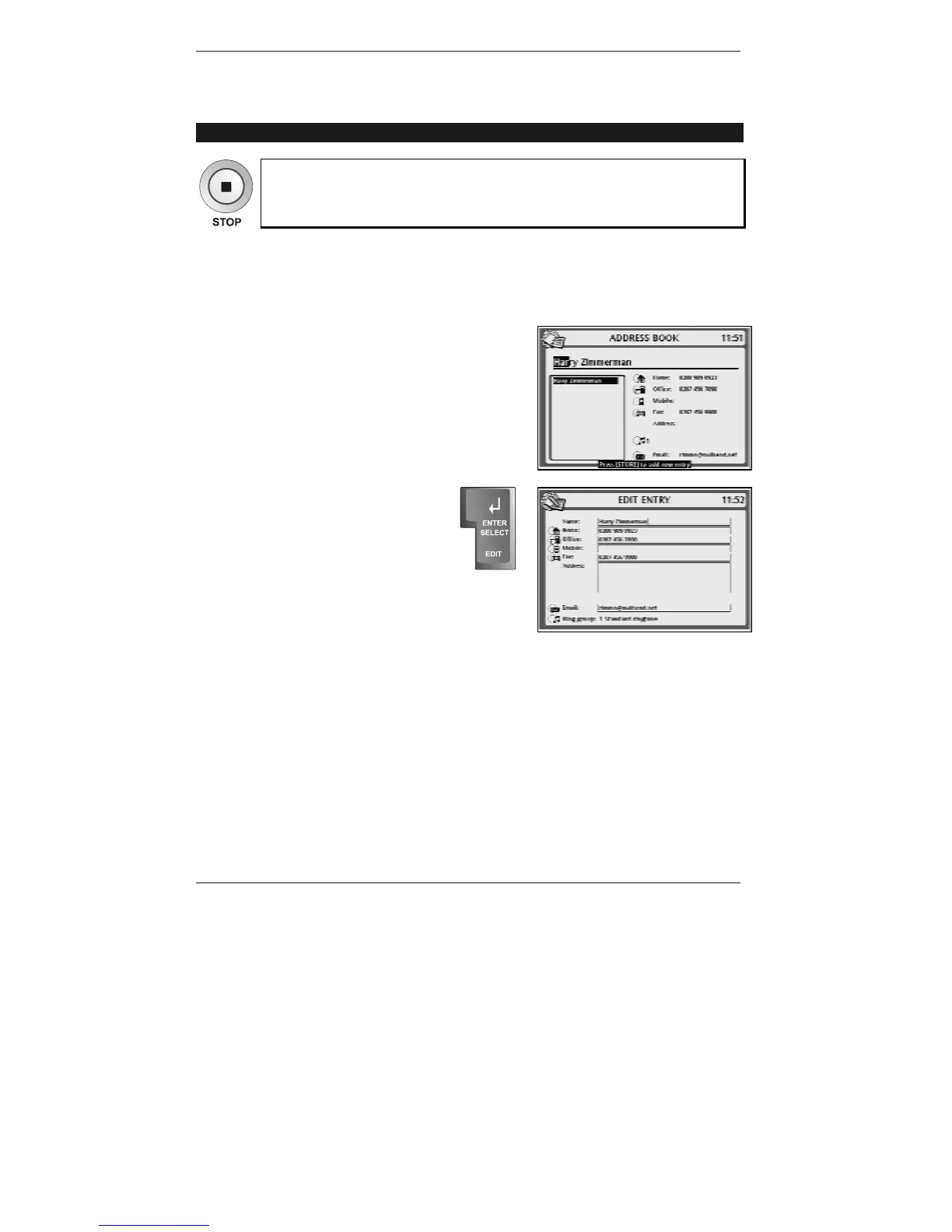
Eventually, as you continue to type, the name you
require will be displayed on its own, for example:
Instead of typing in the whole name, you can
type in just the first letter(s), then use U D to
select the name.
2. Press EDIT on the keyboard.
The following display will appear
(right):
3. Use keys
U D to move the cursor
into the box you wish to edit, then
type in the new details.
& You can use keys
L R to move within the box, and !DEL to delete.
4. When you have finished editing, press STORE (at top left of keyboard) to store
the entry and return to the standby display.



 To Next Page