Email
- 55 -
e-m@iler is programmed for any new software updates (information on page 27).
Note that Amserve may update the
e-m@iler's software from time to time to ensure
you always have the very latest features and enhancements.
For further information, see the section 'Charges' on page 26.
Email calls away from the home or office
Although email calls are inexpensive, they are still classed as Premium Rate calls. If
you are using the
e-m@iler away from the home or the office (in a hotel for example),
bear in mind that some establishments charge considerably more for any type of
Premium Rate call. Always check Premium Rate charges with the hotel etc before
making any email calls.
Additionally, some hotels / company switchboards have Premium Rate barring. You will
not be able to send email in these circumstances.
Users
The e-m@iler can accommodate up to 8 separate email users, each of whom has their
own email address. In the initial registration procedure you are set up as the only user.
To add or delete users, see Advanced settings pages 129 and 132.
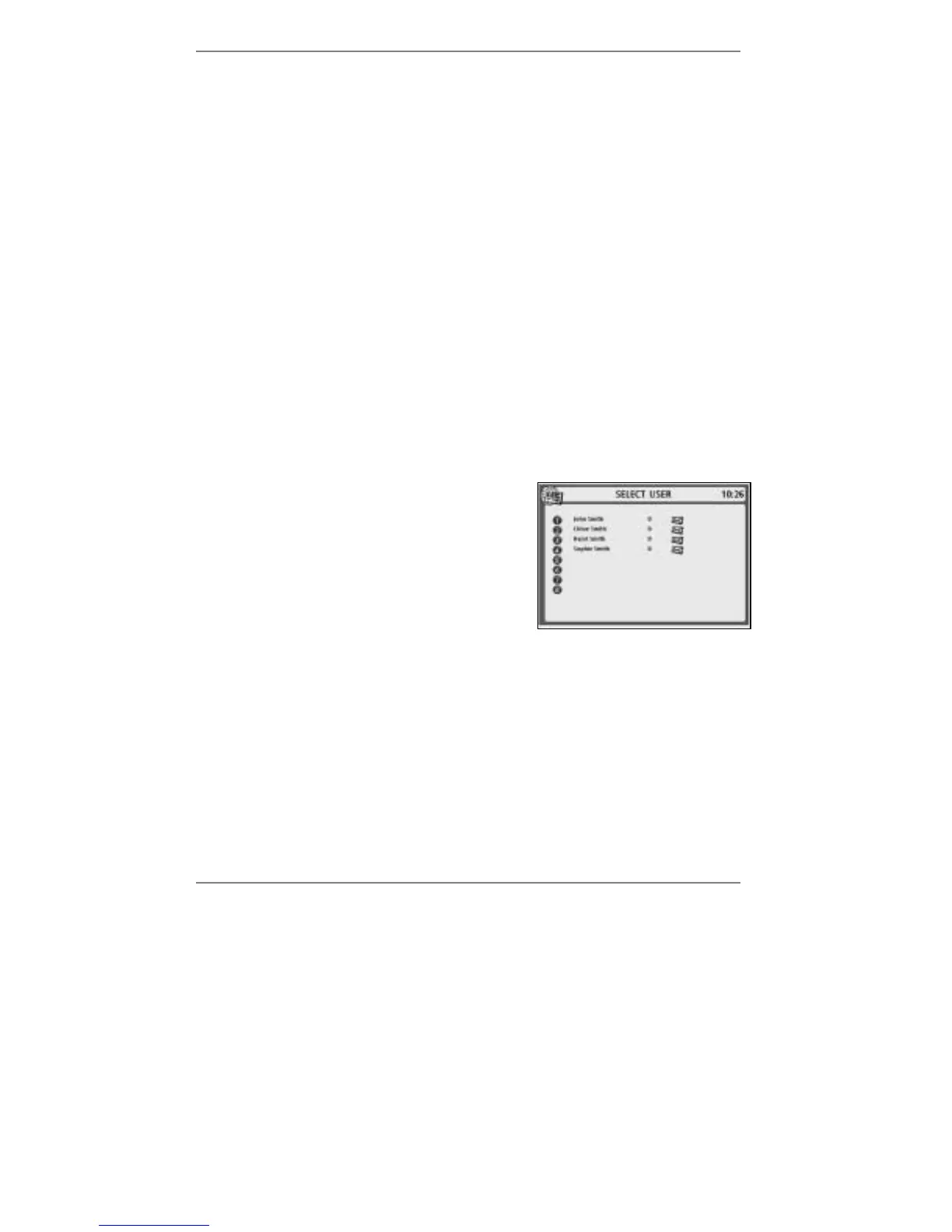
If you've set up two or more users, then each time
you carry out a user-related function (such as
sending a message), a display will appear asking
you to select a user, for example (right):
To select the user, simply press the appropriate
number button.
♦ If your email is confidential, you can set up a PIN (Personal Identity Number) to
prevent access to your messages by unauthorised users. To set up a PIN, see
page 131.
Memory Low warning
If MEMORY LOW – Delete old messages / email appears at the bottom of
the display, note that email will not work until you've freed memory space by deleting
VoiceMail, email or fax messages.



 To Next Page