Email
- 57 -
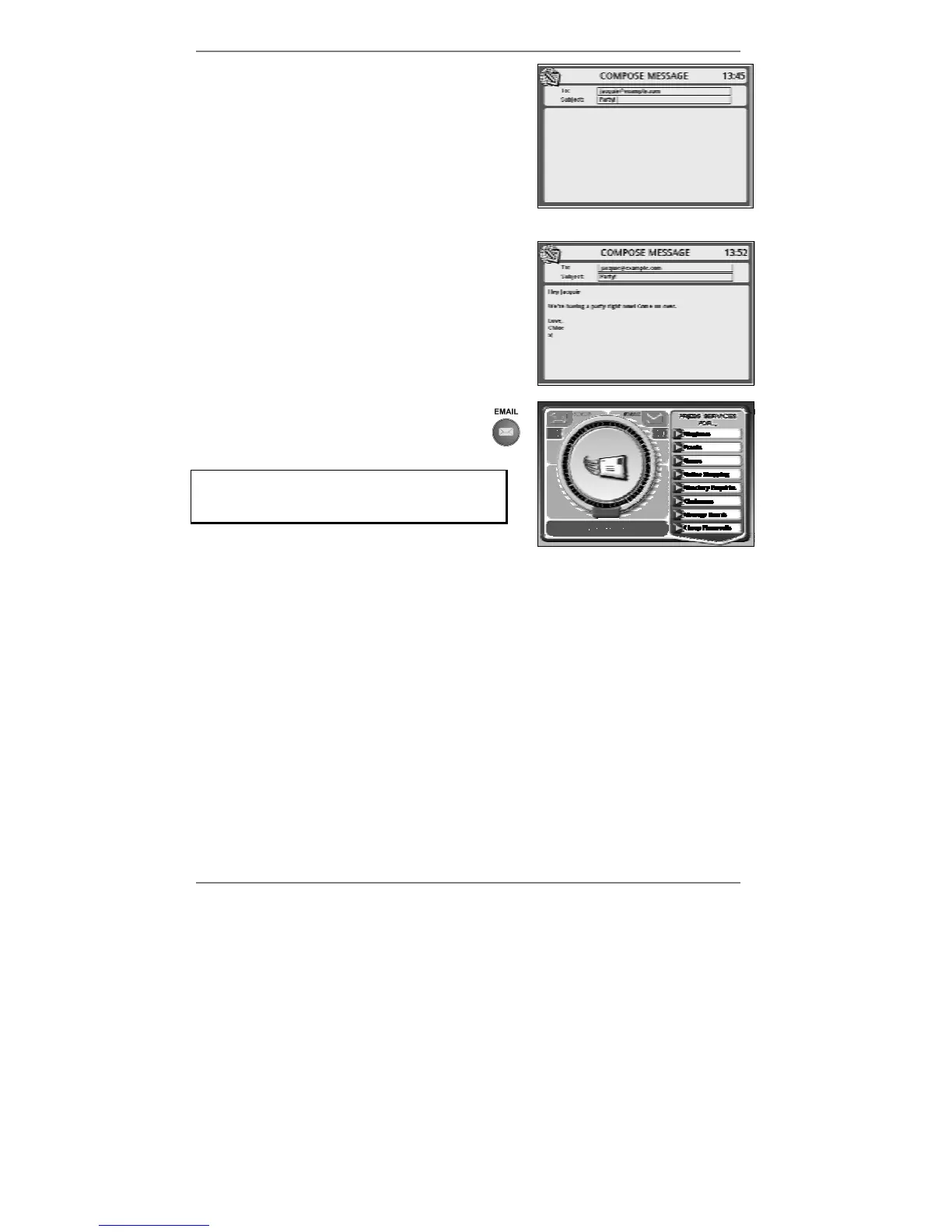
3. Make sure the cursor is now in the Subject:
box, then type in the title of the message (see
example right):
4. Move the cursor down to the message area of
the display, then type in the message (see
example right):
5. To send the message, press
EMAIL. The following display will
appear (right):
If you don't see the display: Dialling for
email, then the email address you've
entered is not valid. Go back to step 2.
& The e-m@iler will beep once if the email address is not valid.
After a while, the above message (Dialling for email) will change to Checking
email, then to Sending / Collecting email, before returning to the standby
display showing the date and time.
Note – no matter how many email messages you send at one time (and to
how many addresses they're sent), you are charged only for the one email
call.
♦ Whenever the e-m@iler calls up Amserve to send email, it also checks whether
there is any to be collected. If so, the
e-m@iler collects it there and then on the
same call.
♦ Messages you send are saved and stored automatically by the
e-m@iler. You can
set them not to be saved, however (for information see Advanced settings
page 137).



 To Next Page