Email
- 67 -
♦ If you are printing a long document, you may be able to abort printing before the
end by pressing STOP.
& During printing, some
e-m@iler functions may not operate – wait for printing to
finish.
Your printer should be configured to the ISO-8859-15 (Latin 9) character set. Note
that many printers have a set of switches that control the character set they use. Your
printer's user manual should explain how to change to this configuration.
& Printers produced prior to 1999 may not be able to reproduce some
international characters such as the Euro symbol € (in which case
ISO-8857-1(Latin 1) is the next best alternative).
If you find that certain characters (such as £) are not printed correctly, try setting the
e-m@iler to an alternative character set or printer setting (for information see Advanced
settings page 152).
& Not all symbols on the
e-m@iler are printable by all printers. Note in some
cases you may find that certain symbols are replaced by an alternative
character (for example Πmay be printed as O).
Memos
➣
FAST TRACK: Press EMAIL, leave To: box blank, type in message, press
EMAIL again.
The
e-m@iler allows you to write memos. This feature enables you to leave a message
for any other user to read, or leave yourself an important reminder. Furthermore, you
can attach a photo and/or a voice message to the memo.
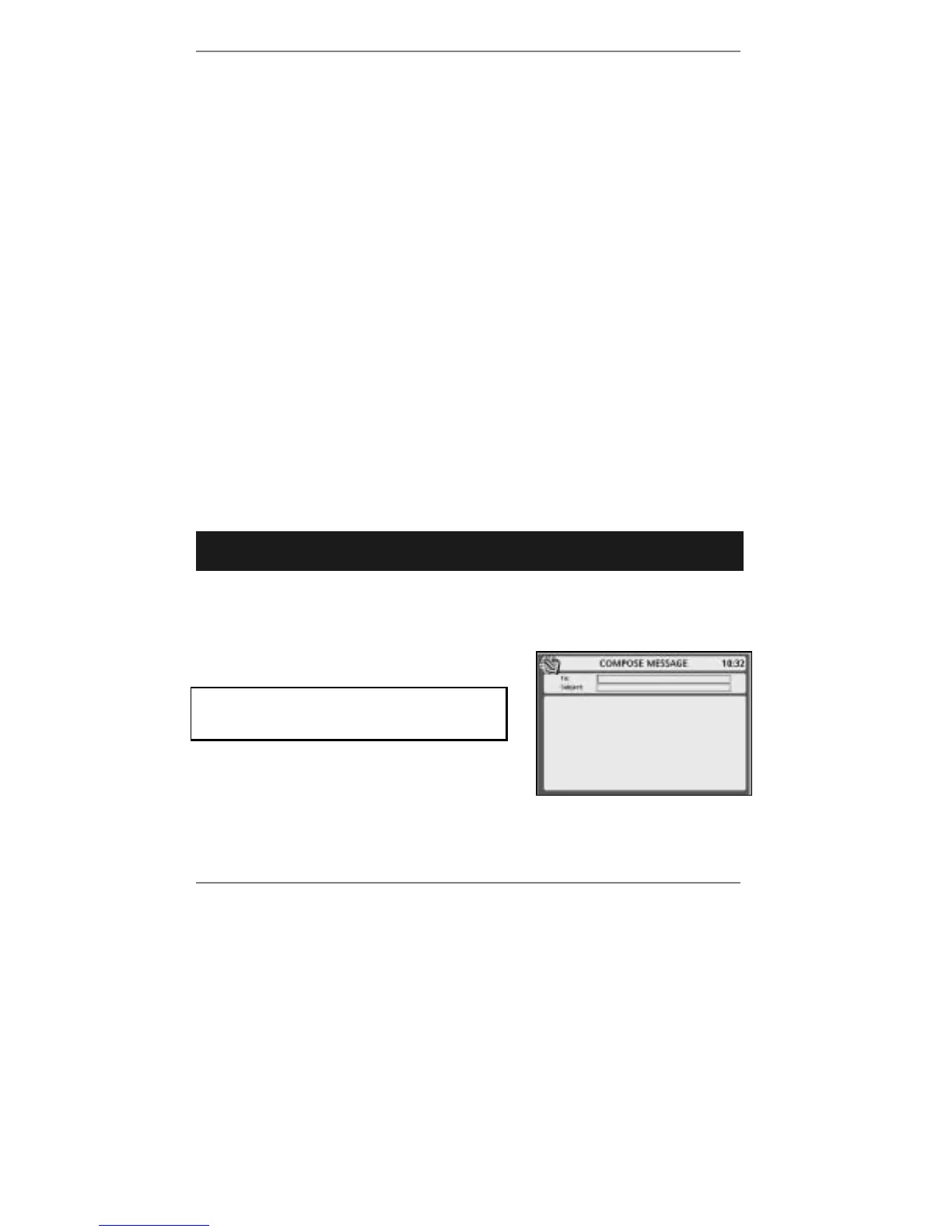
1. Press EMAIL to receive the following display:
If you've set up two or more email users,
then before you receive this display you'll be
asked to select a user.
IMPORTANT – The To: box must be empty.
2. If you wish to attach a photo, press PHOTO SEND then press 1 to take the
picture and press 2 to attach it to the memo (further information on page 59).



 To Next Page