Email
- 68 -
3. If you wish to attach a voice message, hold down RECORD until the RECORD/
PLAYBACK display appears then lift handset and press 1 (speak after the beep).
Press STOP or replace handset to finish (further information on page 60).
Ignore any price indication at the bottom of the COMPOSE MESSAGE
screen – memos are free.
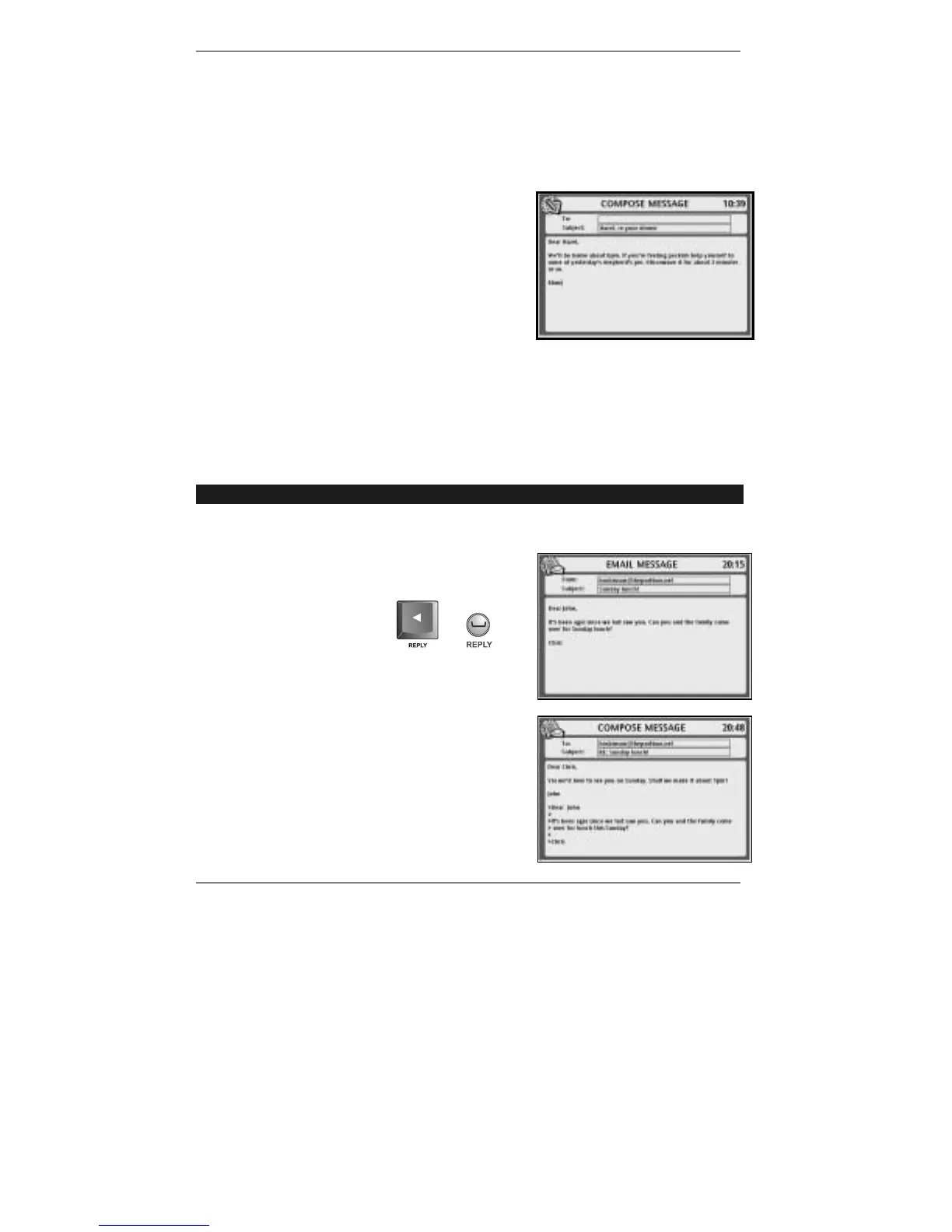
4. Move the cursor down to the message area of
the display, then type in the text of the memo.
You may also type in a Subject: if required
(see example right):
5. To send the memo, press EMAIL.
The memo will be sent immediately (to all users).
The e-m@iler will then return to the standby display
and the red email light will come on to indicate
that a new message is waiting.
♦ To read a memo, see 'Reading new email' page 63.
Replying to email
➣
FAST TRACK: Display message, press L, type in your reply, press EMAIL.
You can reply to an email message directly, as follows:
1. Display the message you wish to reply to (see
example right):
2. Press REPLY.
or
(Note the cursor | is at beginning of the message.)
3. Type in your reply:
♦ Note the To: box will contain the email
address of the original sender.
♦ Note the Subject: box's original title will be
prefixed by RE: (short for reply).
♦ Note the original message is prefixed by >.



 To Next Page