Text messages
- 78 -
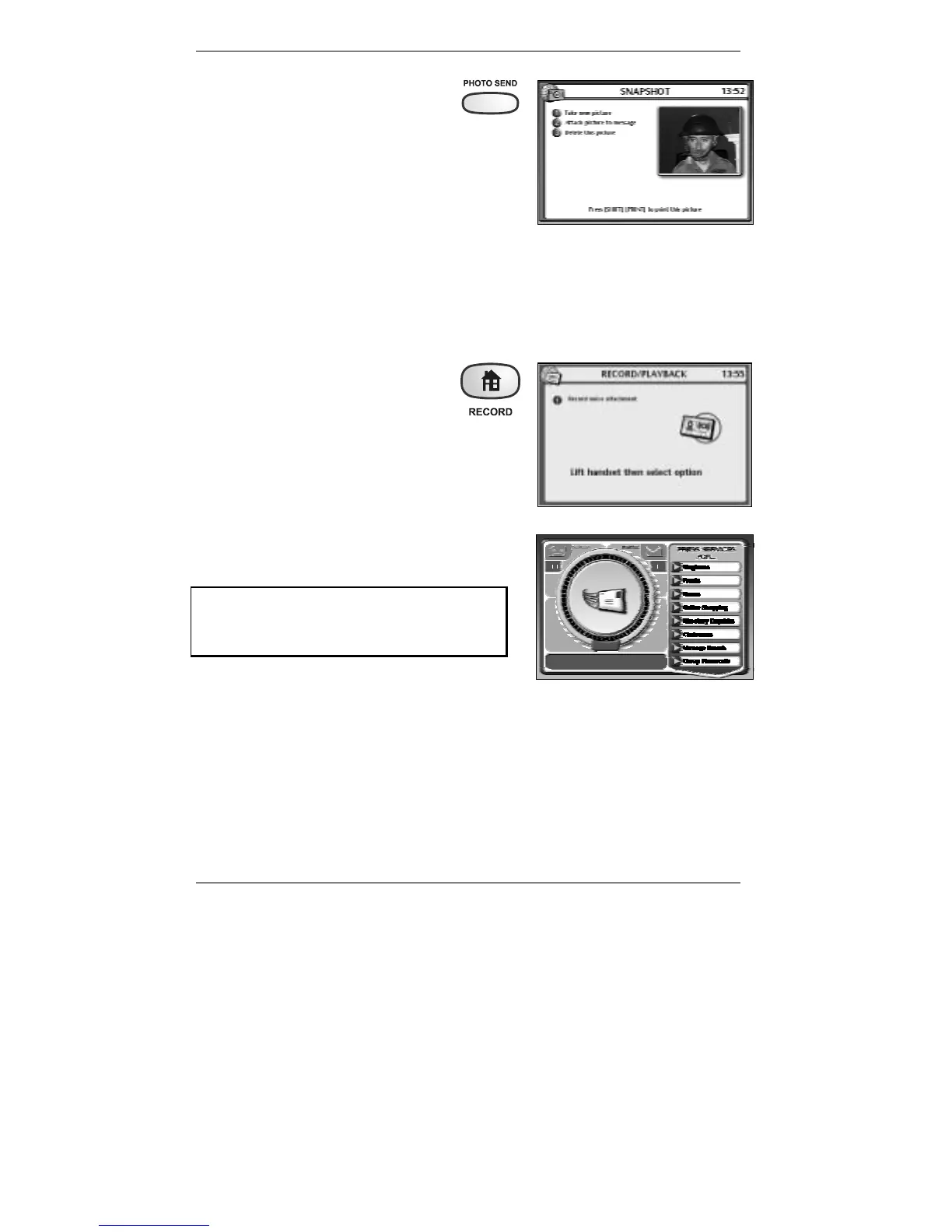
4. To attach a photo, press PHOTO
SEND – you will see yourself on-
screen.
5. Press 1 to take a picture.
(If you don’t like the picture, you can press 1 to
take it again.)
& If you’ve connected a printer to the e-m@iler (information on page 119), you
can press "SHIFT and PRINT to print the picture.
6. Press 2 to attach the picture to your message.
♦ If you wish to delete the picture, press PHOTO SEND then press 3.
7. To attach a brief voice message,
hold down the RECORD button
(for approx 5 seconds) until the
following display appears (right):
8. Lift the handset and press 1 – speak after the
beep. When you've finished recording (about
10 seconds max), press STOP and replace
handset.
9. To send the message, press MOBILE MSG.
The following display will appear (right):
If you don't see the display: Dialling for
email, then you haven't entered a mobile
phone number in the To: box. Go back to
step 2.
& The e-m@iler will beep if the To: box is empty.
After a while, the above message (Dialling for email) will change to Checking
email, then to Sending / Collecting email, before returning to the standby
display showing the date and time.
Read the section ‘Text messages sent by the
e-m@iler’ on page 75.



 To Next Page