Surfing the internet
- 81 -
First time surfing
➣
FAST TRACK: Press INTERNET, select required option.
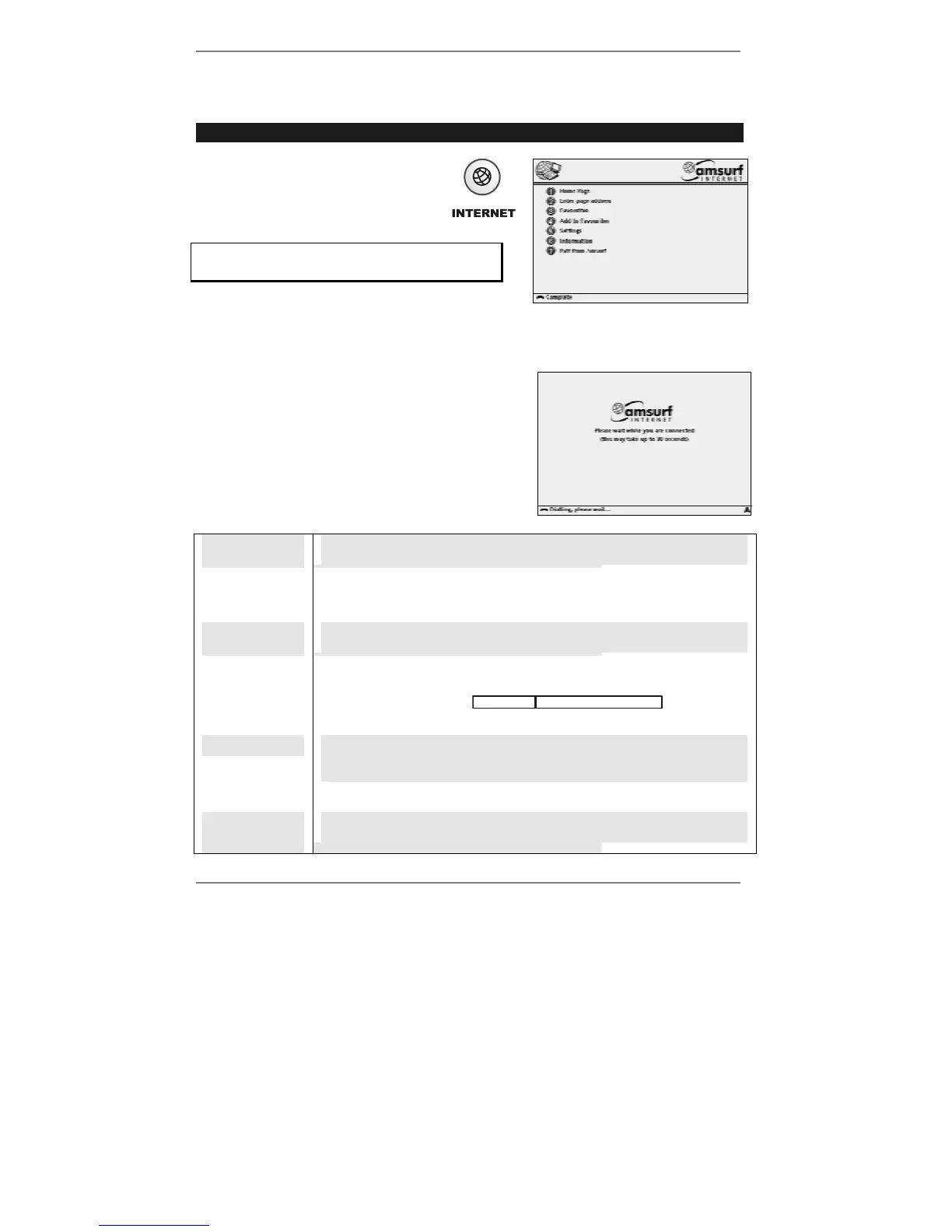
1. Press the INTERNET button.
After a few seconds, the
Amsurf menu will be displayed
(right):
You can press INTERNET whenever you
need to return to the Amsurf menu.
2. Press 1 to go to the Amsurf home page. The e-m@iler will make a surfing call and
go online.
Once online, the e-m@iler will search the internet to
find the required page. While searching, the screen
may be blank, or the following display may appear
for several seconds:
♦ Take note of the various messages and icons
displayed at the bottom of the screen – these
indicate the following:
Finding
Searching for requested page.
Dialling,
please wait…
Making a surfing call / going online to find requested page.
Fetching
Found requested page; now collecting it to display.
2:4
(for example)
The two numbers show how many graphics within the requested
page have been collected so far and how many elements there are
in total. A progress bar may also be
displayed, as well as the name of the site.
Complete
Requested page should now be displayed correctly – if not, see next
page.
Error
Problem finding requested page.
Exiting from
Amsurf
Ending surfing call / going offline.



 To Next Page