Instrument Overview 2-10 Settings Menu
MS2090A UG PN: 10580-00444 Rev. U 2-27
Shortcuts
Under the SHORTCUTS option, toggle the HIDE SHORTCUTS button to view or hide the shortcuts.
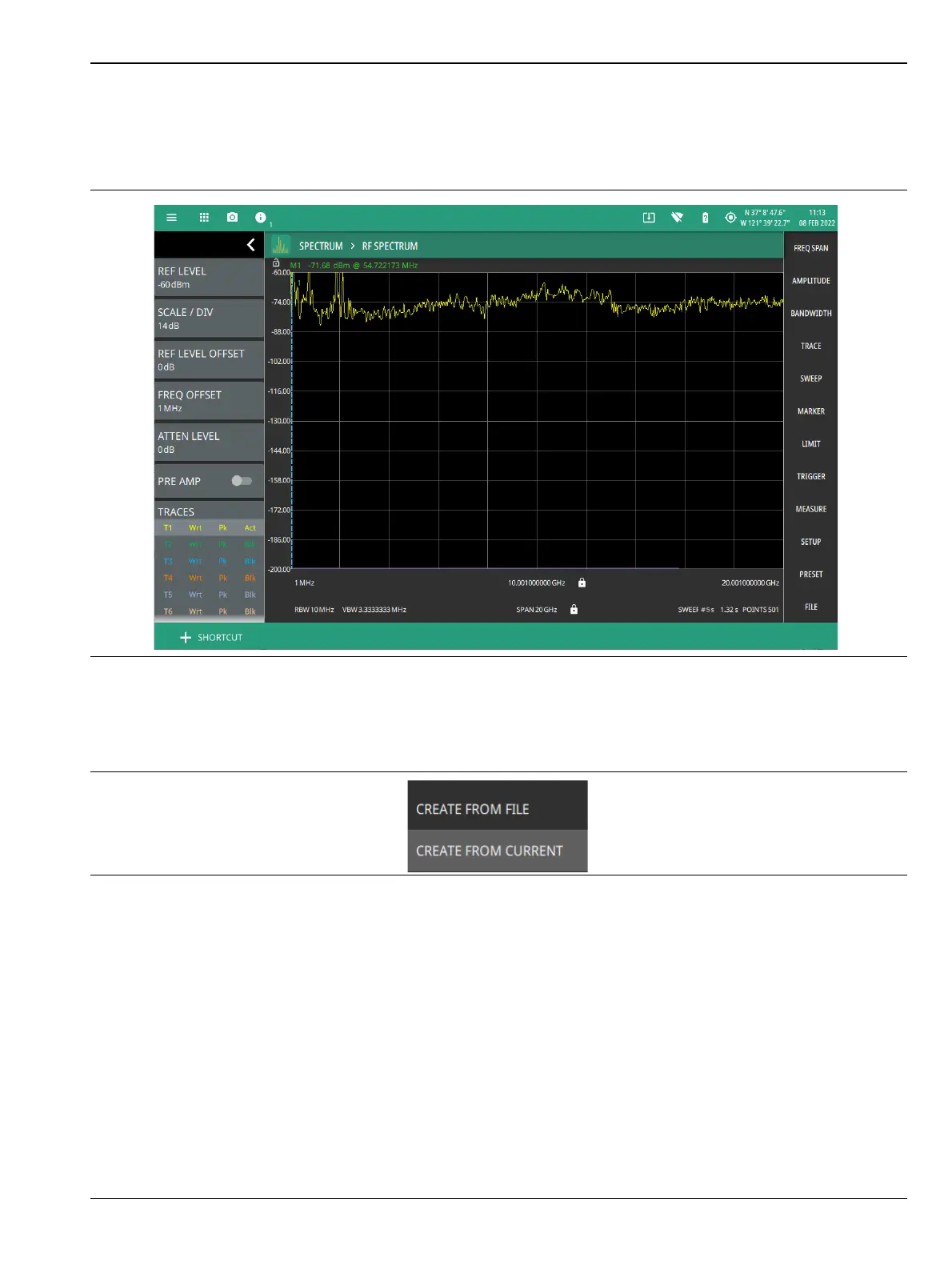
Select + SHORTCUT button located at the bottom left of the display screen to create or save specific settings of
an application.
Follow the steps below to create/load/rename a shortcut:
1. Select +SHORTCUT button at the bottom left of the instrument display screen.
2. Select CREATE FROM FILE option to create a new shortcut from an already saved setup file.
3. Otherwise, select CREATE FROM CURRENT option to create a shortcut of the current (trace)
settings of the instrument.
4. Enter the shortcut name which is optional, and select CONTINUE.
Figure 2-26. Shortcut Button
Figure 2-27. +Shortcut button













 To Next Page