2-10 Settings Menu Instrument Overview
2-28 PN: 10580-00444 Rev. U MS2090A UG
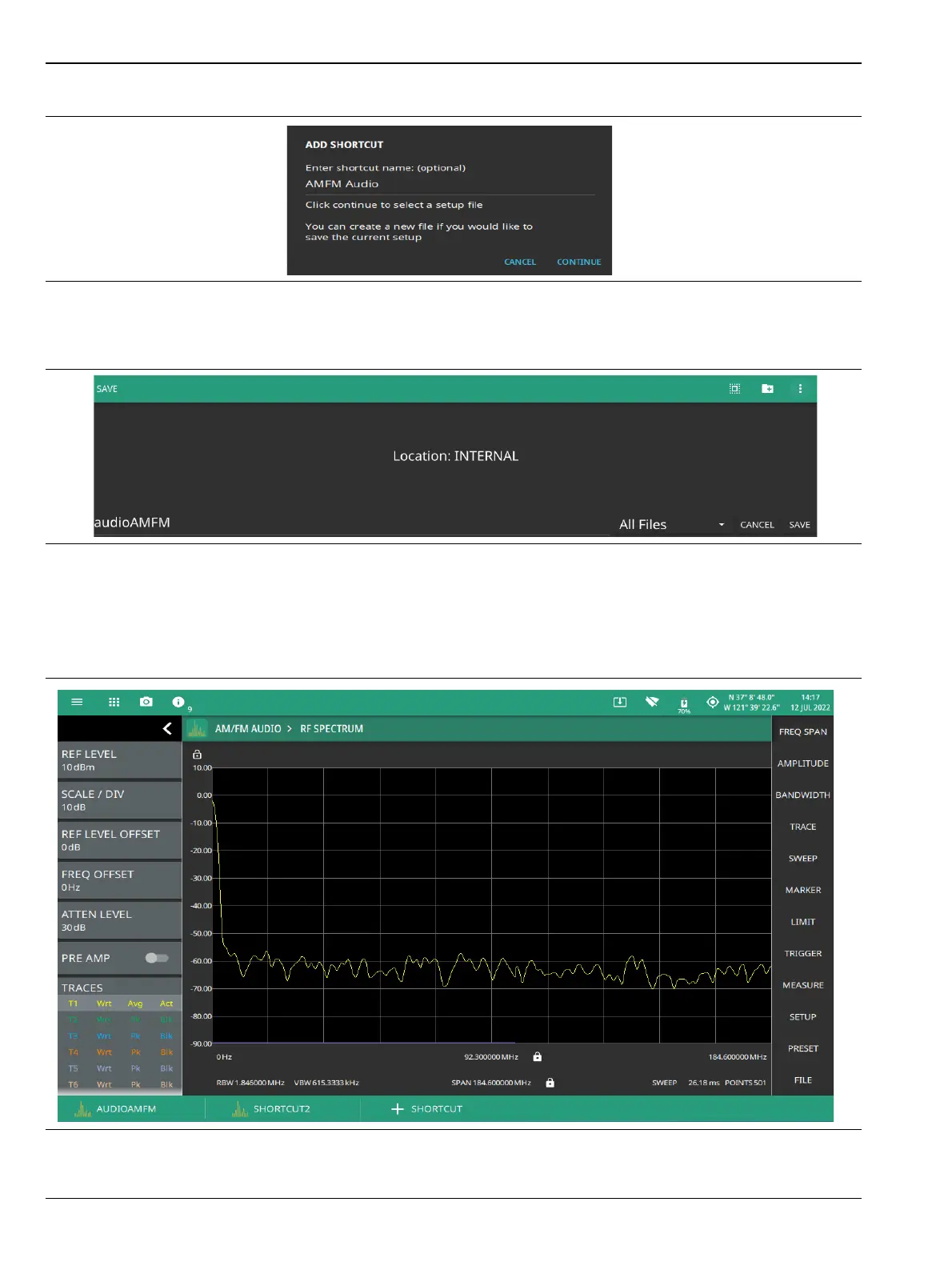
5. Enter a file name to save the current setup, and select SAVE.
6. Select the newly created shortcut to recall the saved setup file.
To delete all the shortcuts, select SYSTEM MENU (3-line icon), go to SETTINGS menu, select DISPLAY
settings and select CLEAR ALL button at the bottom right of the instrument’s display.
Figure 2-28. Add Shortcut Dialog
Figure 2-29. File Save As
Figure 2-30. Recalled Setup File: Shortcut Button













 To Next Page