6.4 Performance Test
6.4.1 NRZ interface output level
(1) Testing specifications
Item Specifications Remarks
±
±
Data/Clock
−
±
−
±
Data/Clock
±
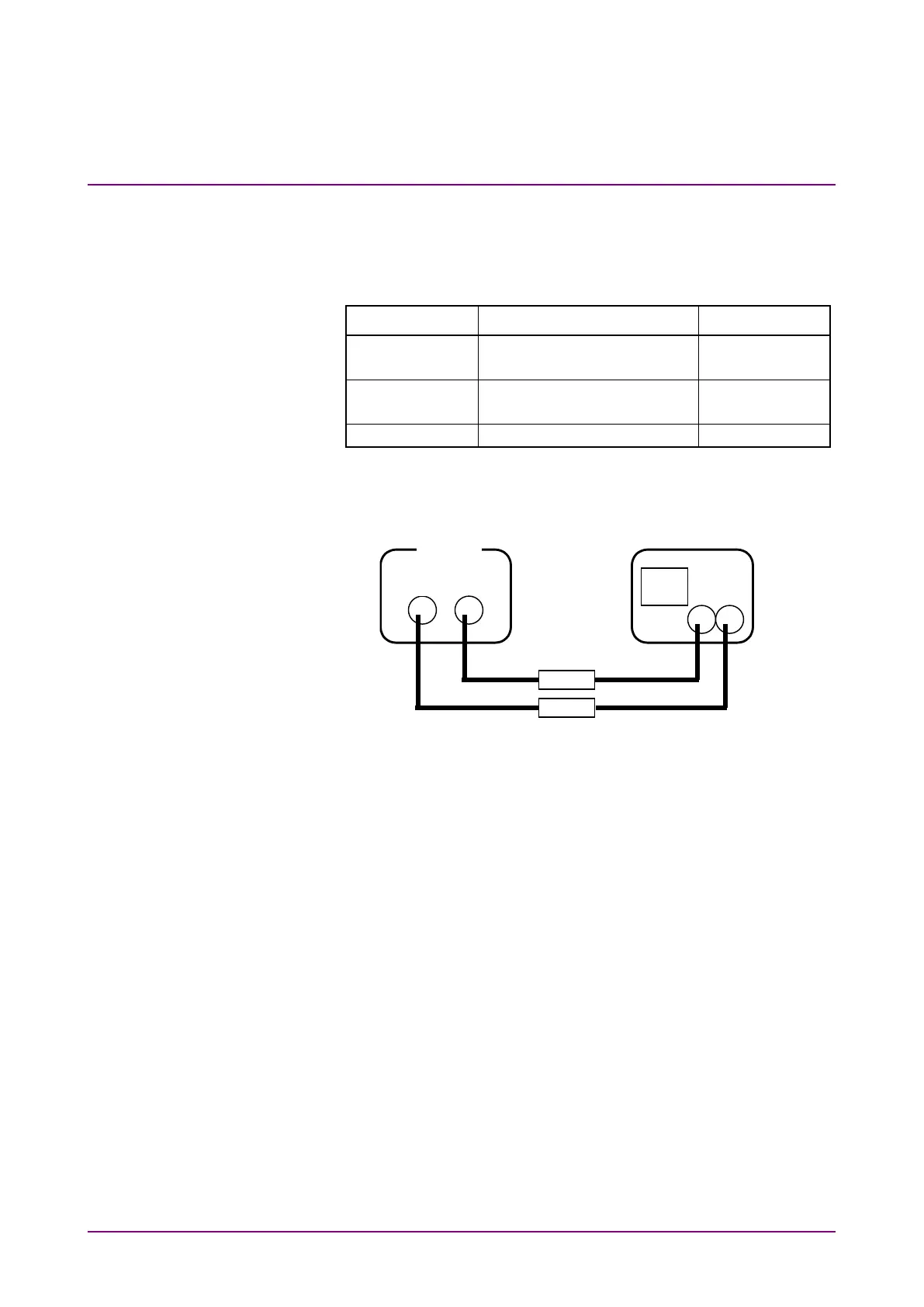
(2) Setup
Oscilloscope or
frequency counter
75 Ω/50 Ω converter
or ECL termination
Fig. 6.4.1-1 Setup for NRZ interface output level test
(3) Test procedure
1. Set up the equipment as shown in Fig. 6.4.1-1.
2. Open the main menu screen by pressing [Menu], and select
System*
→
Initialize to perform initialization.
3. On the main menu screen, select NRZ Output*
→
Level to set
the NRZ output level to TTL or ECL.
4. On the main menu screen, select NRZ Output*
→
FREQ to set
the NRZ output frequency.
5. Check that the obtained level or frequency meets the specifica-
tions.














 To Next Page