4.1 Basic System Settings
4-5
4.1.5 Display Auto-Off control setting (Display Off)
Set time until turn the screen display off when there is not key operation.
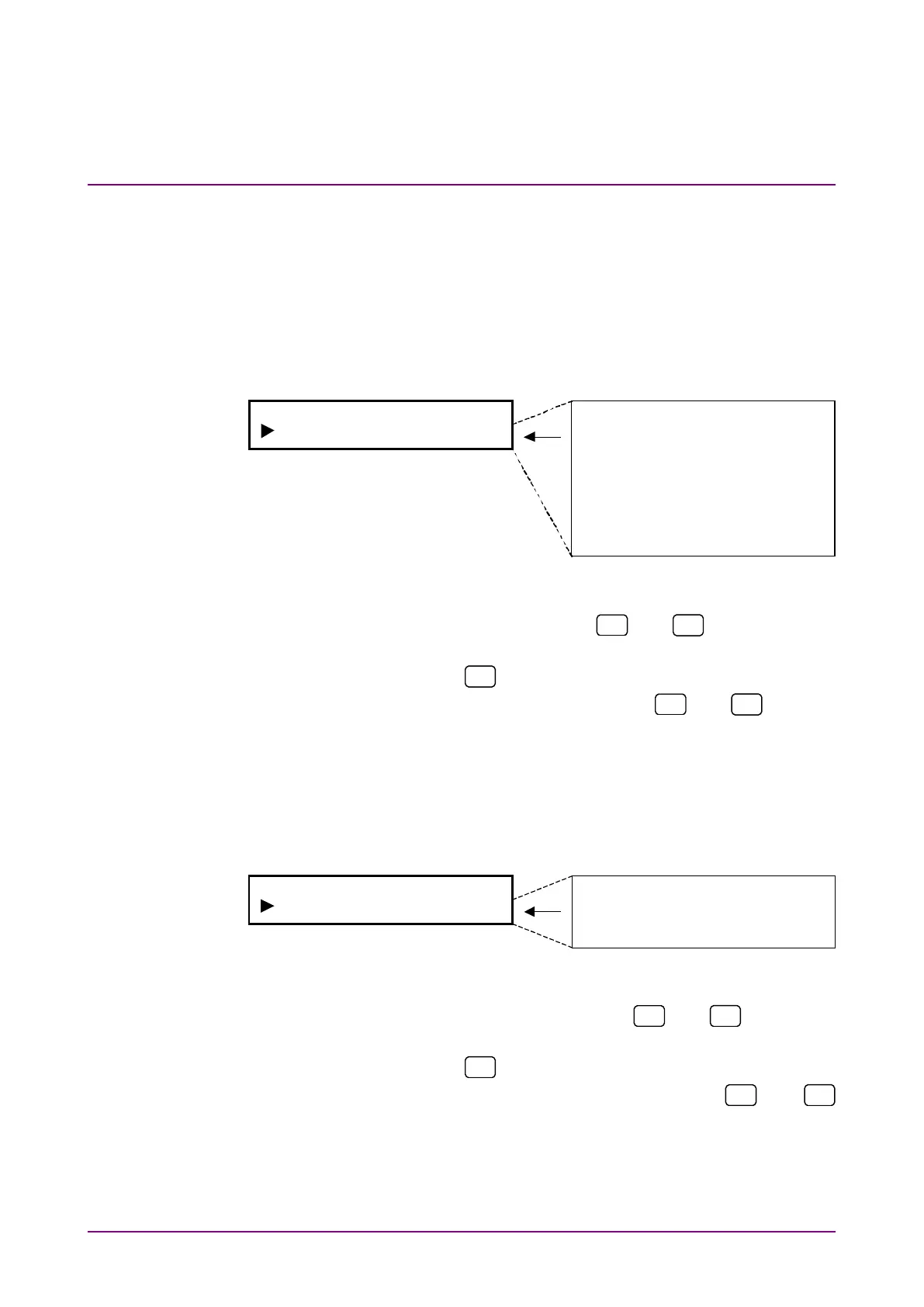
Select “Display Off” on the system menu screen to perform setting.
Note that pressing any panel key at screen display Off turns screen dis-
play On, and the MP8931A operates according to the set parameters.
Screen display Off status is not affected by remote control (except the
screen display setting command.)
60min
50min
40min
30min
20min
10min
5min
1min
None
<Procedure>
1. Select “Display Off” by using the
and
keys on the Sys-
tem* setting screen.
2. Press [Enter] or
to display the Display Auto Off setting items.
3. Select screen display control by using the
and
keys and
press [Enter] to finalize the setting.
4.1.6 Display brightness setting (Display Dimmer)
Set brightness of screen display.
Select “Display Dimmer” on the system menu screen to perform setting.
<Procedure>
1. Select “Display Dimmer” by using the
and
keys on the
System* setting screen.
2. Press [Enter] or
to display the Display Dimmer setting items.
3. Select brightness of screen display by using the
and
keys and press [Enter] to finalize the setting.














 To Next Page