4.1 Basic System Settings
Set the MP8931A system parameters and check version information.
Select “System*” on the main menu screen to perform settings.
<Procedure>
1. Press [Menu] and select “System*” by using the
and
keys.
2. Press [Enter] or
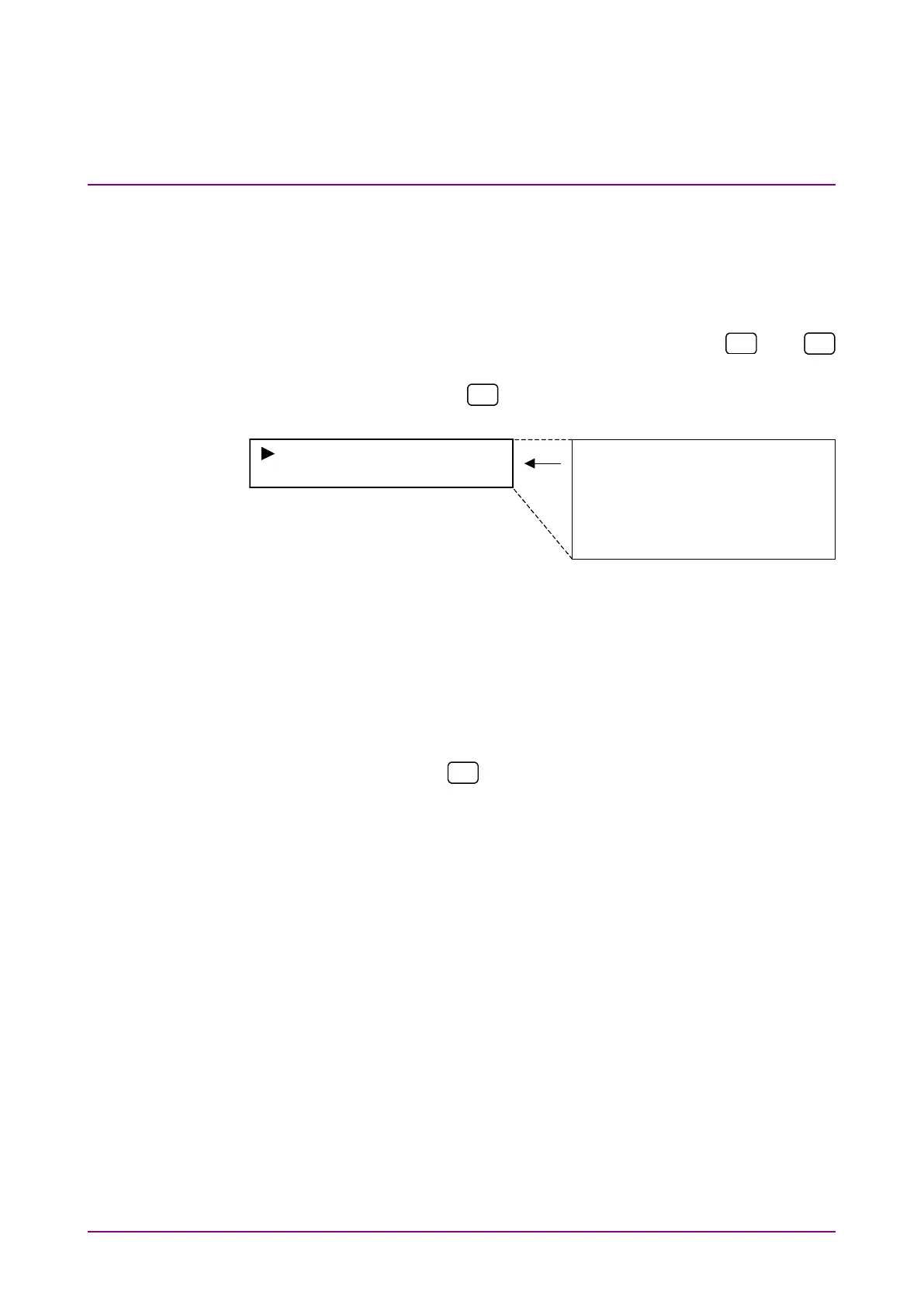
to display the System* setting screen (shown
at left in the figure below.)
Initialize
GPIB Address 15
Initialize
GPIB Address 15
RS232C Baud 9600
RS232C Parity None
Display Off None
Display Dimmer 100%
Version
Notes:
•
The left part of the above figure shows screen display, and the
right shows parameters that can be set. The format applies to
the succeeding explanations.
•
When [Menu] is pressed instead of [Enter] during setting, the
menu is closed without saving the changes made.
•
Pressing
during setting returns to the previous screen.
However, this is excluded on the measurement time setting and
frequency setting screens.
•
When [Menu] is pressed again on Main menu screen, the item
(selected immediately before closing menu) is displayed.














 To Next Page