4.2 Setting Parameters
4-27
4.2.12 Function of DVB-SPI interface setting
Set parameters for DVB-SPI interface.
When using this interface, DVALID signal output level is fixed to High.
Select “DVB-SPI*” on the main menu screen to perform setting.
FREQ 13,500,000
PKT (1)+187+(16)
FREQ 13,500,000
PKT (1)+187+(16)
<Procedure>
1. Select setting item by using the
and
keys on the
DVB-SPI* setting items. Press [Enter] or
to display the item
to be set.
(1) Frequency setting
Set output byte clock frequency. No input setting available.
Proper operation is not guaranteed when frequency exceeding speci-
fied value is input.
The setting range is 10 kHz to 13.5 MHz in 1 Hz steps.
Select “FREQ” on the DVB-SPI menu screen to perform setting.
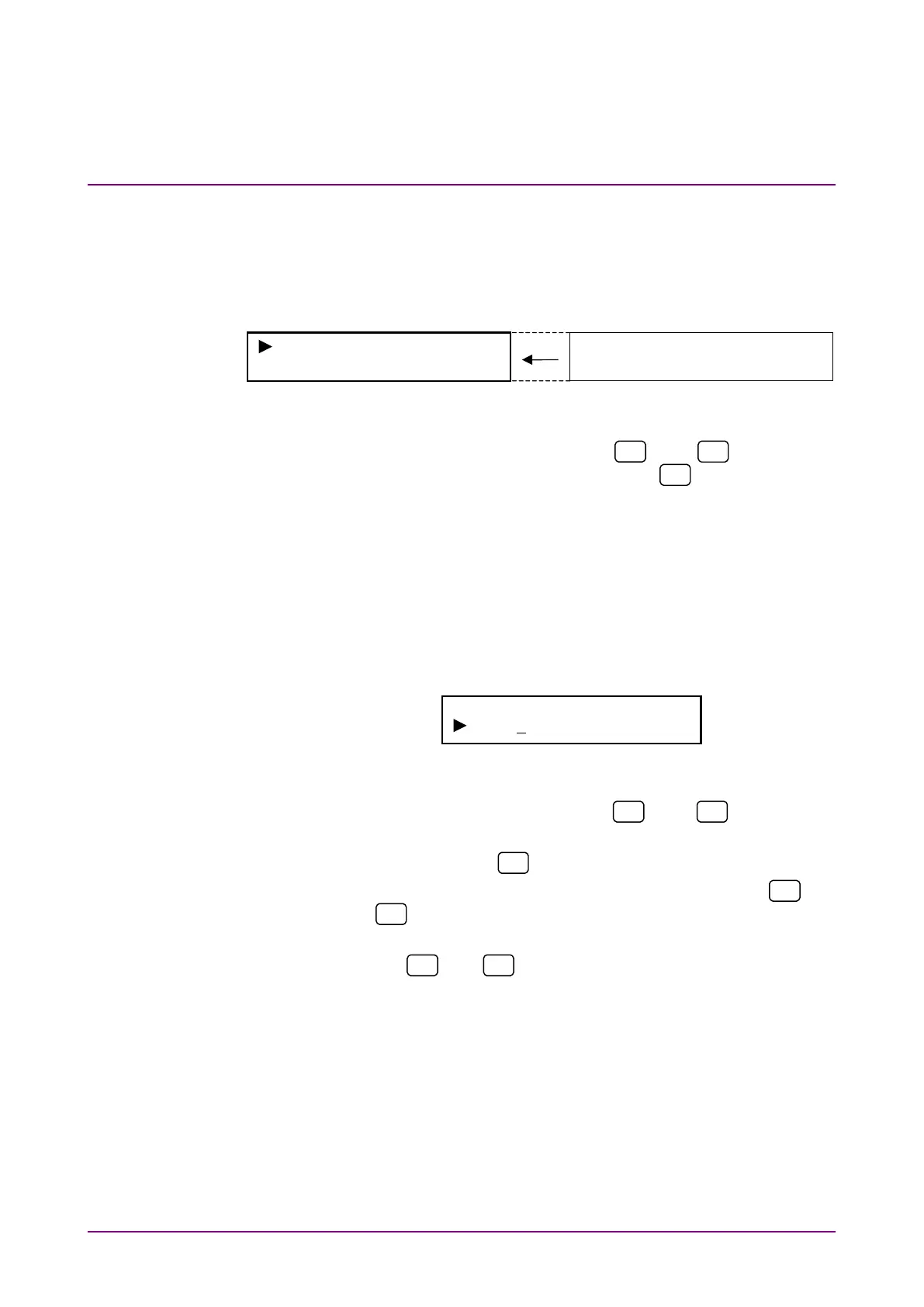
DVB-SPI Frequency
13,500,000Hz
<Procedure>
1. Select “FREQ” by using the
and
keys on the
DVB-SPI* setting screen.
2. Press [Enter] or
to display the FREQ setting screen.
3. Move the cursor to the digit to be set by using the
and
keys.
4. Increase/decrease the count at the digit with the cursor by using
the
and
keys.
Count can be increased/decreased over the current and upper
digits.
5. Repeat Steps 3 and 4 to set the desired frequency. Press [En-
ter] to finalize the setting.
When this setting is performed during DVB-SPI measurement,
measurement is restarted and the menu closes. When this
setting is performed while measurement is stopped or during
NRZ or DVB-ASI measurement, the DVB-SPI menu is dis-
played again.














 To Next Page