4.1.3 RS-232C baud rate setting (RS-232C Baud)
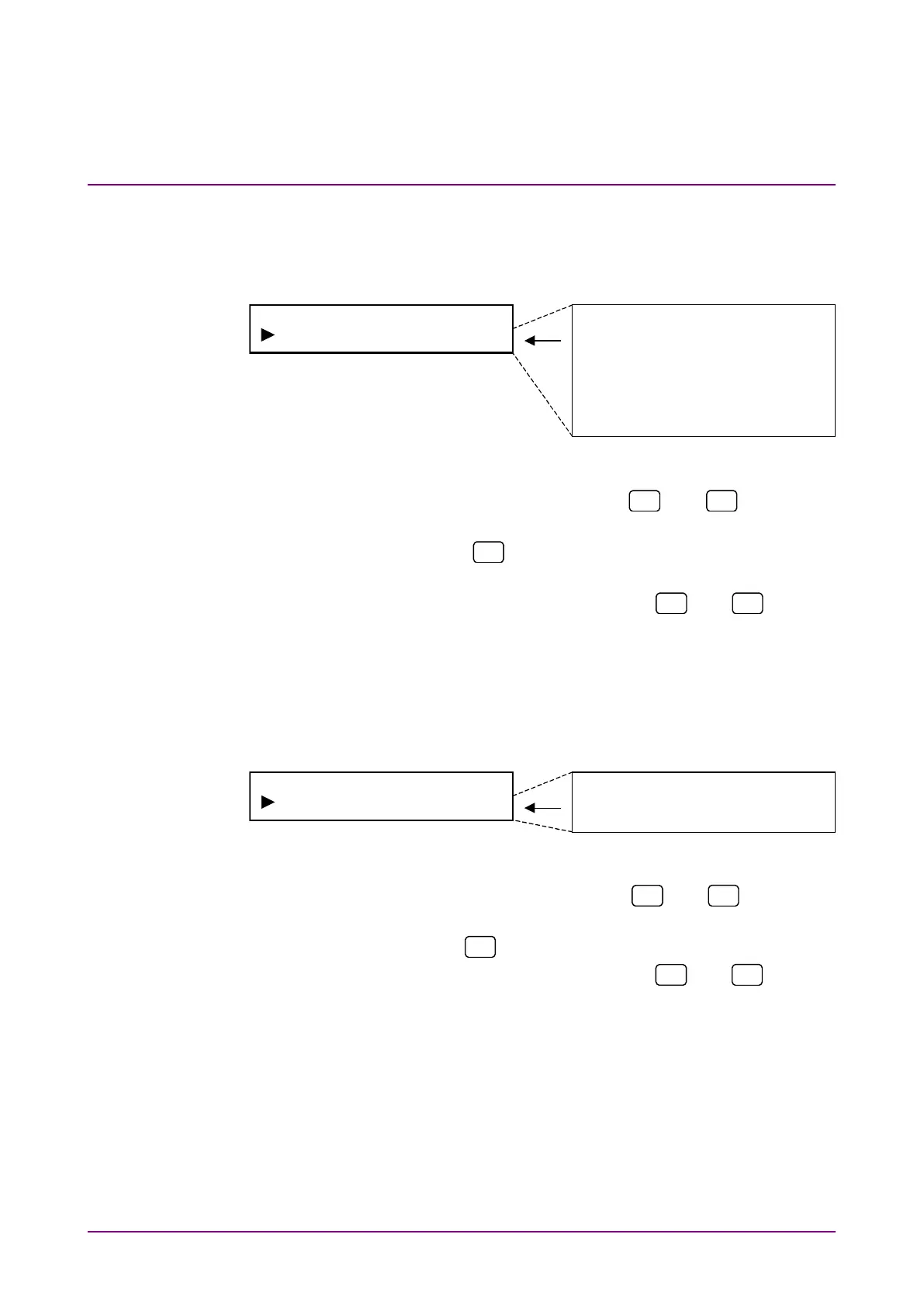
Set baud rate for RS-232C.
Select “RS-232C Baud” on the system menu screen to perform setting.
115200bps
57600bps
38400bps
19200bps
9600bps
4800bps
2400bps
1200bps
<Procedure>
1. Select “RS-232C Baud” by using the
and
keys on the
System* setting screen.
2. Press [Enter] or
to display the RS-232C Baud Rate setting
items.
3. Select baud rate for RS-232C by using the
and
keys and
press [Enter] to finalize the setting.
4.1.4 RS-232C parity bit setting (RS-232C Parity)
Set parity bit for RS-232C.
Select “RS-232C Parity” on the system menu screen to perform setting.
<Procedure>
1. Select “RS-232C Parity” by using the
and
keys on the
System* setting screen.
2. Press [Enter] or
to display the RS-232C Parity setting items.
3. Select parity bit for RS-232C by using the
and
keys and
press [Enter] to finalize the setting.














 To Next Page