4.1.7 Version information (Version)
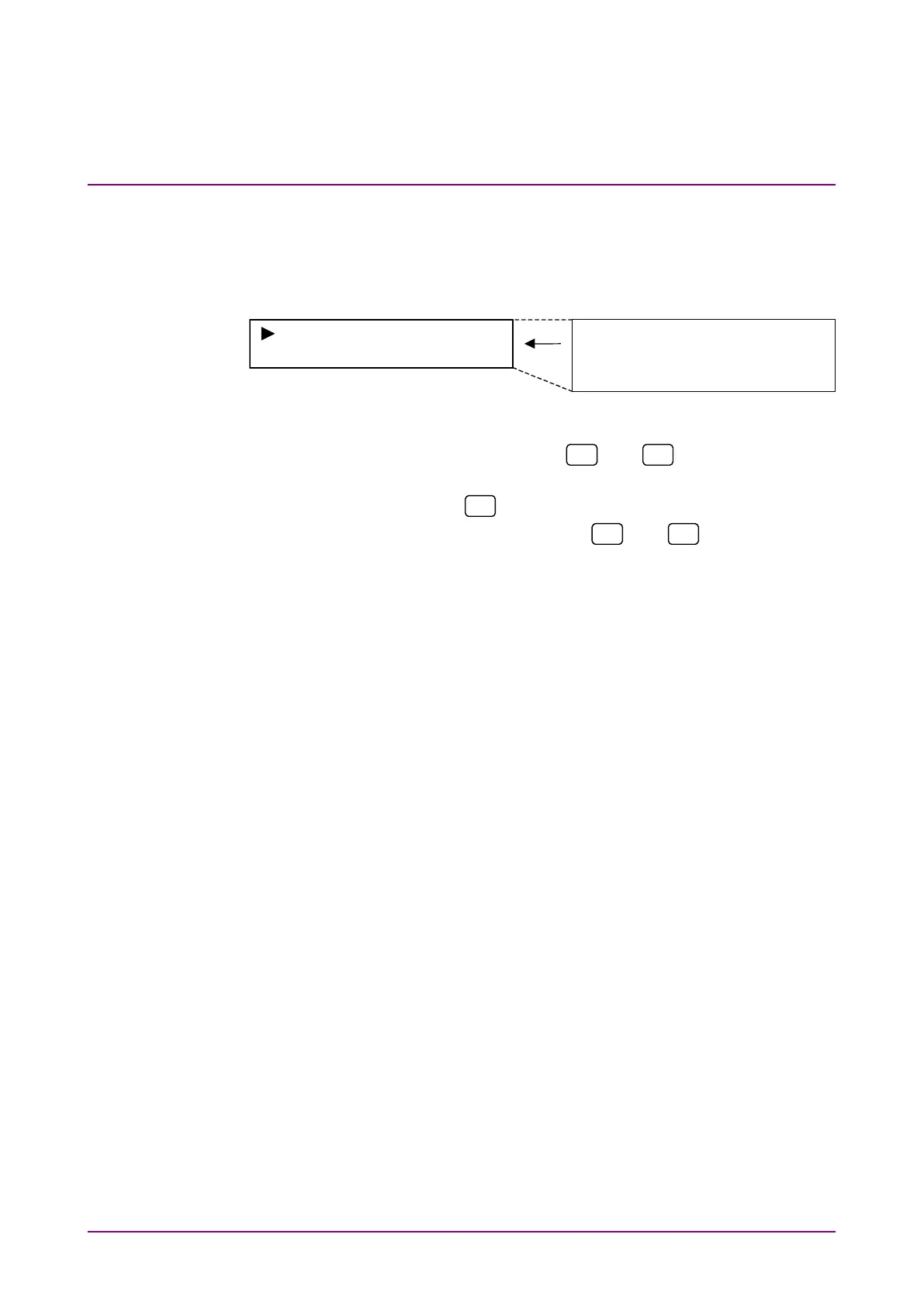
Use this item to check the versions of: MP8931A (Unit), boot program
(Boot), application program (Application) and FPGA (FPGA).
Select “Version” on the system menu screen for confirmation.
Unit
xx.xx
Boot xx.xx
Application xx.xx
FPGA xx.xx
<Procedure>
1. Select “Version” by using the
and
keys on the System*
setting screen.
2. Press [Enter] or
to display the Version confirmation screen.
3. Check the versions by using the
and
keys to scroll the
screen.
4. Press [Enter] to return to the system menu screen.














 To Next Page