Section 3 Screen Display
3-6
The example below shows that 1 hour 25 minutes 34 seconds have
elapsed from the start of measurement.
3.4.5 Remaining measurement time display section
Displays the time remaining from the start of measurement. When Re-
peat is set to On, the remaining time for each interval (time period for
each repetition) is displayed.
Remaining measurement time display is enabled when “Time” is selected
for “Measure*” on the Measurement menu. When a value other than
“Time” is selected for “Measure*” on the Measurement menu, “
” is dis-
played for each digit in the remaining measurement display.
The example below shows that remaining measurement time is 1 hour 34
minutes 26 seconds.
Examples:
Interface display Clock display
Measured results display
NRZ(ECL) 155,000
RATE 0.00E+00
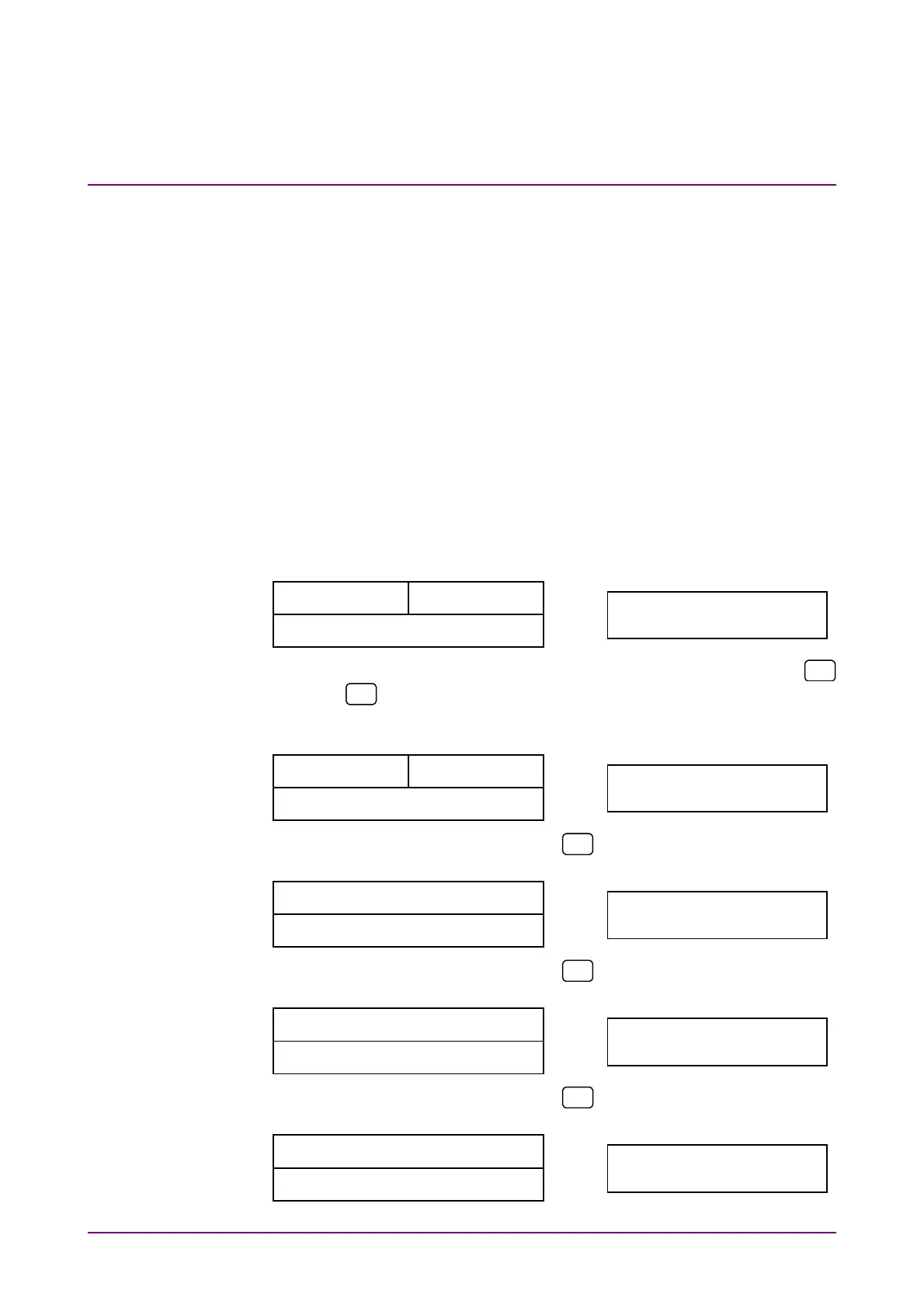
Scroll the screen using the Up and Down cursor keys (expressed by
and
in the following example) to display the measured results,
elapsed measurement time and remaining measurement time.
Interface display Clock display
Measured results display
NRZ(ECL) 155,000
RATE 0.00E+00
Press
.
Elapsed measurement time display
RATE 0.00E+00
PASS 0001h25m34s
Measured results display
Press
.
Remaining measurement time displa
PASS 0001h25m34s
LEFT 0001h34m26s
Elapsed measurement time display
Press
.
Elapsed measurement time display
RATE 0.00E+00
PASS 0001h25m34s
Measured results display














 To Next Page