5.3 RS-232C Interface
5-7
5.3 RS-232C Interface
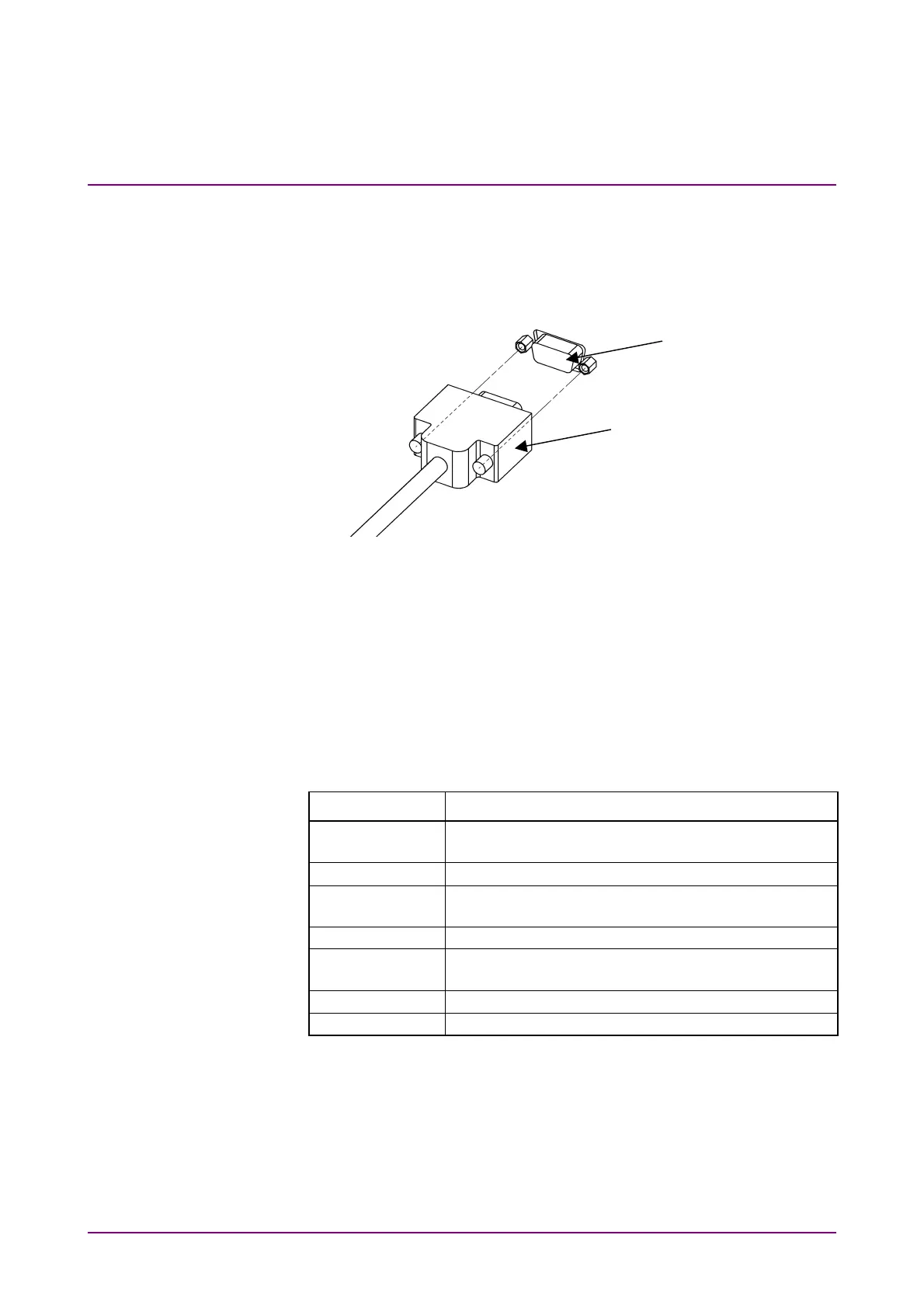
5.3.1 Connecting RS-232C cable
Connect the RS-232C cable connector to the connector on the rear panel.
RS-232C cable
RS-232C connector
Fig. 5.3.1-1 RS-232C cable connection
5.3.2 Setting RS-232C
Set RS-232C parameters (baud rate, parity).
Refer to Sections 4.1.3 “Setting RS-232C baud rate” and 4.1.4 “Setting
RS-232C parity bit” for details.
Before using RS-232C as remote control interface, set the MP8931A to
local status.
Table 5.3.2-1 Settings when using RS-232C interface
Item Standards
Communication
formula
Step-by-step synchronization, half-duplex
Flow Control Xon/Xoff function
Baud rate 1200, 2400, 4800, 9600, 19.2 k, 38.4 k, 57.6 k and
115.2 k
Data length 8 bits (fixed)
Parity Odd number (ODD), even number (EVEN), none
(NONE)
Start bit 1 bit (fixed)
Stop bit 1 bit (fixed)














 To Next Page