6.4.3 DVB-SPI interface output level
(1) Testing specifications
Item Specifications Remarks
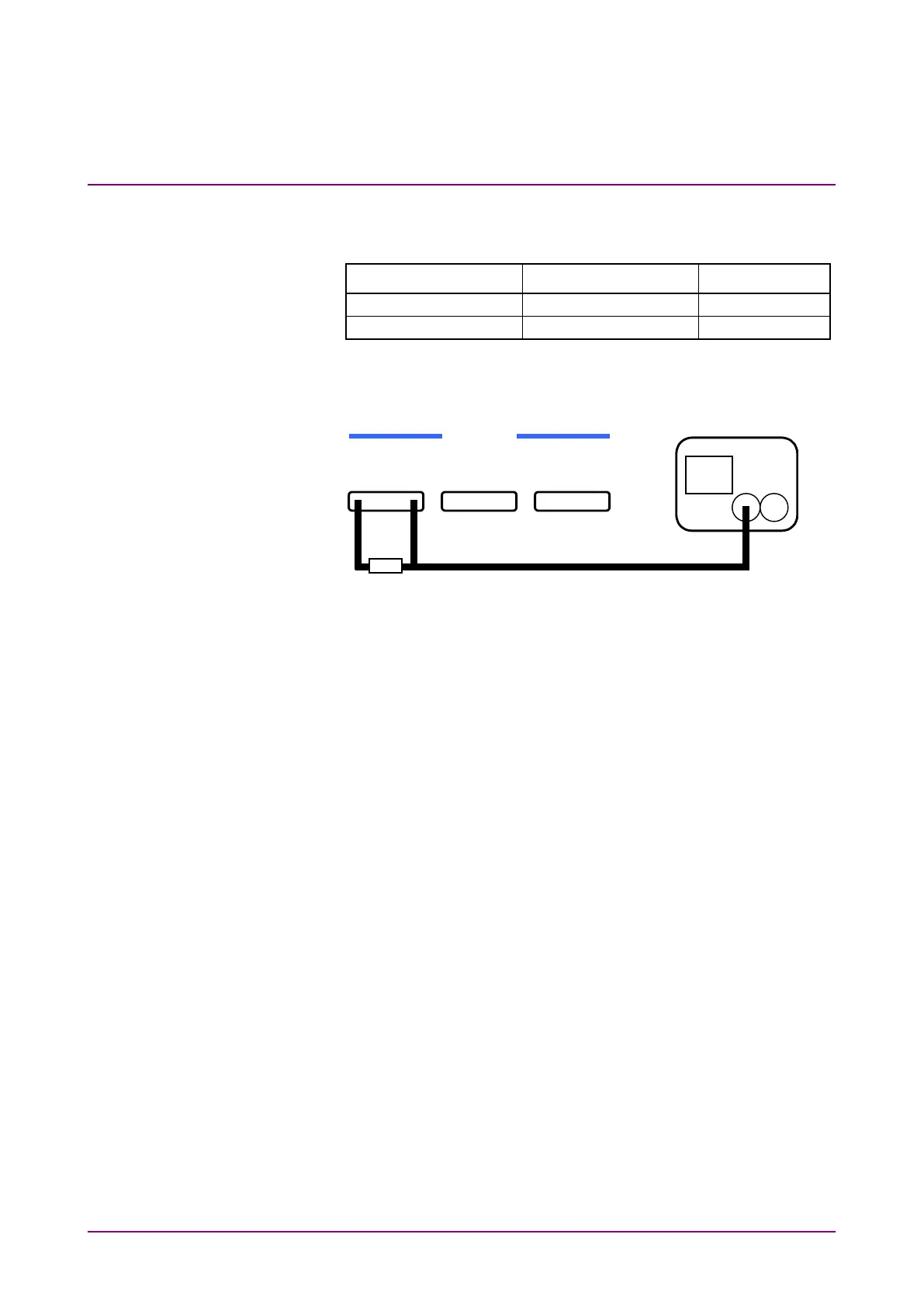
(2) Setup
Fig. 6.4.3-1 Setup for DVB-SPI interface output level test
(3) Test procedure
1. Set up the equipment as shown in Fig. 6.4.3-1.
2. Open the main menu screen by pressing [Menu], and select
System*
→
Initialize to perform initialization.
3. On the main menu screen, select Interface
→
DVB-SPI to set
the interface.
4. Check that the obtained level meets the specifications.
Refer to “Connector” in (3) DVB-SPI interface of Appendix A
“Specifications” for details of signals.














 To Next Page