4.2.8 Measurement menu setting
Set whether to perform measurement for the specified time, the specified
number of bits, or none (start/stop manually). Then perform the set-
tings of time, the number of bits (count), measurement repetition and
measured results display. Automatic measurement stop is possible by
specifying the measurement time or count. Measurement can be per-
formed repeatedly by enabling measurement repetition.
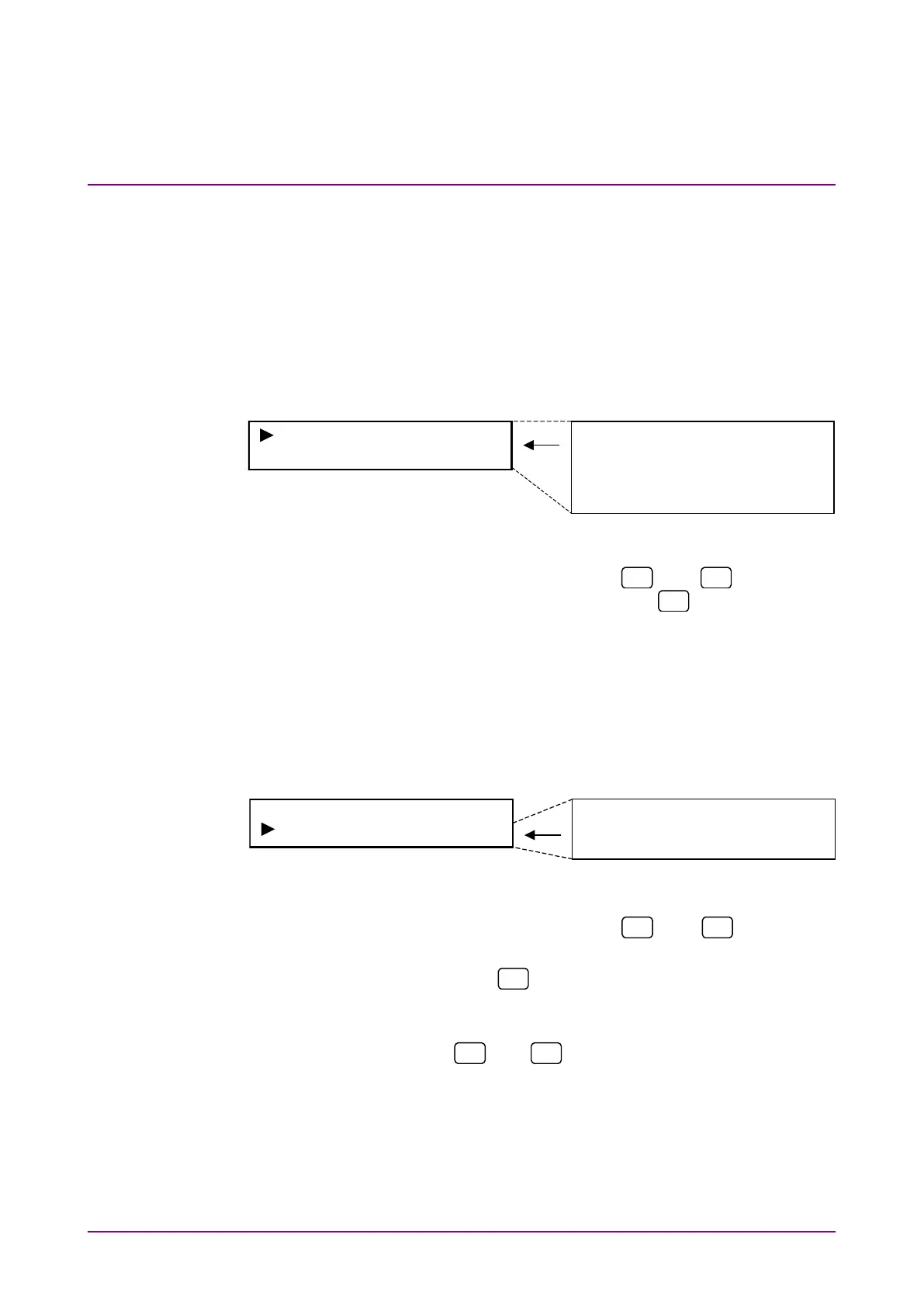
Select “Measure*” on the main menu screen to perform settings.
Measure None
Time 000h00m01s
Measure None
Repeat Off
Select Current
Time 000h00m01s
Count 1E+03
<Procedure>
1. Select a setting item by using the
and
keys for the
Measure* setting items. Press [Enter] or
to display the item
to be set.
(1) Measurement method setting
Set whether to perform measurement for the specified time, the
specified number of bits or none (start/stop manually), as below.
Select “Measure” on the measurement menu screen to perform set-
tings.
<Procedure>
1. Select “Measure” by using the
and
keys on the
Measure* setting screen.
2. Press [Enter] or
to display the Measure setting items.
3. Select whether to perform measurement for the specified time
(Time), the specified number of bits (Count) or none (None) by
using the
and
keys. Press [Enter] to finalize the
setting.
When this setting is performed during measurement, meas-
urement is restarted and the menu closes. When this setting is
performed while measurement is stopped, the measurement
menu is displayed again.














 To Next Page