4.2.7 External clock setting
Enable/disable measurement using an external clock, and set parameters
when it is used. This function is enabled when NRZ or DVB-SPI inter-
face is selected.
Note that the external clock is used as a byte clock when DVB-SPI inter-
face is selected.
Inputting an external signal out of specifications may cause failure. Be
sure to perform settings according to the specifications.
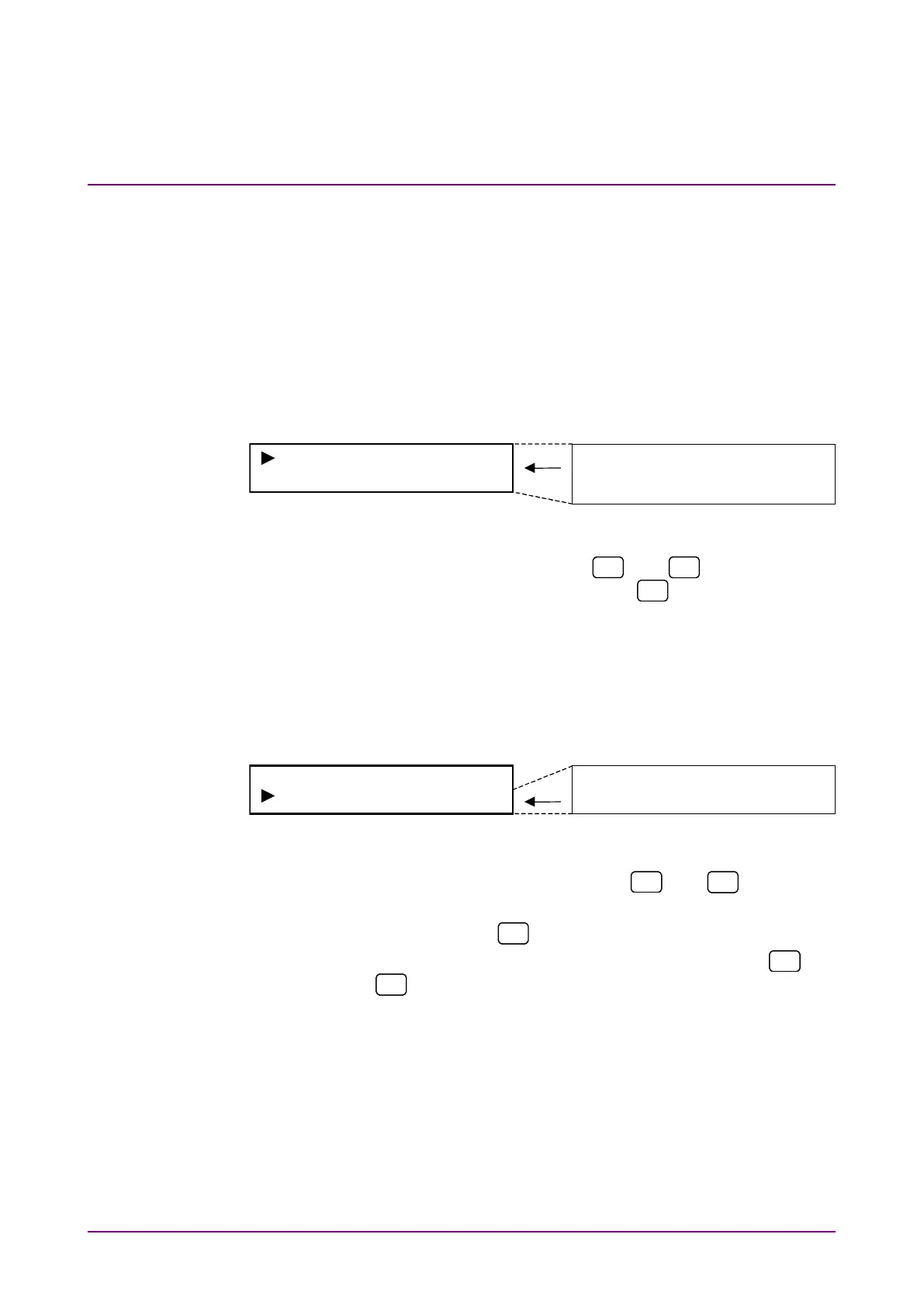
Select “EXT Clock*” on the main menu screen to perform setting.
EXT Clock Disable
Level TTL
EXT Clock
Disable
Level TTL
Termination 75Ω
<Procedure>
1. Select setting item by using the
and
keys on the EXT
Clock* setting items. Press [Enter] or
to display the item to
be set.
(1) Enable/disable setting
Enable/disable the use of external clock.
Select “EXT Clock” on the external clock input menu screen to per-
form setting.
<Procedure>
1. Select “EXT Clock” by using the
and
keys on the
EXT Clock* setting screen.
2. Press [Enter] or
to display the EXT Clock setting items.
3. Select enable/disable of external clock by using the
and
keys. Press [Enter] to finalize the setting.
When this setting is performed during measurement, meas-
urement is restarted and the menu closes. When this setting is
performed while measurement is stopped, the external clock
input menu is displayed again.














 To Next Page