4.2.13 Function of DVB-ASI interface setting
Set parameters for DVB-ASI interface.
Frame detection (synchronization establishment) condition at DVB-ASI
interface is that synchronization is established when SYNC (47h) is de-
tected 3 times continuously, and sync loss detection is not performed af-
ter synchronization is established.
Output packet format is not supported in burst mode.
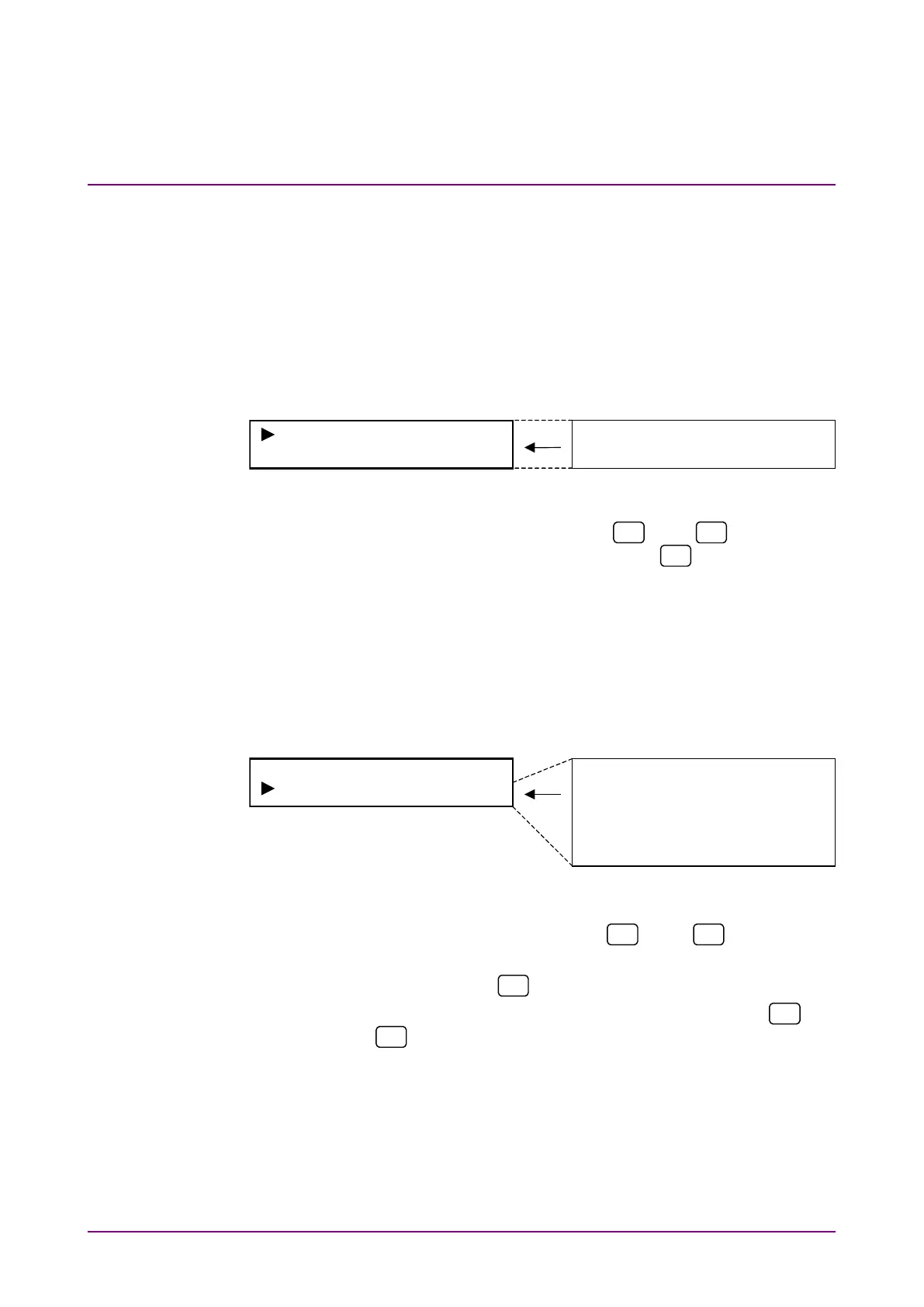
Select “DVB-ASI*” on the main menu screen to perform setting.
PKT (1)+187+(16)
Data Rate 27MHz
PKT (1)+187+(16)
Data Rate 27MHz
<Procedure>
1. Select setting item by using the
and
keys for the
DVB-ASI* setting items. Press [Enter] or
to display the item
to be set.
(1) Packet setting
Set packet type used for input/output. Available packets are the
same as those for DVB-SPI interface.
Select “PKT” on the DVB-ASI menu screen to perform setting.
DVB-ASI Packet
204:(1)+187+(16)
204:(1)+187+(16)
188:(1)+187
204:(1+3)+184+(16)
188:(1+3)+184
204:(1)+203
204:(1+3)+200
<Procedure>
1. Select “PKT” by using the
and
keys on the
DVB-ASI* setting screen.
2. Press [Enter] or
to display the Packet setting items.
3. Select packet type used for input/output by using the
and
keys. Press [Enter] to finalize the setting.
When this setting is performed during DVB-ASI measurement,
measurement is restarted and the menu closes. When this
setting is performed while measurement is stopped or during
NRZ or DVB-SPI measurement, the DVB-ASI menu is dis-
played again.














 To Next Page