4.2 Setting Parameters
4-9
4.2.3 Error addition setting (Error)
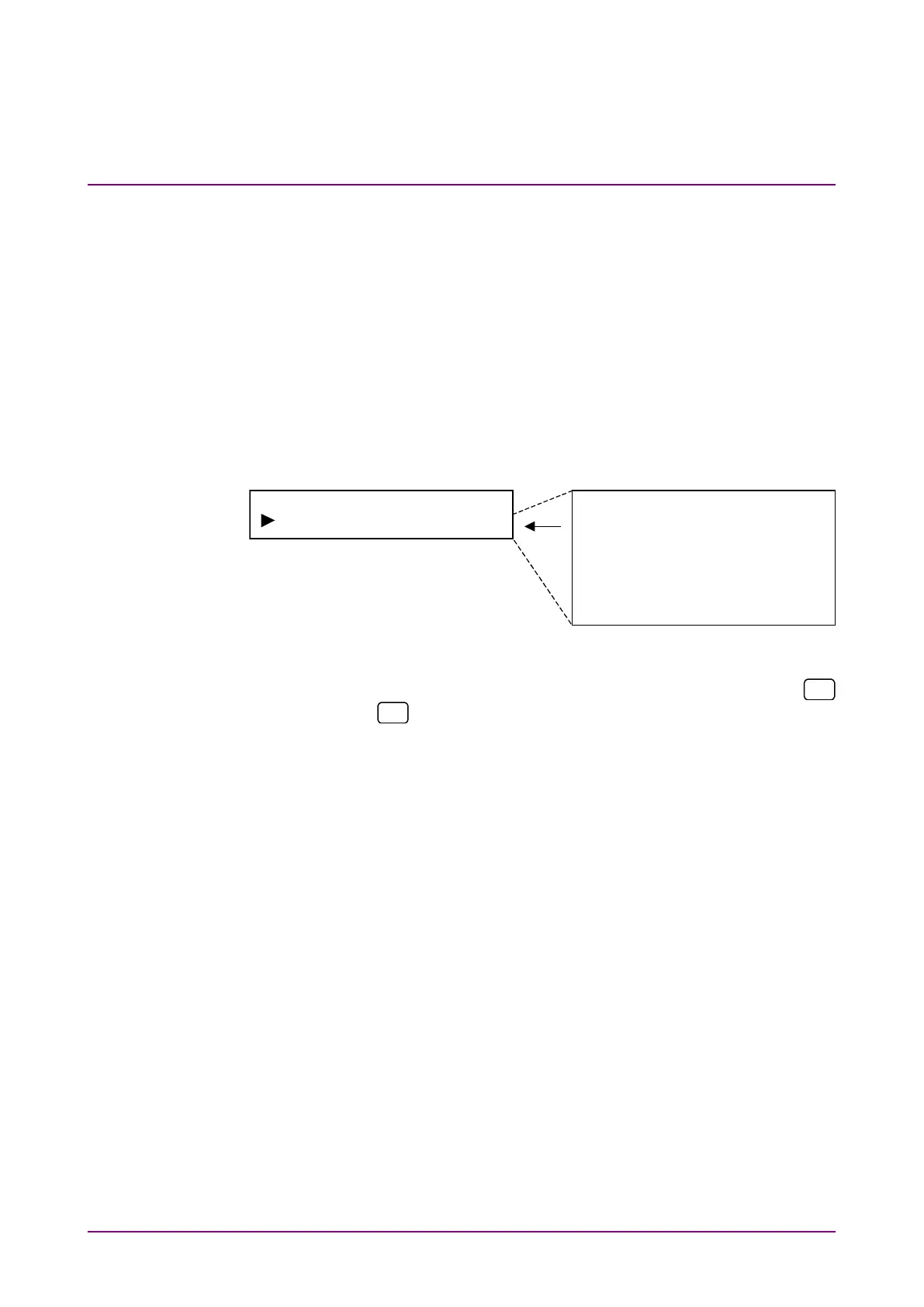
Set the error addition on or off and the adding method. When error ad-
dition period is set to manual, one error bit is added each time [Error
ADD] is pressed. Once [Error ADD] is pressed, an error is added; how-
ever, no additional errors are added until the key is released. If error
addition period is set to 1
×
10
–2
, 1
×
10
–3
, 1
×
10
–4
, 1
×
10
–5
, 1
×
10
–6
or 1
×
10
–7
,
errors are added periodically and automatically (1
×
10
–3
: one error bit is
continuously added for each 10
3
bits.) Note, however, that one error bit
is added for each 64 bits when the error addition period is set to 1
×
10
–2
and the DVB-ASI or DVB-SPI interface is selected.
Select “Error” on the main menu screen to perform setting.
None
Manual
1E-2
1E-3
1E-4
1E-5
1E-6
1E-7
<Procedure>
1. Select On/Off of error addition or adding method by using the
and
keys on the Error setting items. Press [Enter] to finalize
the setting.
When this setting is performed during measurement, measurement
is restarted and the menu closes. When this setting is performed
while measurement is stopped, the measurement menu is displayed
again.














 To Next Page