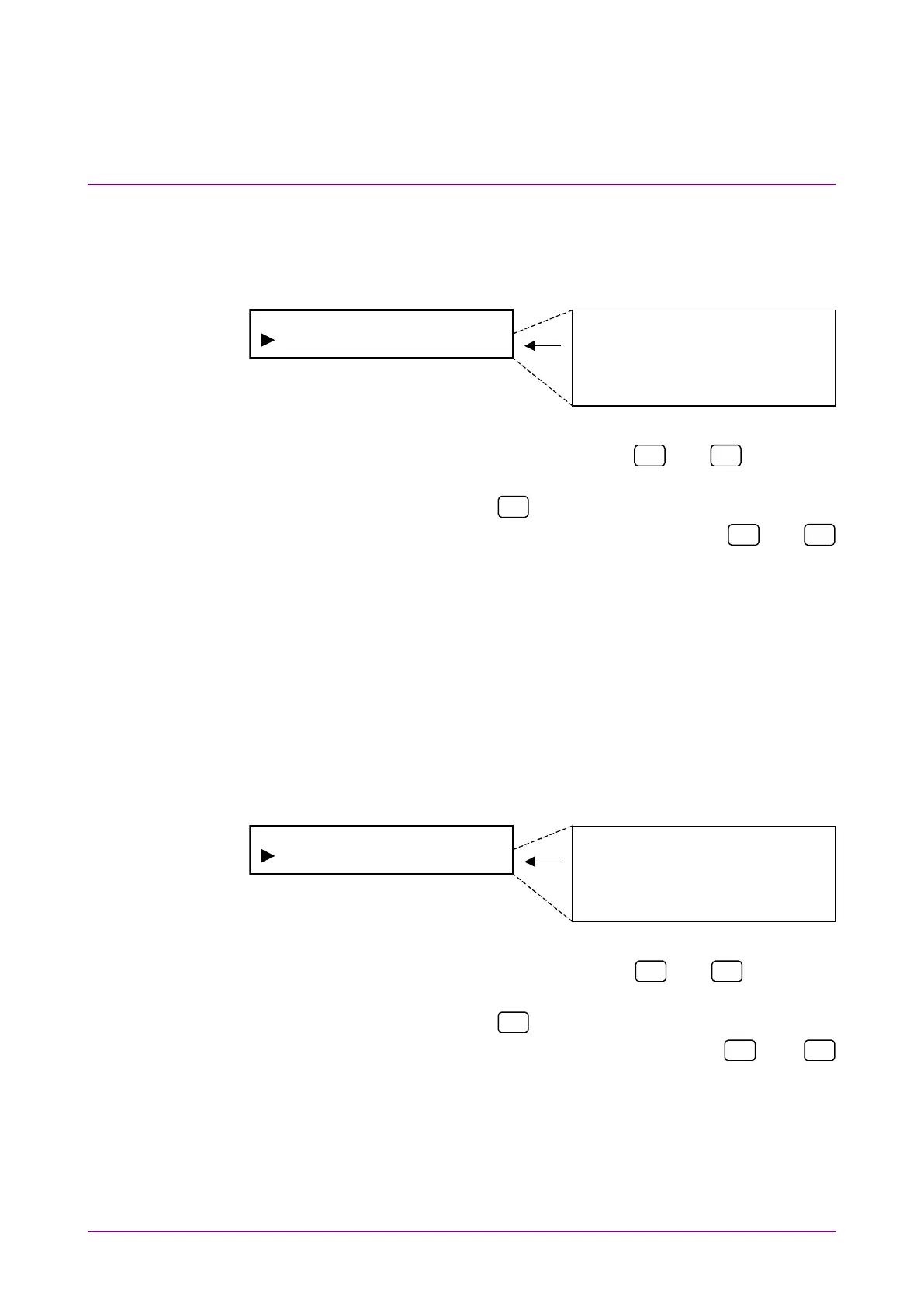
(6) Setting termination voltage for Variable
Set the termination voltage value.
Select “Variable Vtt” on the NRZ input menu screen to perform set-
ting.
<Procedure>
1. Select “Variable Vtt” by using the
and
keys on the
NRZ Input* setting screen.
2. Press [Enter] or
to display the Variable Vtt setting items.
3. Select termination voltage value by using the
and
keys. Press [Enter] to finalize the setting.
When this setting is performed during NRZ measurement,
measurement is restarted and the menu closes. When this
setting is performed while measurement is stopped or during
DVB-SPI or DVB-ASI measurement, the NRZ input menu is
displayed again.
(7) Setting threshold voltage for Variable
Set the threshold voltage value.
Select “Variable Vth” on the NRZ input menu screen to perform set-
ting.
<Procedure>
1. Select “Variable Vth” by using the
and
keys on the
NRZ Input* setting screen.
2. Press [Enter] or
to display the Variable Vth setting items.
3. Select threshold voltage value by using the
and
keys. Press [Enter] to finalize the setting.
When this setting is performed during NRZ measurement,
measurement is restarted and the menu closes. When this
setting is performed while measurement is stopped or during
DVB-SPI or DVB-ASI measurement, the NRZ input menu is
displayed again.














 To Next Page