4.2 Setting Parameters
4-21
(2) Level setting
Set level.
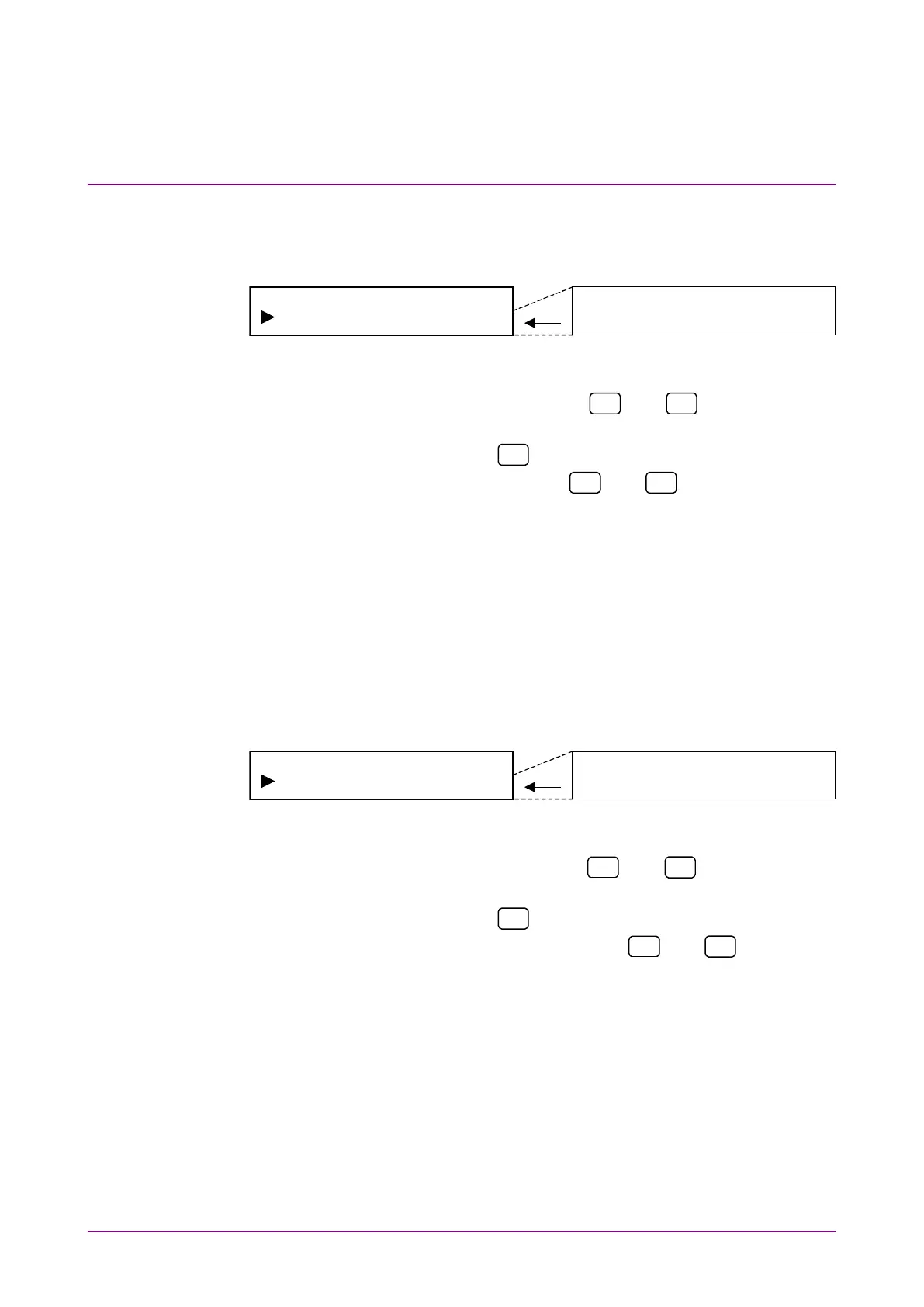
Select “Level” on the NRZ output menu screen to perform setting.
<Procedure>
1. Select “Level” by using the
and
keys on the NRZ
Output* setting screen.
2. Press [Enter] or
to display the Level setting items.
3. Select level by using the
and
keys. Press [Enter]
to finalize the setting.
When this setting is performed during NRZ measurement,
measurement is restarted and the menu closes. When this
setting is performed while measurement is stopped or during
DVB-SPI or DVB-ASI measurement, the NRZ output menu is
displayed again.
(3) Data polarity setting
Set data polarity.
Select “Data” on the NRZ output menu screen to perform setting.
<Procedure>
1. Select “Data” by using the
and
keys on the NRZ
Output* setting screen.
2. Press [Enter] or
to display the Data setting items.
3. Select data polarity by the using
and
keys. Press
[Enter] to finalize the setting.
When this setting is performed during NRZ measurement,
measurement is restarted and the menu closes. When this
setting is performed while measurement is stopped or during
DVB-SPI or DVB-ASI measurement, the NRZ output menu is
displayed again.














 To Next Page