99
Application Basics
AQUOS R compact
Setting Battery Optimization
Enable Battery optimization to prevent applications from
running while Display is turned off (except while charging).
Activating (TV) for the first time is described as an
example.
・If Battery optimization is enabled, applications are disabled
while Display is turned off (except while charging).
Consequences such as failure to perform scheduled TV
recording, may occur.
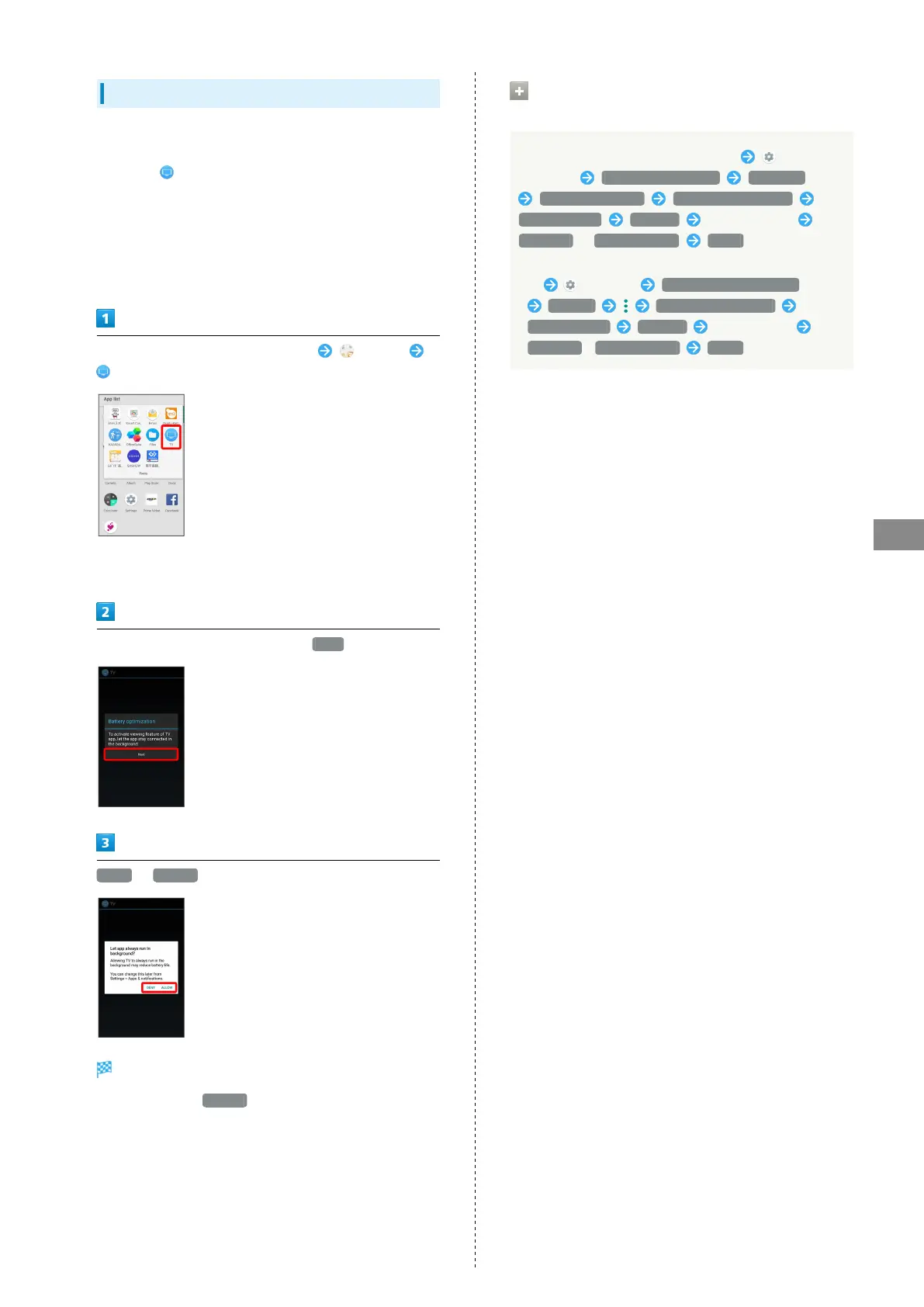
In Home Screen, Flick Favorites Tray up (Tools)
(TV)
・If confirmation for giving permission appears, follow
onscreen prompts.
In Battery optimization confirmation, Next
DENY / ALLOW
Setting is complete.
・
Normally, select ALLOW to ignore Battery optimization.
Other Ways to Set Battery
Optimization
In Home Screen, Flick Favorites Tray up
(Settings) Apps & notifications Advanced
Special app access Battery optimization
Not optimized All apps Tap application
Optimize / Don't optimize DONE
・Alternatively, in Home Screen, Flick Favorites Tray
up (Settings) Battery & energy saving
Battery Battery optimization
Not optimized All apps Tap application
Optimize / Don't optimize DONE .



 To Next Page