121
Wi-Fi/Bluetooth
®
AQUOS R compact
Using Bluetooth
®
Function
Connect handset to other Bluetooth
®
devices (e.g., headset)
for handsfree conversations, or connect to other Bluetooth
®
-
capable mobile phones, etc. to exchange data.
Bluetooth
®
Connectivity
The Bluetooth
®
function is a technology that enables wireless
connection with PCs, Bluetooth
®
devices with handsfree
functionality, etc. such as the following.
Function Description
Sound output Listen to music, audio, etc. wirelessly.
Handsfree
conversation
Use Bluetooth
®
devices (e.g., headsets) for
handsfree conversations.
Data exchange Exchange data with Bluetooth
®
devices.
Enabling Bluetooth
®
Function
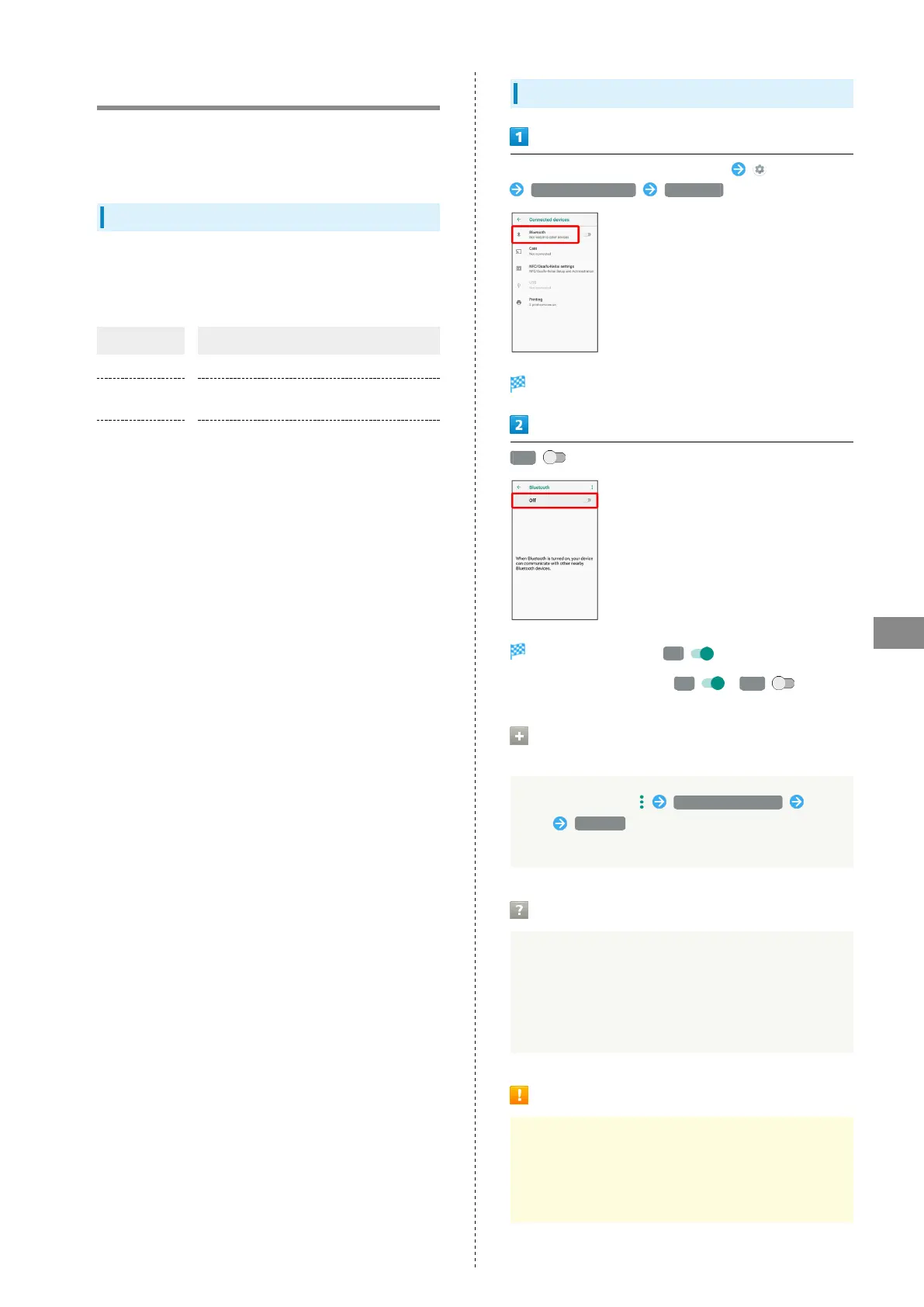
In Home Screen, Flick Favorites Tray up (Settings)
Connected devices Bluetooth
Bluetooth
®
menu opens.
Off
Bluetooth
®
is enabled ( On ).
・
To disable Bluetooth
®
, Tap On ( Off ).
Renaming Handset Name that Appears
on Other Devices
In Bluetooth
®
menu, Rename this device Enter
name RENAME
・Available when "Bluetooth" is enabled.
Troubleshooting
Q. Cannot use Bluetooth
®
A. Handset may be in Airplane mode. If in Airplane mode,
Bluetooth
®
function is disabled. Bluetooth
®
function
can be enabled again after placing handset in Airplane
mode.
Bluetooth
®
Cautions
Connection
Bluetooth
®
connection may not be possible with some
Bluetooth
®
devices. In addition, noise may interfere with
wireless or handsfree conversations.



 To Next Page