123
Wi-Fi/Bluetooth
®
AQUOS R compact
Connecting to Bluetooth
®
Devices by Service
In Bluetooth
®
menu, for target device Tap item
OK
・Available when Bluetooth
®
is enabled.
・Available when handset is paired with a device that
supports corresponding service.
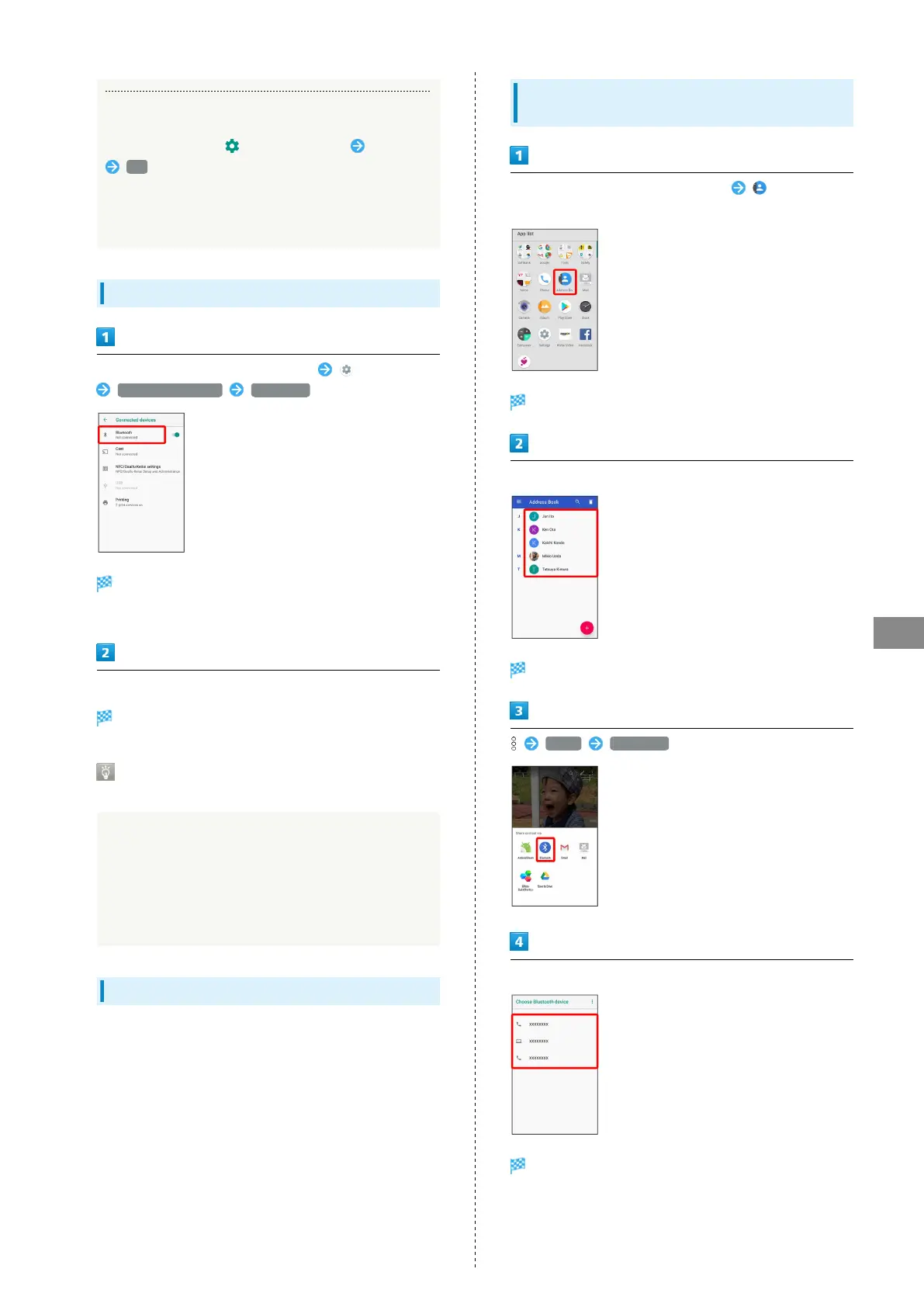
Connecting to Paired Bluetooth
®
Devices
In Home Screen, Flick Favorites Tray up (Settings)
Connected devices Bluetooth
Bluetooth
®
menu opens.
・Paired Bluetooth
®
devices appear in Paired devices field.
Tap target device
Handset connects to the device.
Connection by Accepting Connection
Requests
Handset automatically accepts connection requests from
paired devices. For unpaired devices, set handset to be
discoverable, then perform pairing operation on other
devices. When connection request arrives, follow onscreen
prompts.
・If confirmation appears, follow onscreen prompts.
Receiving Data via Bluetooth
®
See "Receiving Data via Bluetooth
®
(e.g., Address Book)" and
"Importing Contacts via Bluetooth
®
(Data Transfer)" for
details.
Sending Data via Bluetooth
®
(e.g.,
Address Book)
In Home Screen, Flick Favorites Tray up (Address
Book)
Address Book opens.
Tap contact
Contact opens.
Share Bluetooth
Tap target device
Data is sent.
・If confirmation appears, follow onscreen prompts.



 To Next Page