44
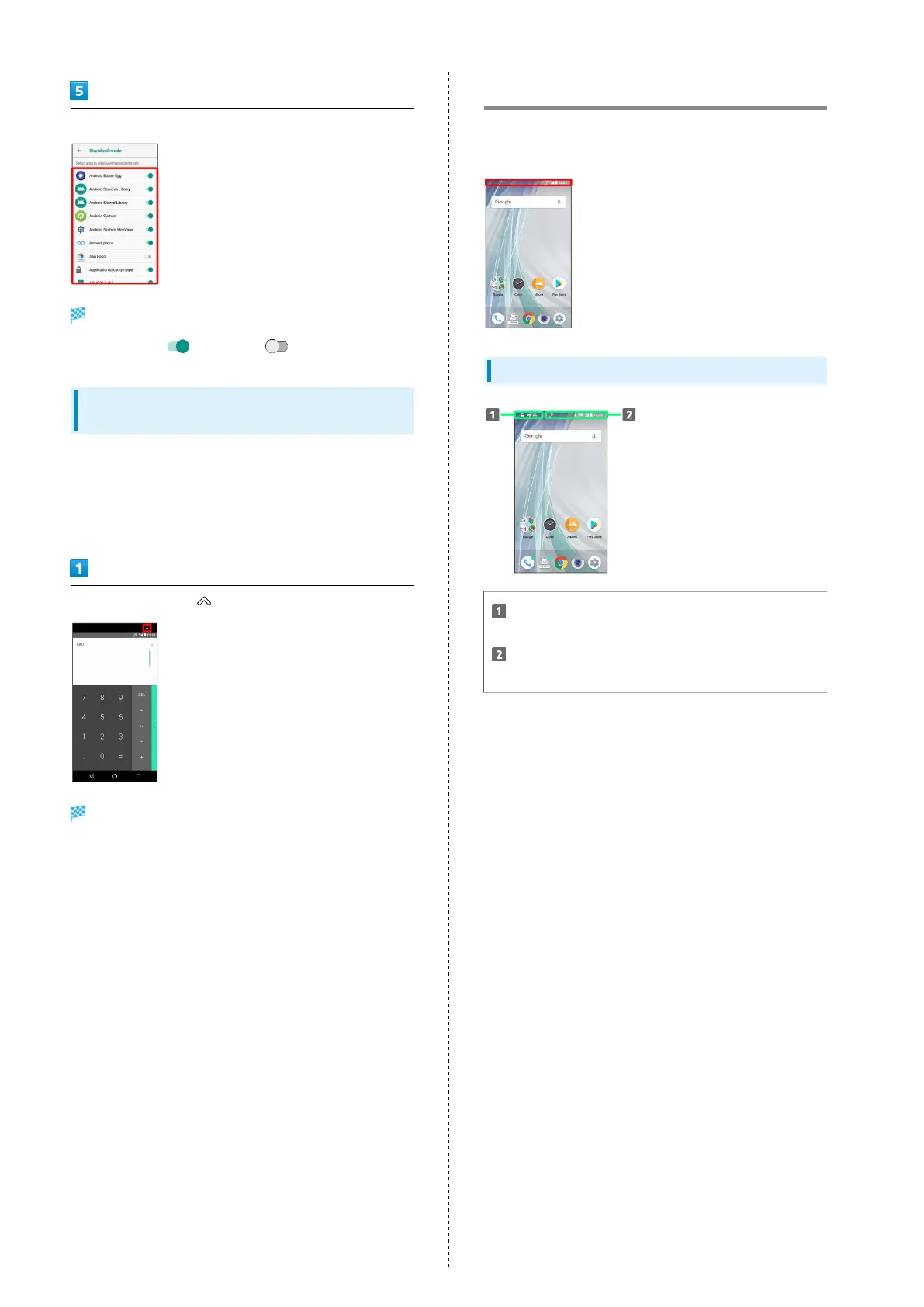
Tap application
Standard mode is set.
・
Tap to enable ( ) or disable ( ) option.
Enabling Standard Mode with Current
Application
If standard mode is disabled with current application, enable
it from the application screen.
・It cannot be disabled from the application screen. See
"Setting Standard Mode" for details on disabling.
In application screen,
Standard mode is enabled.
Icons at Display Top (Status Bar)
Indicators (new message notification, handset status, etc.)
appear at the top of Display.
Status Bar Layout
Notifications, warnings, etc. appear here. (Notification
Indicators)
Handset status and other information appear here.
(Status Indicators)



 To Next Page