171
Handset Settings
AQUOS R compact
Viewing Emergency Information
In lock screen, Flick / up Emergency
EMERGENCY INFORMATION twice
・
Available when unlock method is Pattern / Lock No.
/ Password . For details on screen lock, see "Security &
Location Settings."
Accessibility Settings
Accessibility Settings
Set captions, magnification gestures, and other useful
accessibility functions.
Item Description
Accessibility
shortcut
Quickly enable accessibility functions.
Text-to-
speech output
Make detailed voice-to-text settings. See
"Languages & Input Settings" for details.
Font size Set the size of text appearing in Display.
Display size
Set the size of images and icons appearing
in Display.
Magnification
Enable enlarged view by Triple-Tapping or
using accessibility key.
Large mouse
pointer
Set whether to use a large pointer.
Click after
pointer stops
moving
Set handset to click function after
pointer stops moving.
Power button
ends call
Enable end of call by Pressing during
a call.
Auto-rotate
screen
Enable automatic rotation of Display.
Touch & hold
delay
Set time to press Display for Touch &
Hold.
Mono audio
Set whether to use monaural audio
playback.
Captions Make settings for captions.
High contrast
text
Make text easier to see by adding outline,
etc.
Color
correction
Correct screen colors.
Color
inversion
Invert screen colors.
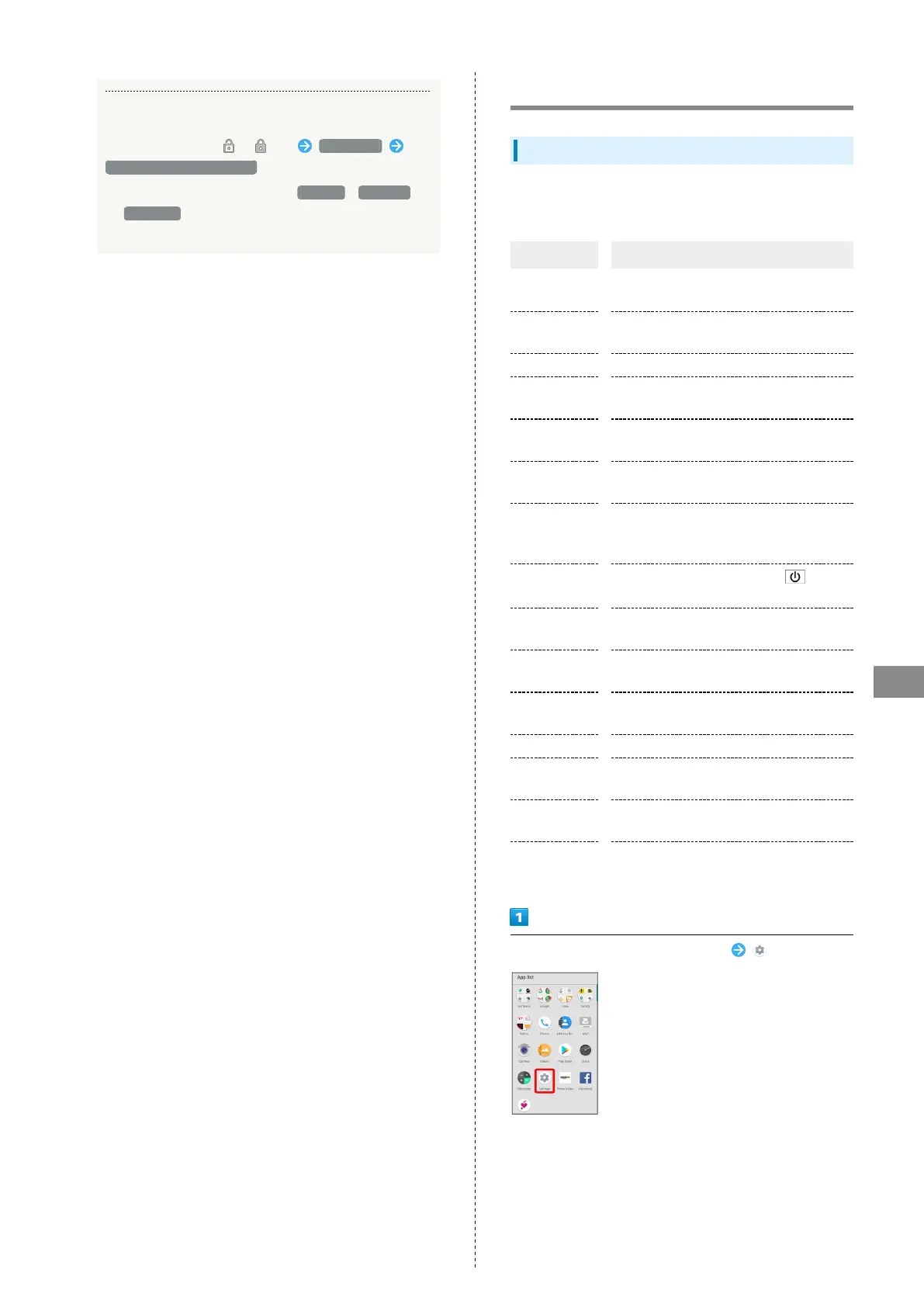
In Home Screen, Flick Favorites Tray up (Settings)



 To Next Page