154
Setting Vibration for Incoming Calls
Enable vibration for call ringtone.
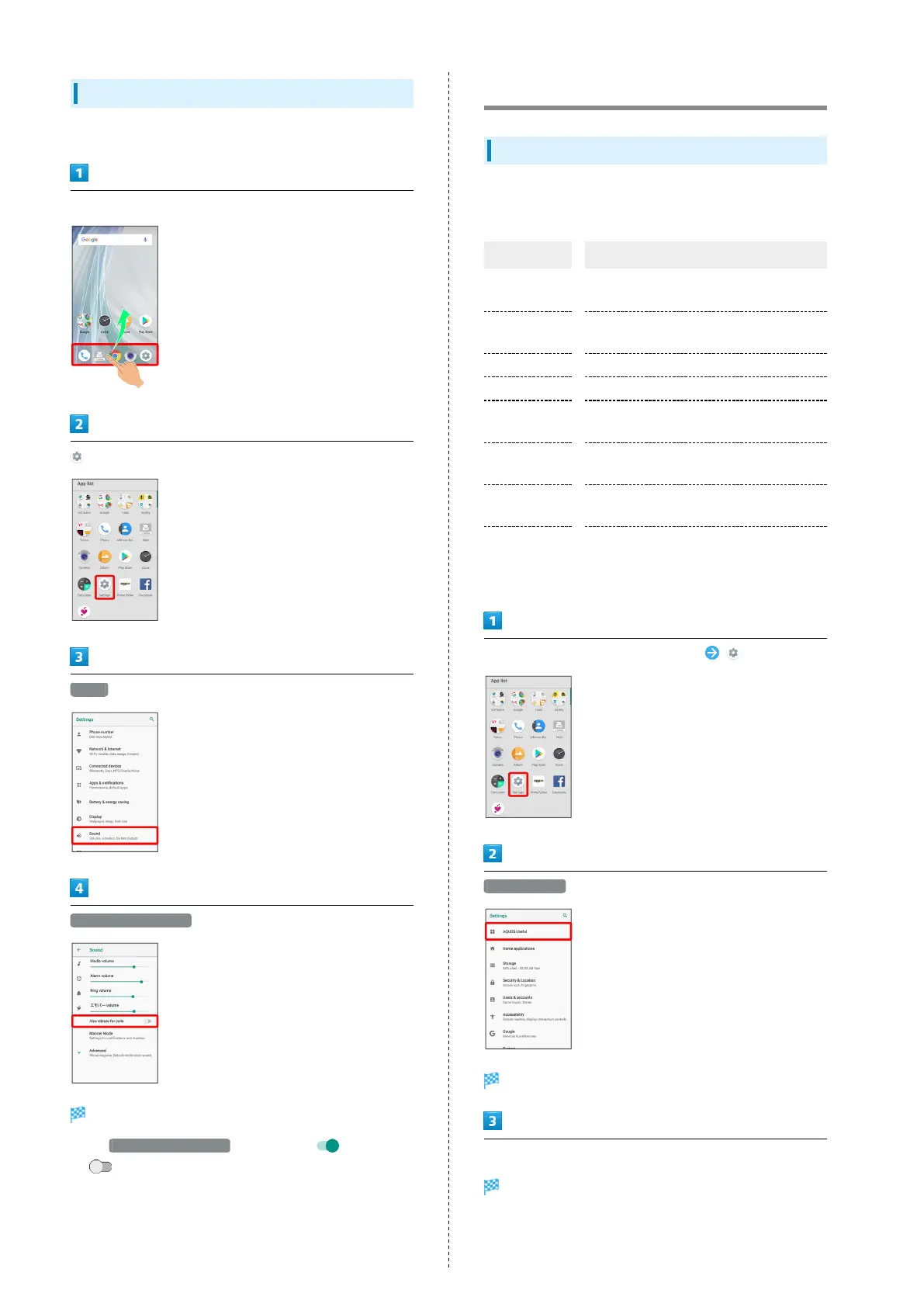
In Home Screen, Flick Favorites Tray up
(Settings)
Sound
Also vibrate for calls
Setting is complete.
・
Tap Also vibrate for calls to toggle on ( )/off
( ).
AQUOS Useful Settings
AQUOS Useful Settings
Set useful functions such as ScrollAuto and Clip Now. Settable
items are the following.
Item Description
High-speed
display
Set whether screen display is smoother.
Fingerprint
sensor
Make settings for using Fingerprint
Sensor.
ScrollAuto Make settings for automatic scrolling.
エモパー Set emopa.
Clip Now
Set what action occurs when sliding your
finger along the edge of Display.
Auto sleep
Off
Set Display on or off by handling handset.
Phone cover
setting
Make settings for handbook cover motion.
ROBOQUL
setting
Set whether ROBOQUL swivels for new
calls, notifications, etc. when using
ROBOQUL.
In Home Screen, Flick Favorites Tray up (Settings)
AQUOS Useful
AQUOS Useful menu opens.
Set each item
Setting is complete.



 To Next Page