47
Handset Interface
AQUOS R compact
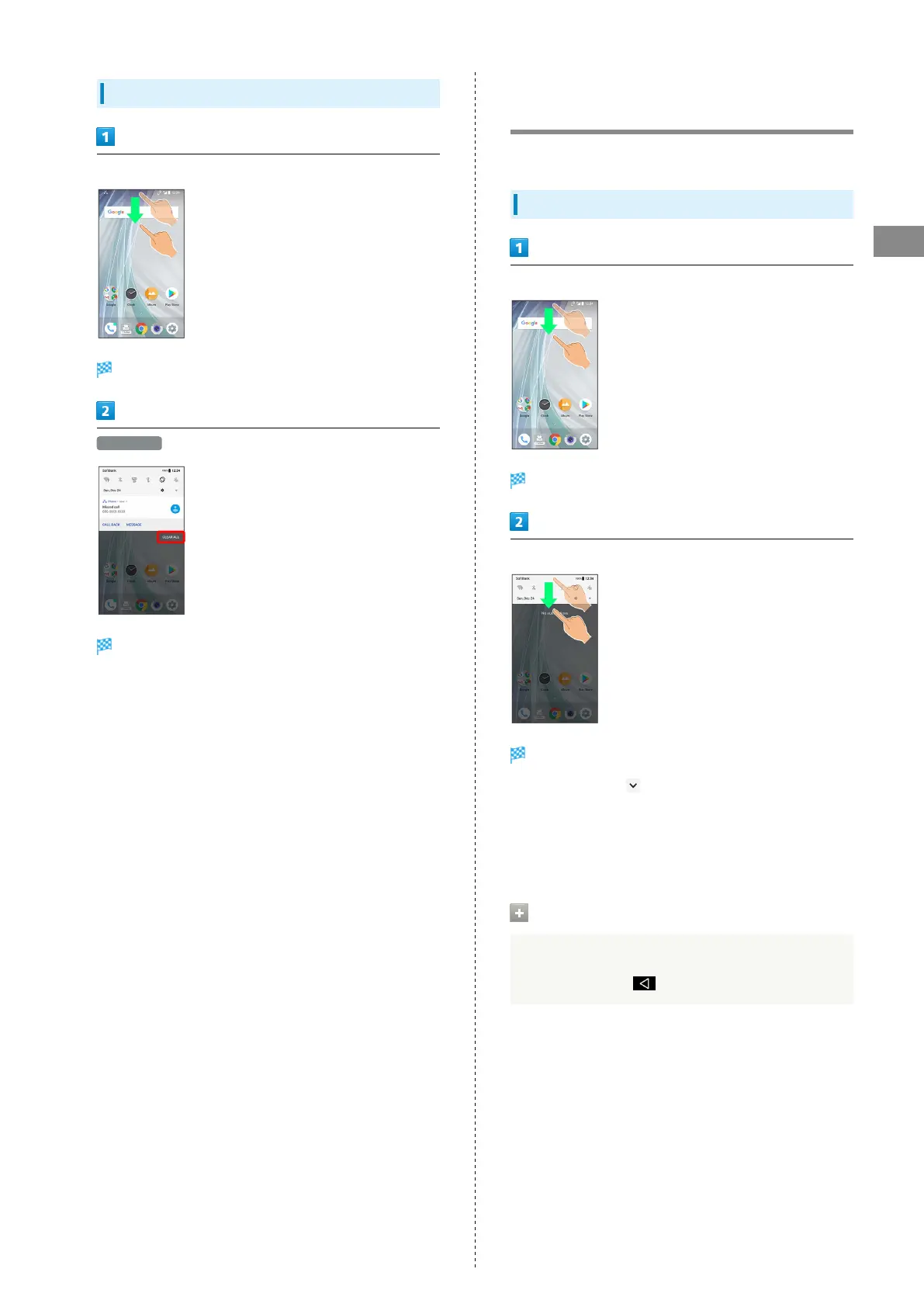
Deleting All Notifications
Drag Status Bar down
Notifications Window opens.
CLEAR ALL
All notifications are deleted.
Checking Notifications (Quick
Settings Window)
Tap icons to toggle functions on/off, etc.
Opening Quick Settings Window
Drag Status Bar down
Notifications Window opens.
Drag Status Bar down
Quick Settings Window opens.
・
Alternatively, Tap at Display top to open Quick Settings
Window.
・Alternatively, to open Quick Settings Window, Drag Status
Bar down with two fingers with Notifications Window
closed.
Closing Quick Settings
Drag Quick Settings up
・
Alternatively, Tap .



 To Next Page