128
About Settings
About Settings
In Home Screen, Flick Favorites Tray up (Settings) to
customize operation of handset functions.
・Tap to search for items in settings menu.
・Suggested settings appear as candidates at top of settings
menu.
Handset settings include the following items.
Item Description
Phone number Check own phone number.
Network &
Internet
Make settings for Wi-Fi, mobile network,
data usage, Airplane mode, etc.
Connected
devices
Make Bluetooth
®
connection and other
settings.
Apps &
notifications
Make settings for installed applications
and notifications.
Battery &
energy saving
Save battery power by restricting some
handset features, or check Battery usage.
Display Set Display brightness, wallpaper, etc.
Sound
Make ringtone, operation tones, and other
sound settings.
AQUOS Useful
Set ROBOQUL motion and useful functions
such as Fingerprint Sensor and Clip Now.
Home
applications
Change the home application.
Storage
Check memory space of internal storage,
SD Card and USB drive, mount or unmount
SD Card, erase data on SD Card, etc.
Security &
Location
Make security settings including screen
lock and security codes as well as
location.
Users &
accounts
Create/add accounts, sync accounts, and
set emergency information.
Accessibility Make settings for user accessibility.
Google Make settings for Google services.
System
Check and make settings for language,
input, date and time, backup, reset, and
handset information.
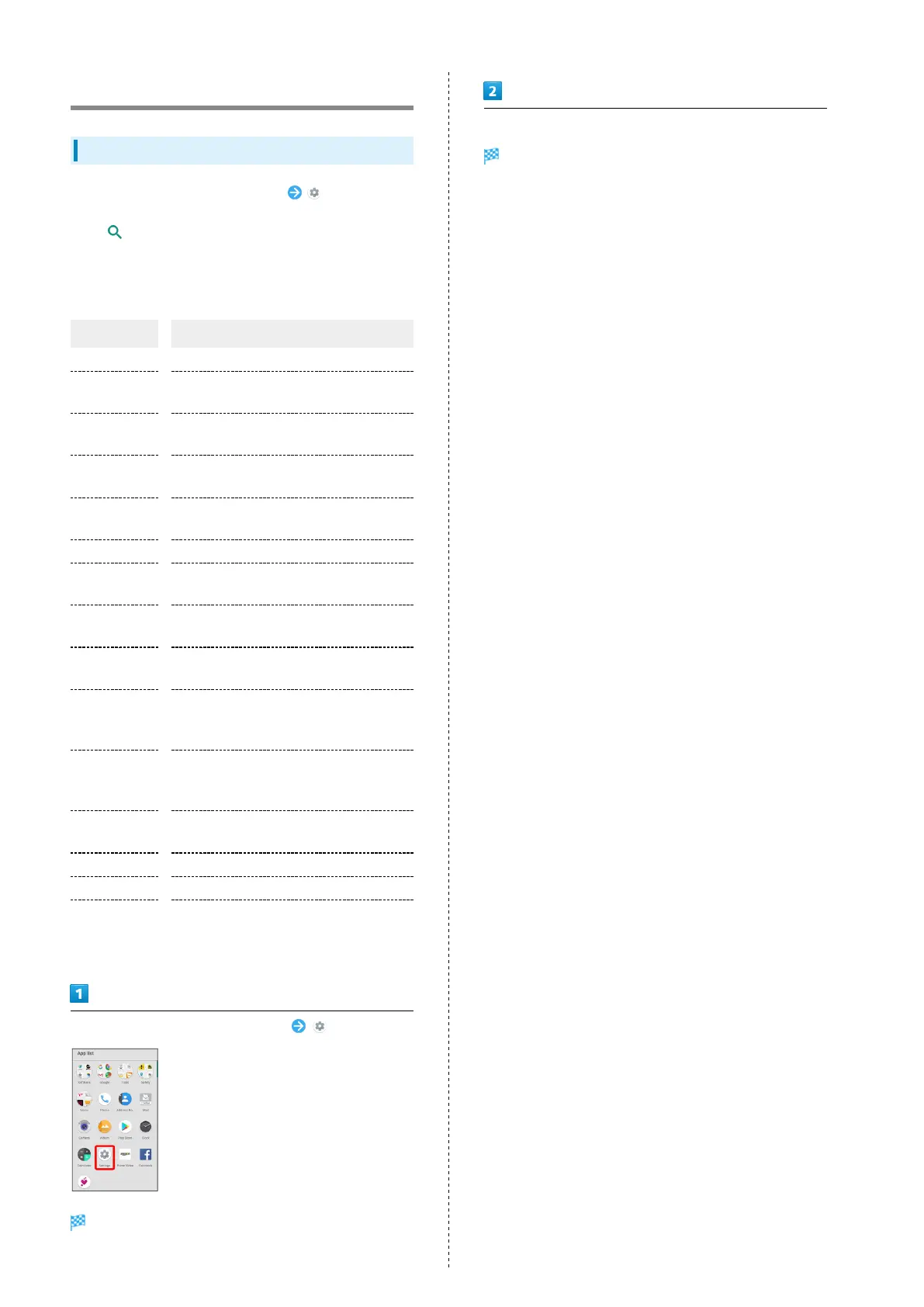
In Home Screen, Flick Favorites Tray up (Settings)
Settings appear.
Set each item
Setting is complete.



 To Next Page