163
Handset Settings
AQUOS R compact
Changing SIM PIN
Enable SIM card lock first. See "Enabling SIM PIN" for details.
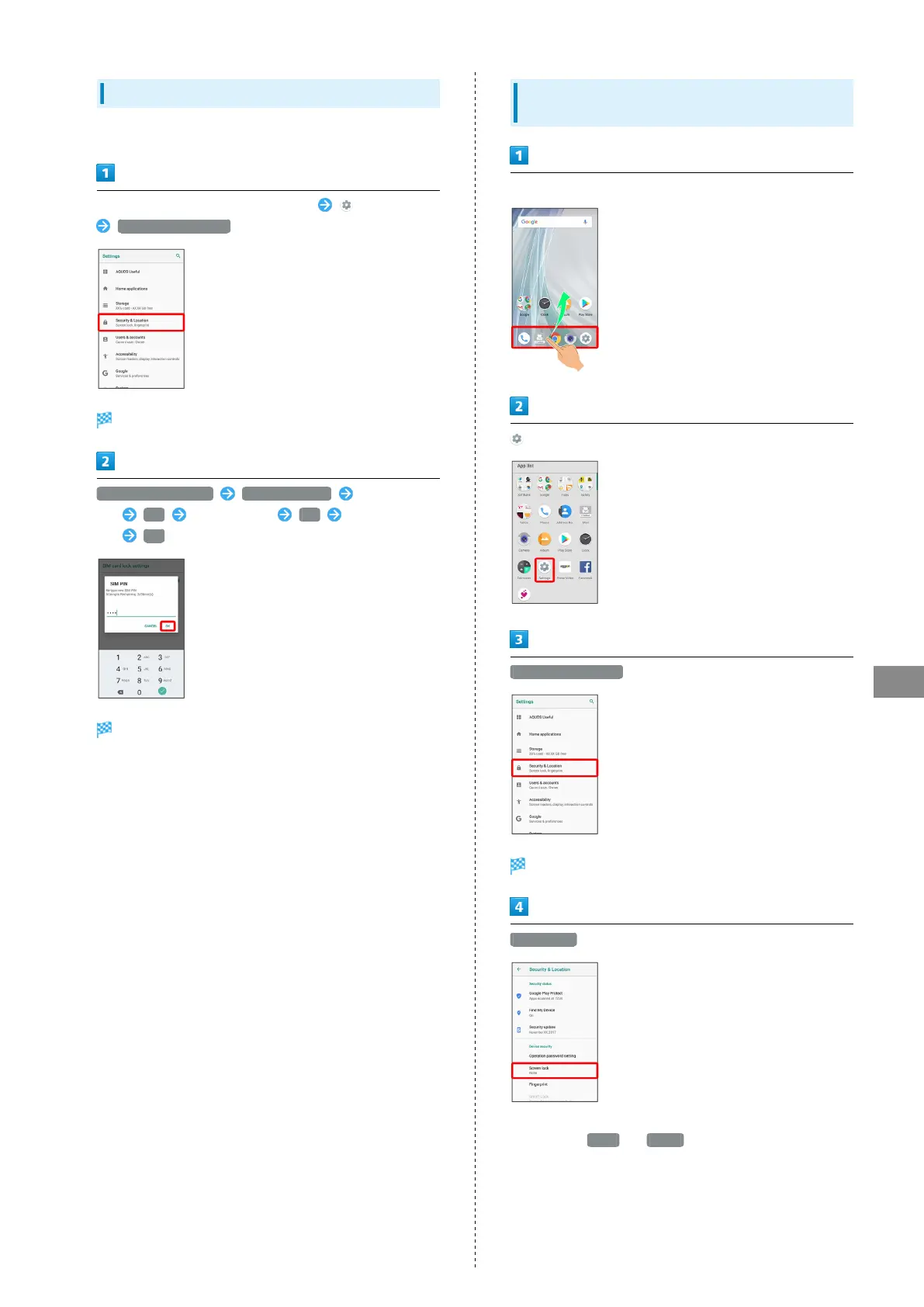
In Home Screen, Flick Favorites Tray up (Settings)
Security & Location
Security & Location menu opens.
Set up SIM card lock Change SIM PIN Enter current
PIN OK Enter new PIN OK Re-enter new
PIN OK
SIM PIN is changed.
Setting Screen to Unlock by Dragging
Screen
In Home Screen, Flick Favorites Tray up
(Settings)
Security & Location
Security & Location menu opens.
Screen lock
・If method for unlocking screen before change is setting
other than None or Swipe , first unlock screen.



 To Next Page