15
Getting Started
AQUOS R compact
Charging with AC Adaptor
Charge using an AC Adaptor (USB PD) [ZSDBAG]
1
(optional
accessory).
For information on other peripheral devices, see SoftBank
Website.
SoftBank SELECTION USB Type-C quick charge AC Adaptor
[SB-AC19-TCPD]
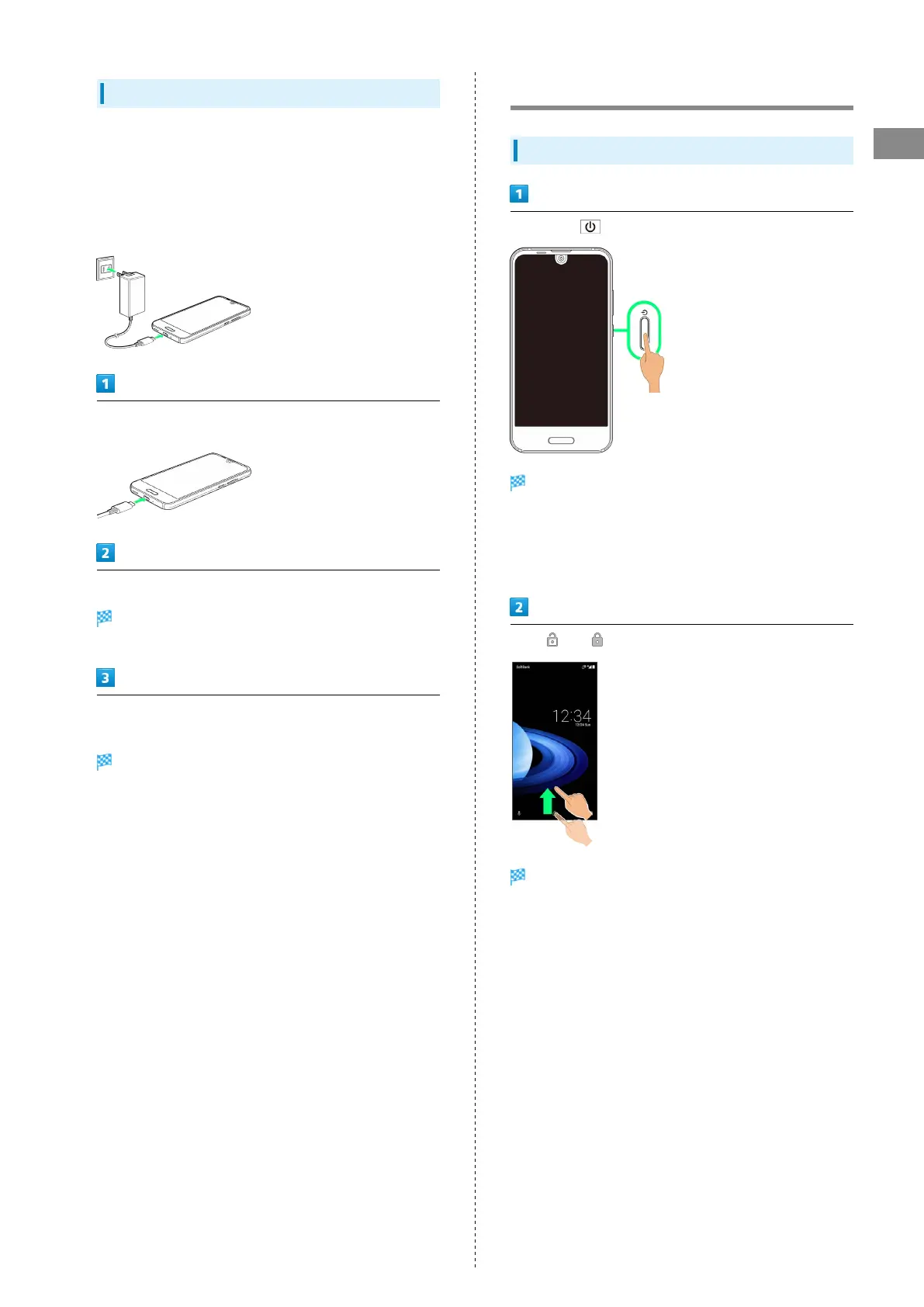
Insert USB Type-C plug of AC Adaptor into External
Connection Jack
Raise plug on AC Adaptor and plug into household AC outlet
Charging/Notification Lamp illuminates once charging
starts.
After charging, remove USB Type-C plug from External
Connection Jack, then unplug AC Adaptor and lower plug
Charging ends.
Power On/Off
Powering On
Long Press until SHARP logo appears
Handset powers on, and lock screen appears after a while.
・If confirmation appears, follow onscreen prompts.
・An initial settings wizard may appear the first time handset
is powered on. For details on initial settings, see "Making
Initial Settings."
Flick or up
Home Screen appears.



 To Next Page