92
Listening to Music (Play Music)
Playing High-Resolution Audio
Handset supports high-resolution audio playback.
Requires commercially available headphone or speaker
compatible with high-resolution audio.
(Output to Earphones-Microphone Jack)
Playable music formats*: Sampling frequencies: 44.1
kHz, 48 kHz, 88.2 kHz, 96 kHz, 176.4 kHz, 192 kHz
Quantization bit rates: 24-bit File formats: FLAC, WAVE,
and DSD (DSF, DSDIFF)
(*Converted and played back in Linear PCM.
DSD: 2.8224/1 bit and 5.6448 MHz/1 bit converted to
PCM: 176.4 kHz/24 bits
DSD: 11.2896/1 bit and 22.5792 MHz/1 bit converted to
PCM: 352.8 kHz/24 bits)
Handset compatible with Qualcomm
®
aptX™ HD audio.
When connected to a Qualcomm
®
aptX™ HD audio device,
output is at 48 kHz/24 bits.
Playing Music
Supported file formats:
・3GPP, MPEG-4, ADTS raw AAC, FLAC, MP3, MIDI, XMF,
RTTTL/RTX, OTA, iMelody, OGG Vorbis, WAVE
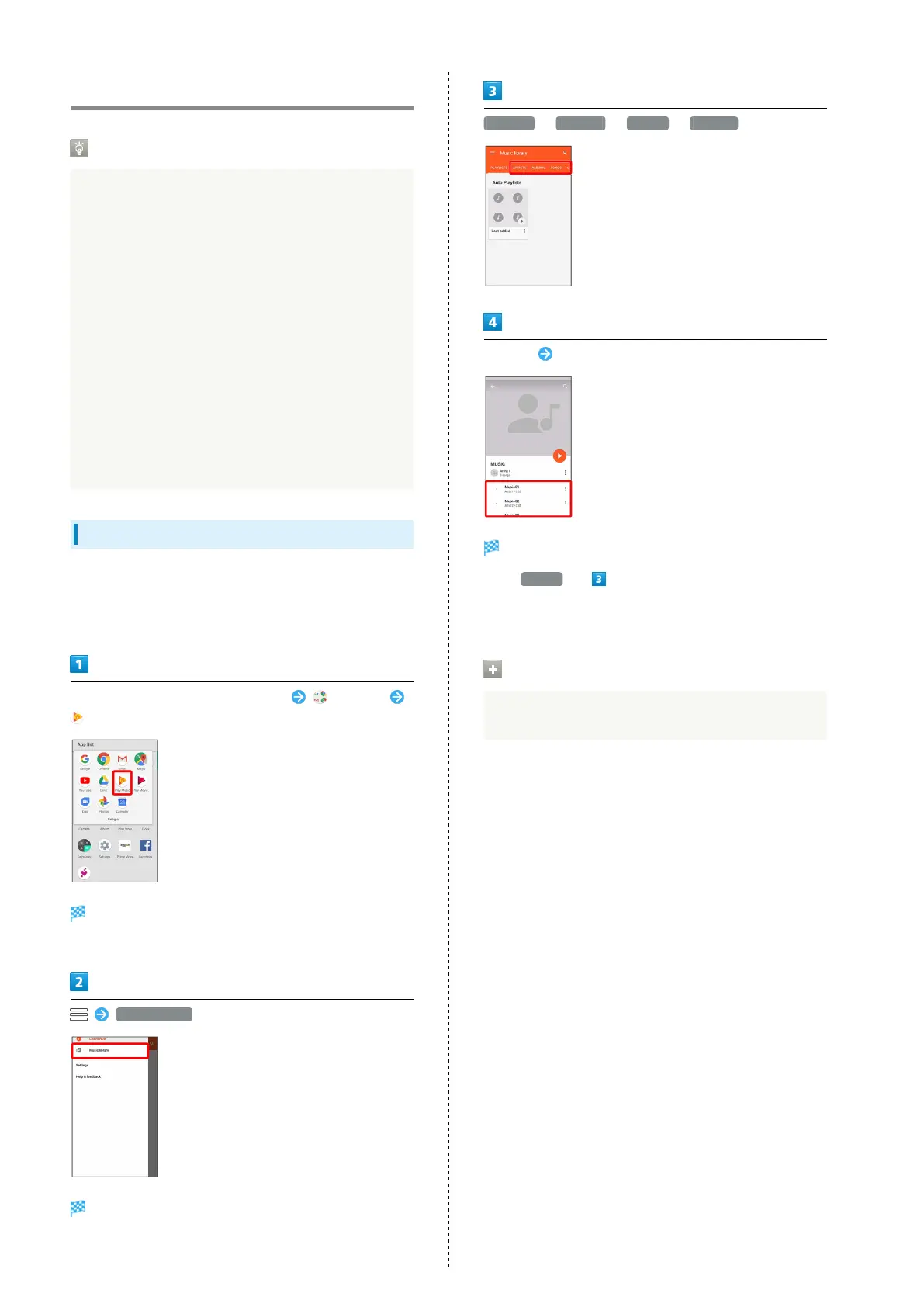
In Home Screen, Flick Favorites Tray up (Google)
(Play Music)
Listen Now opens.
・If confirmation appears, follow onscreen prompts.
Music library
Music library opens.
ARTISTS / ALBUMS / SONGS / GENRES
Tap item Tap song
Song plays.
・
For SONGS (in ), Tap song directly.
・Depending on category, after Tapping an item, Tap another
item (e.g., album name).
Opening Music Playback Screen
While playing song, Drag playback bar at Display bottom up



 To Next Page