129
Handset Settings
AQUOS R compact
Phone Number
Phone Number
See "Checking Your Phone Number" for details on phone
number.
Network & Internet Settings
Network & Internet Settings
Make settings for Wi-Fi, mobile network, data usage, Airplane
mode, etc. Settable items are the following.
Item Description
Wi-Fi
Enable Wi-Fi connection.
For details, see "Connecting by Wi-Fi."
Mobile
network
Set priority network type, etc.
See "Global Roaming" for details on
carriers and data roaming.
Proxy settings Make proxy settings.
Data usage Make settings for data usage.
Hotspot &
tethering
Make tethering settings.
See "Using Tethering" for details.
VPN Set VPN access points.
Airplane mode
Disable all functions that emit signals.
Handset stays powered on.
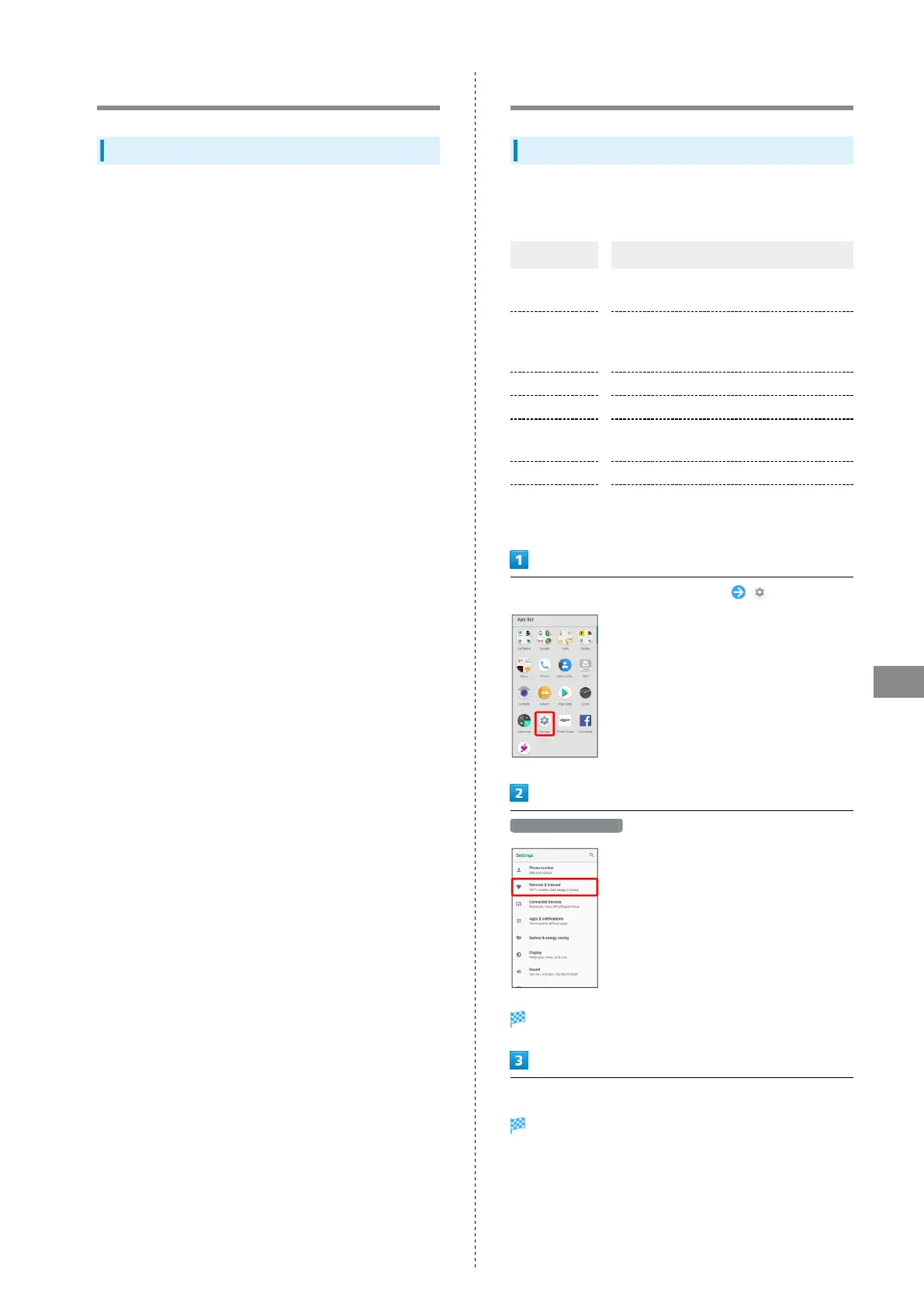
In Home Screen, Flick Favorites Tray up (Settings)
Network & Internet
Network & Internet window opens.
Set each item
Setting is complete.



 To Next Page