89
Camera
AQUOS R compact
Recording Videos
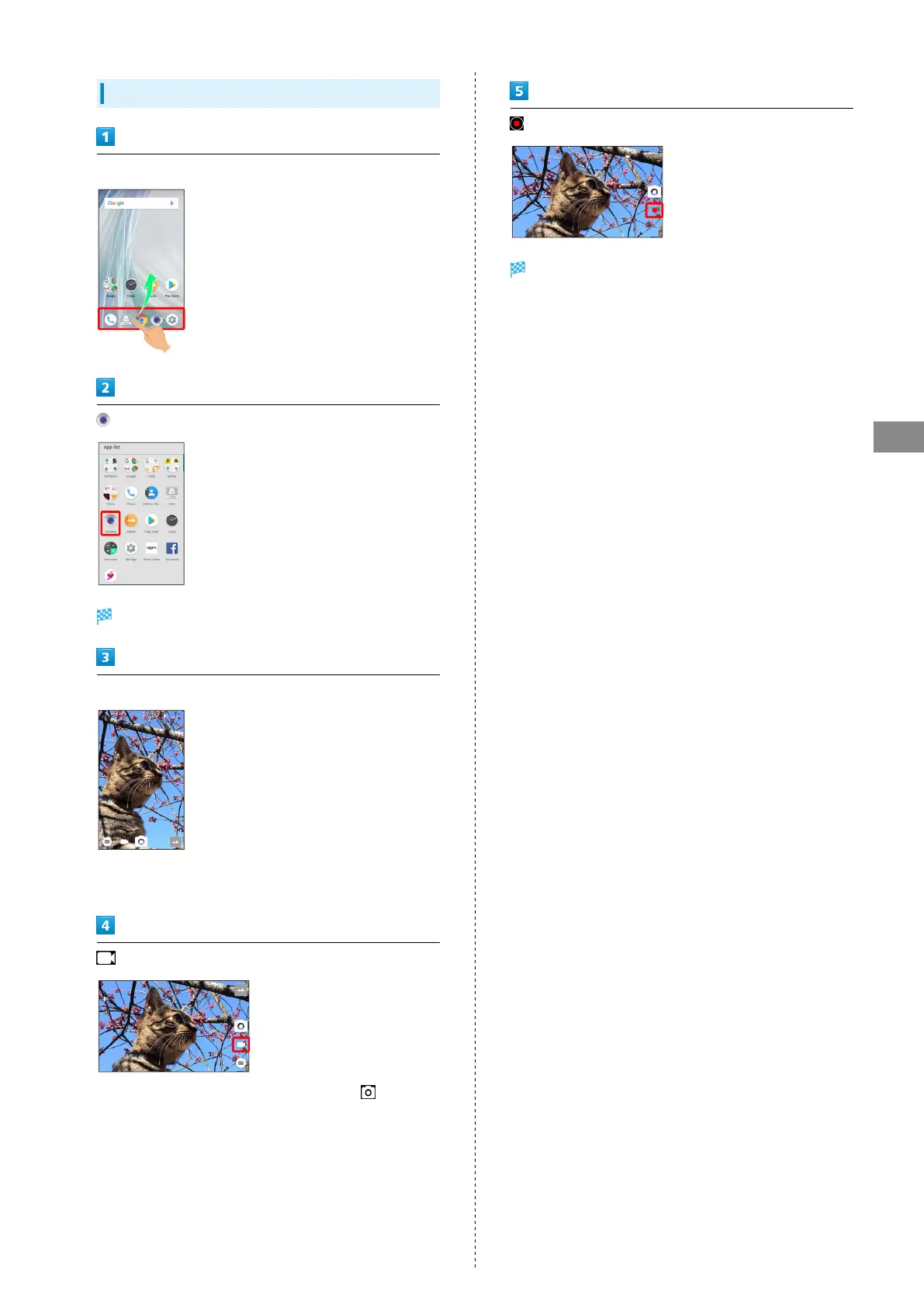
In Home Screen, Flick Favorites Tray up
(Camera)
Viewfinder appears.
Aim Back Camera at subject
・Drag up/down to adjust brightness.
・Drag left/right or Pinch/Spread to zoom out/in.
・
To capture photos while recording video, Tap or Press
Volume Up/Down Key.
・Tap subject for focus lock.
To cancel, Tap area outside the focus mark.
Tone sounds and video is saved.



 To Next Page