170
User & Account Settings
User & Account Settings
Create or add accounts. Make settings for syncing created or
added accounts
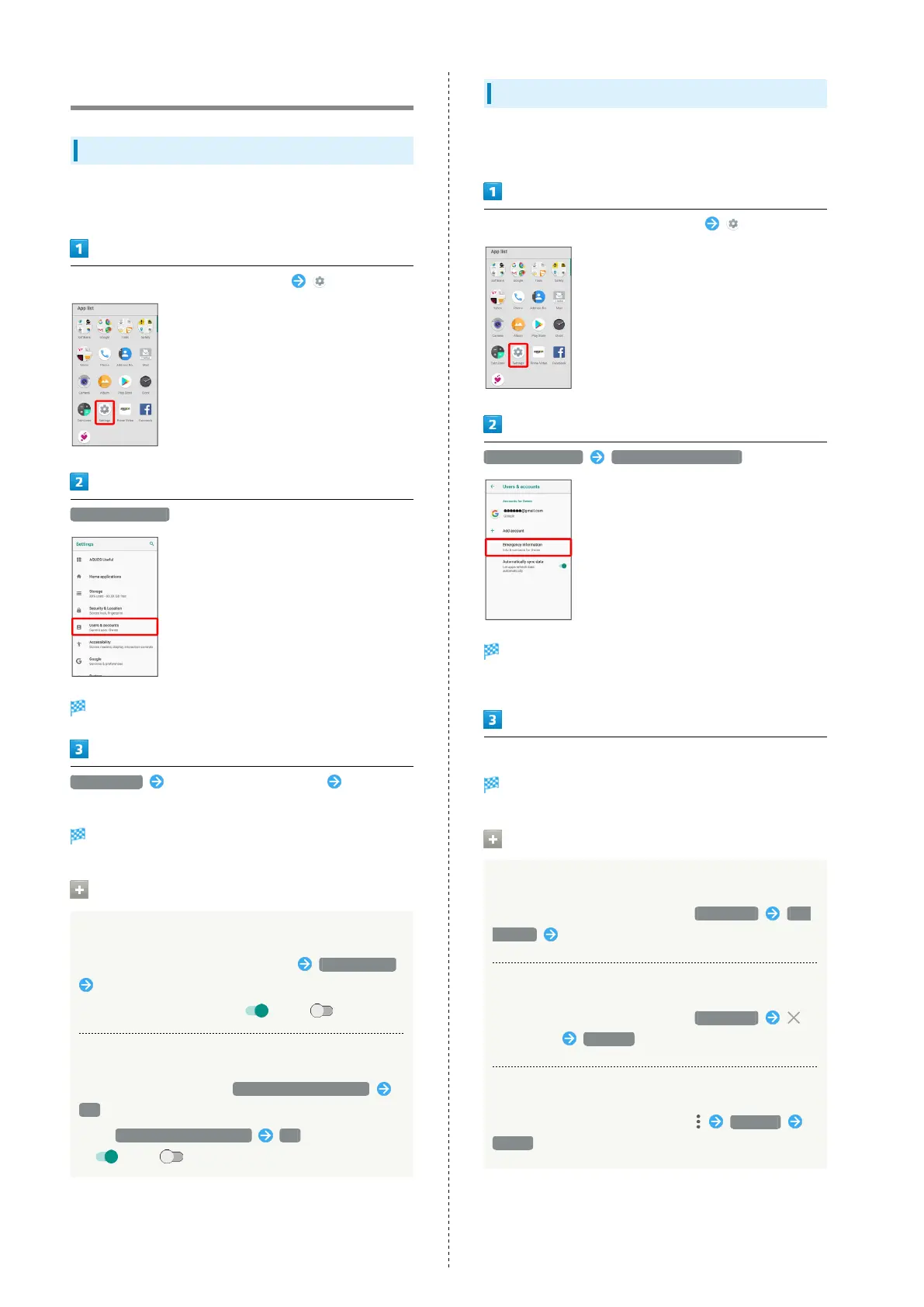
In Home Screen, Flick Favorites Tray up (Settings)
Users & accounts
Users & accounts menu opens.
Add account Tap type of account to add Follow
onscreen prompts
Account is added.
Users & Accounts Operations
Setting Applications to Sync for Each Account
In Users & accounts menu, Tap account Account sync
Tap applications and data to sync
・
Tap sync item to toggle on ( )/off ( ).
Enabling Automatic Syncing of Data
In Users & accounts menu, Automatically sync data
OK
・
Tap Automatically sync data OK to toggle on
( )/off ( ).
Emergency Information Settings
Save your own medical information (name, address, blood type,
allergies, etc.) to handset as emergency information.
In Home Screen, Flick Favorites Tray up (Settings)
Users & accounts Emergency information
Emergency information settings open.
・If confirmation appears, follow onscreen prompts.
Enter each item
Setting is complete.
Emergency Information Operations
Adding Emergency Contact
In Emergency information settings, CONTACTS Add
contact Tap contact
Deleting Emergency Contacts
In Emergency information settings, CONTACTS
for contact REMOVE
Erasing All Emergency Information
In Emergency information settings, Clear all
CLEAR



 To Next Page