43
Handset Interface
AQUOS R compact
Using Standard Mode
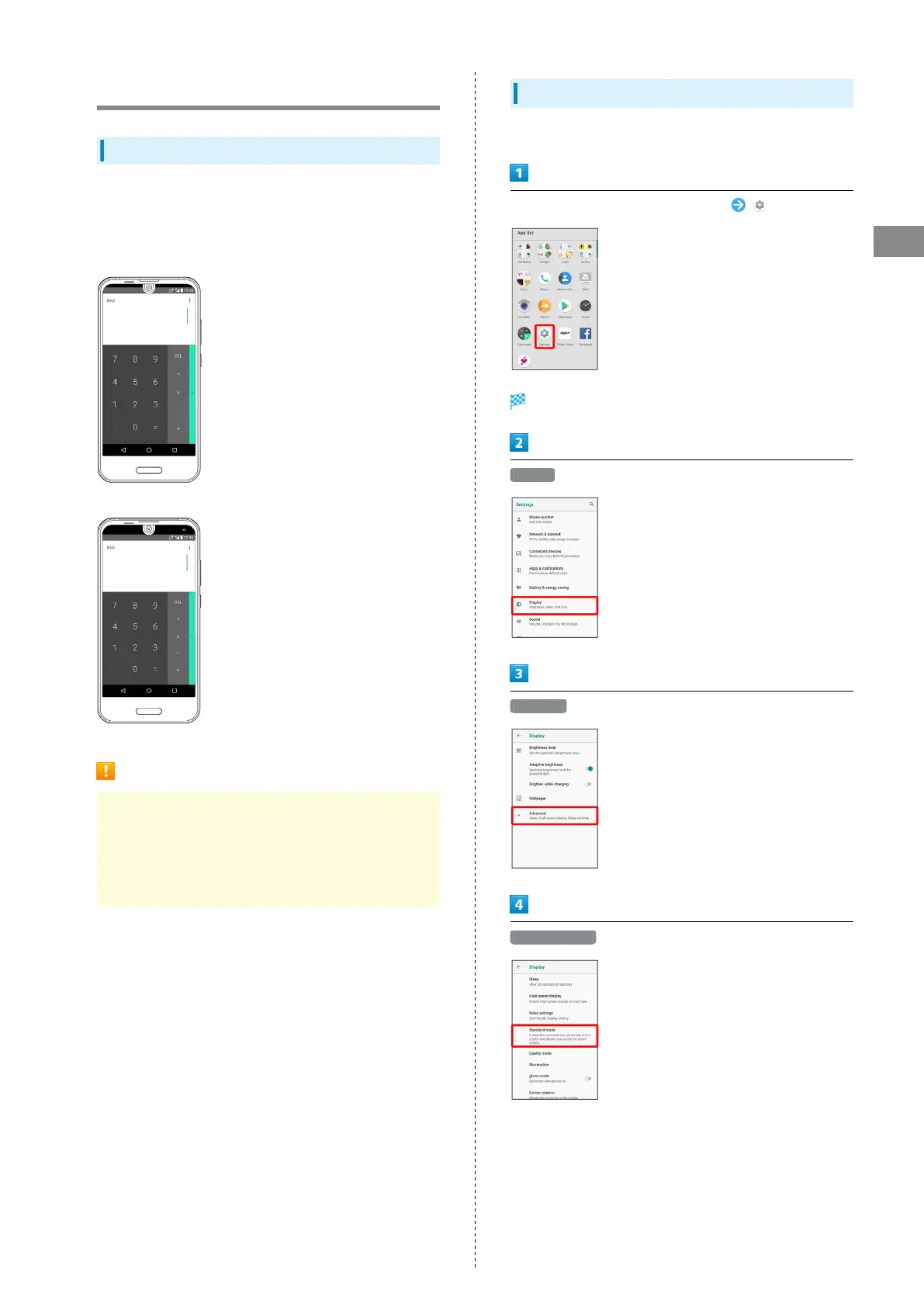
Standard Mode
Use Display top (left-right areas of Front Camera) for
larger screen. Set whether to use standard mode for each
application.
・Standard mode enabled
・Standard mode disabled
Standard Mode Cautions
Depending on the application, enabling standard mode may
prevent the application from being shown correctly. Disable
standard mode.
Even if enabled, handset operation may disable standard
mode.
Setting Standard Mode
Set whether to use standard mode for each application.
In Home Screen, Flick Favorites Tray up (Settings)
Settings appear.
Display
Advanced
Standard mode



 To Next Page