174
System Settings
System Settings
Make and check system settings. Items that can be set/
checked are the following.
Item Description
Languages &
input
Make settings for display language and
text entry.
Date & time Make settings for date and time.
Backup
Back up application data, Wi-Fi password,
etc. to Google server.
Data transfer
Import data from other mobiles, etc. using
SD Card or Bluetooth
®
, or save handset
data to SD Card.
See "Importing Contacts via Bluetooth
®
(Data Transfer)," "Importing Data from SD
Card (Data Transfer)," and "Saving Data to
SD Card" for details.
System
update
Check whether system updates are
required via the Internet, and update
manually as required.
See "Updating the System" for details.
Reset
Reset network settings, application
settings, and internal storage.
Authentication Check authentication.
About phone
Check handset status and adjust
sensitivity of sensors.
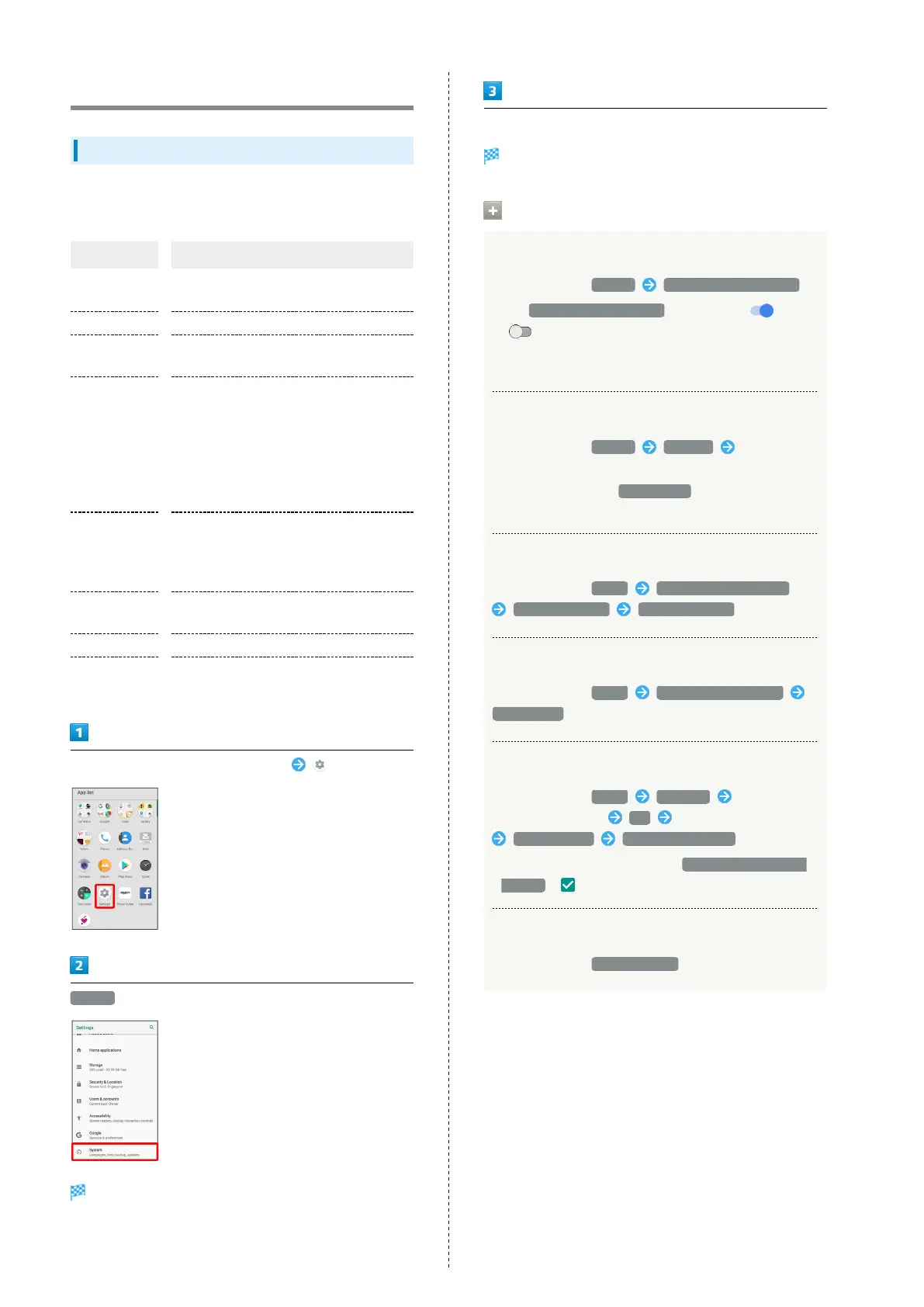
In Home Screen, Flick Favorites Tray up (Settings)
System
System menu appears.
Set each item
Setting is complete.
System Operations
Setting Backup to Google Drive
In System menu, Backup Back up to Google Drive
・
Tap Back up to Google Drive to toggle on ( )/off
( ).
・Log in to a Google account beforehand.
・If confirmation appears, follow onscreen prompts.
Setting Backup Account
In System menu, Backup Account Tap account
・Available when "Back up to Google Drive" is enabled.
・
To add account, Tap Add account , then follow onscreen
prompts.
Resetting Network Settings
In System menu, Reset Network settings reset
RESET SETTINGS RESET SETTINGS
Resetting Application Settings
In System menu, Reset Reset app preferences
RESET APPS
Using Reset All
In System menu, Reset Reset all Enter
Operation Password OK Check onscreen notices
RESET PHONE ERASE EVERYTHING
・
To also erase SD Card data, Tap Delete data in SD card
as well. ( ).
Checking Authentication
In System menu, Authentication



 To Next Page